


Christmas Jigsaw: Puzzle Game
Play on PC with BlueStacks – the Android Gaming Platform, trusted by 500M+ gamers.

Page Modified on: Oct 23, 2026
Play Christmas Jigsaw: Puzzle Game on PC or Mac
Bring your A-game to Christmas Jigsaw: Puzzle Game, the Trivia game sensation from Greyfun Games. Give your gameplay the much-needed boost with precise game controls, high FPS graphics, and top-tier features on your PC or Mac with BlueStacks.
About the Game
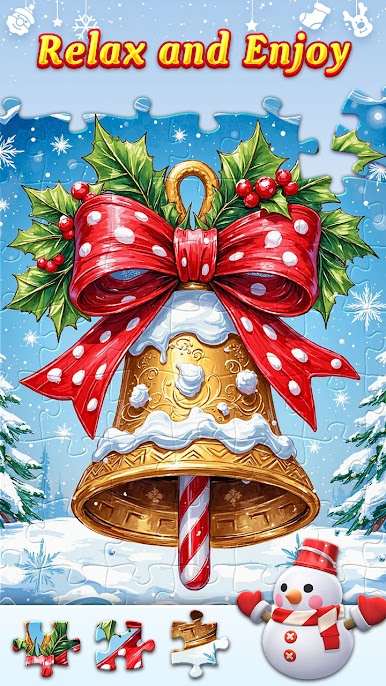
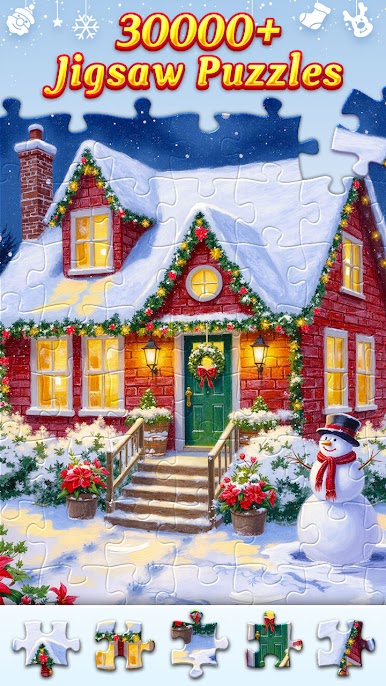
Christmas Jigsaw: Puzzle Game is all about cozy, picture-building fun wrapped in holiday cheer. Piece together charming winter scenes, take a breather, and let your brain settle into something calm but satisfying. Genre: Trivia, with a relaxed jigsaw twist that’s perfect for quick breaks or slow, snowy evenings. It also plays comfortably on BlueStacks if that’s your go-to setup.
Game Features
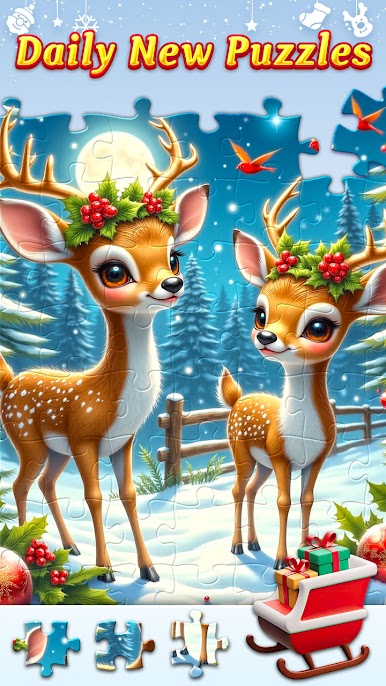
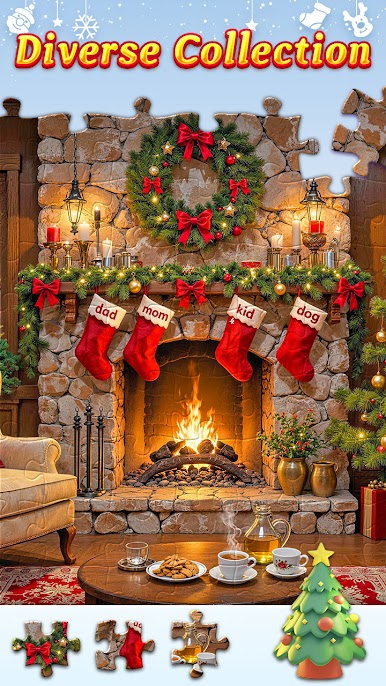
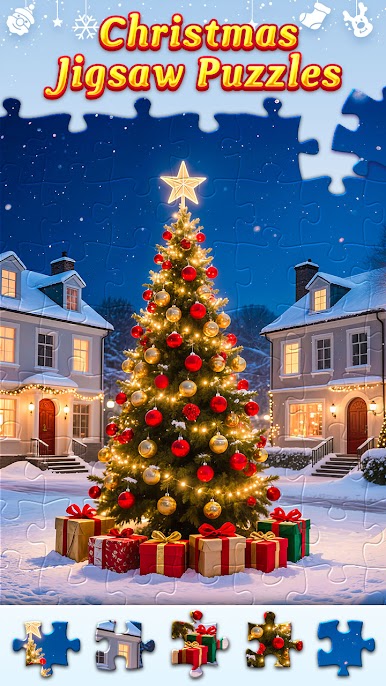
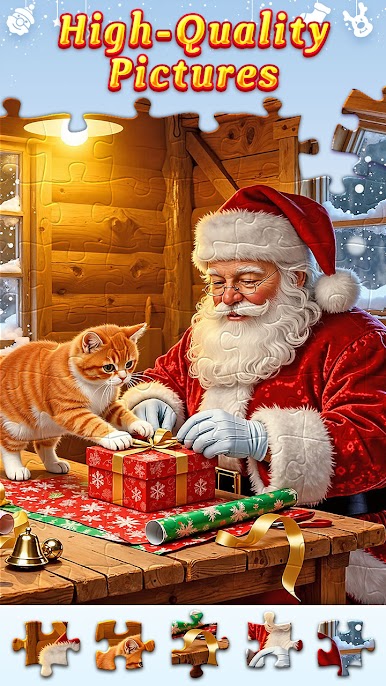
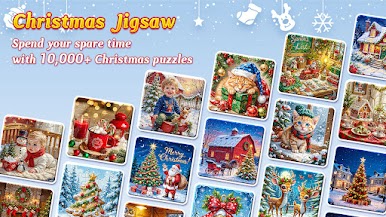
- Festive Scenes: Assemble warm, wintry images—twinkling trees, snowy streets, ornaments, gifts, and more—designed to spark that holiday feeling.
- Adjustable Difficulty: Pick how many pieces you want so every session fits your mood, from breezy warm-ups to more involved builds.
- Daily Jigsaw: Come back each day for a fresh puzzle that keeps the season feeling lively without piling on pressure.
- Clean, Satisfying Controls: Snappy, straightforward interactions make placing pieces feel natural and smooth from start to finish.
- Zoom Tool: Pinpoint tiny details with a clear zoom so even the trickiest sections (looking at you, snow and lights) stay manageable.
- Play Your Way: Knock out a quick image when you’ve got a few minutes or settle in with a bigger puzzle when you want something deeper.
- Stress-Light Design: Everything’s tuned for comfort—easy to learn, simple to follow, and welcoming whether you’re new to jigsaws or a longtime fan.
- Made for All Skill Levels: Beginners get a friendly on-ramp, while puzzle lovers can scale up for a more thoughtful challenge.
Ready to top the leaderboard? We bet you do. Let precise controls and sharp visuals optimized on BlueStacks lead you to victory.
Play Christmas Jigsaw: Puzzle Game on PC. It’s easy to get started.
-
Download and install BlueStacks on your PC
-
Complete Google sign-in to access the Play Store, or do it later
-
Look for Christmas Jigsaw: Puzzle Game in the search bar at the top right corner
-
Click to install Christmas Jigsaw: Puzzle Game from the search results
-
Complete Google sign-in (if you skipped step 2) to install Christmas Jigsaw: Puzzle Game
-
Click the Christmas Jigsaw: Puzzle Game icon on the home screen to start playing

