


Blade Warrior
Play on PC with BlueStacks – the Android Gaming Platform, trusted by 500M+ gamers.

Page Modified on: Mar 12, 2026
Main Blade Warrior on PC
Become a Warrior, master powerful Breathing Techniques, and battle fearsome blades threatening humanity. Are you ready to rise as the ultimate hero?
🌠 Game Features
🎮 Immersive Gameplay & Customization
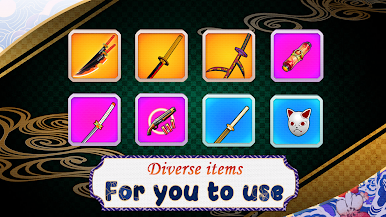
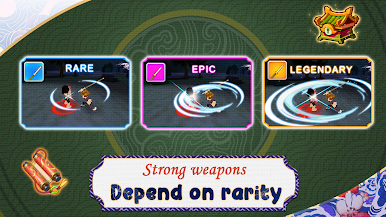
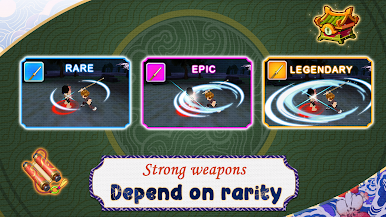
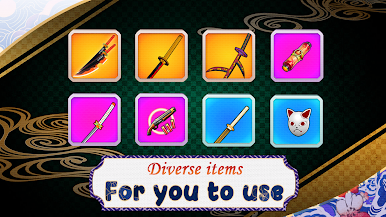
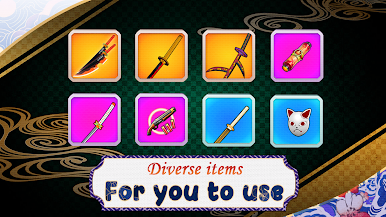
Create your own hero: Choose your Warrior’s look with endless combinations of outfits, accessories, and weapons.
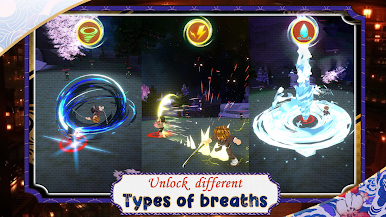
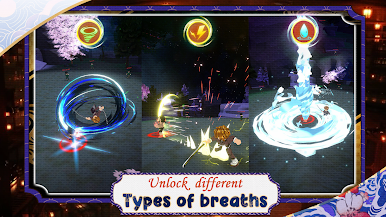
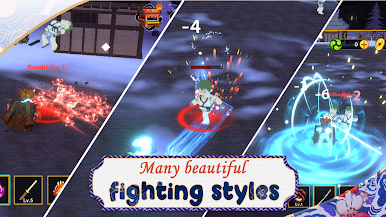
Unique skills & abilities: Unlock various Breathing Techniques like Water, Flame, Thunder, Wind, and more – each with distinctive playstyles.
Choose your path: Will you focus on brute strength, lightning-fast speed, or strategic defense?
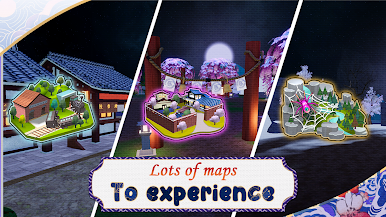
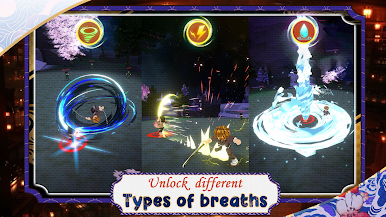
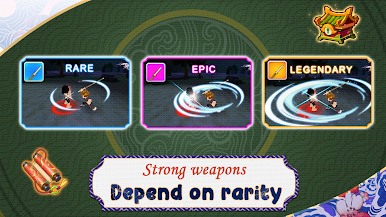
Play Blade Warrior on PC. It’s easy to get started.
-
Download and install BlueStacks on your PC
-
Complete Google sign-in to access the Play Store, or do it later
-
Look for Blade Warrior in the search bar at the top right corner
-
Click to install Blade Warrior from the search results
-
Complete Google sign-in (if you skipped step 2) to install Blade Warrior
-
Click the Blade Warrior icon on the home screen to start playing

