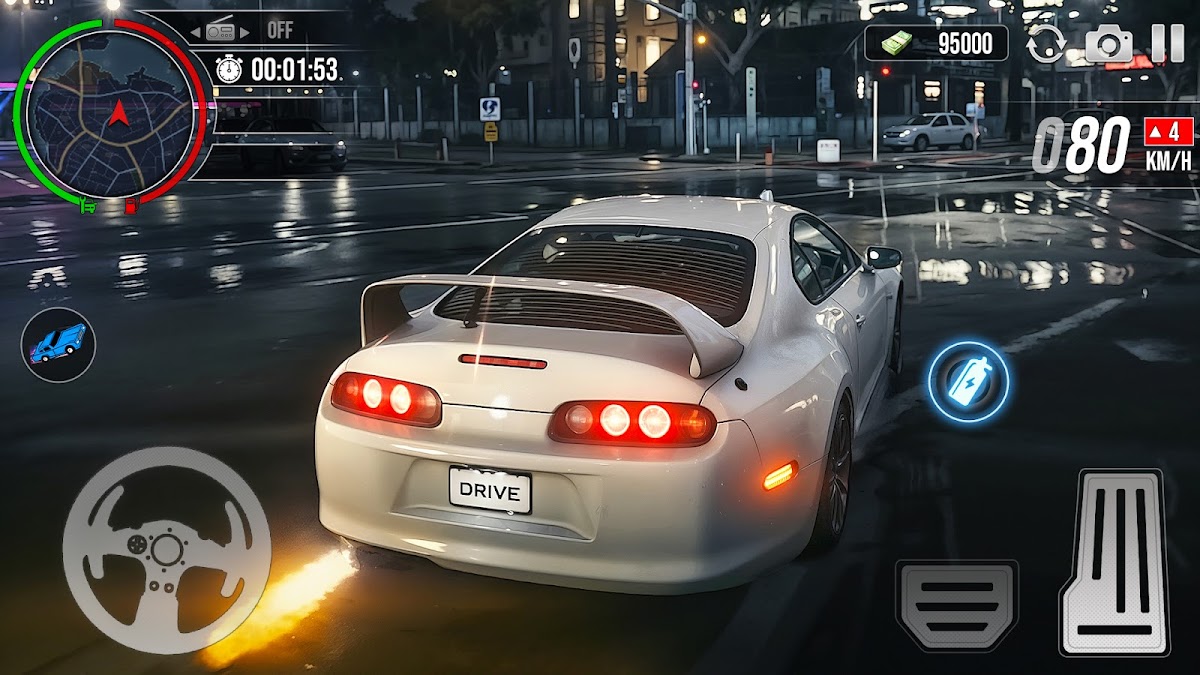
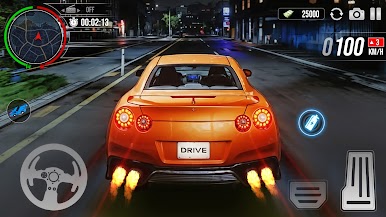
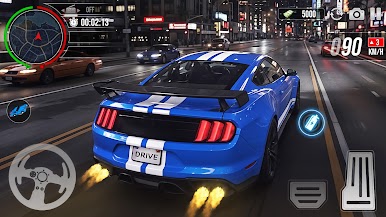
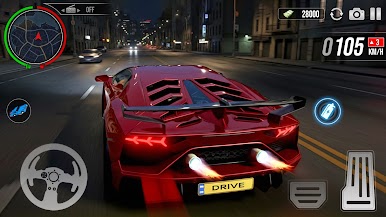
Car Driving Midnight Drifting is an midnight city car drifting game set in a vibrant, neon-lit night time openworld environment. Immerse yourself in the thrill of drifting with neon lights illuminating your car as you power-slide through the streets. The car drifting and driving game features two exciting modes: openworld mode and career mode. In open world mode, you'll find yourself in a massive open-world environment full of exciting locations to explore. At the start, you’re given a selection of 4-5 vehicles to choose from, and you can switch between them at any time. The world is filled with colourful neon-lit cars, and you'll experience a dynamic atmosphere with companions hanging out and performing emotes as you drive. You can also switch to your favourite character, who is always accompanied by a group of 5-6 other characters, each showcasing their own unique emotes in the open world. The open world is filled with missions to complete and challenges to face, but keep an eye on your fuel levels and car health. Driving recklessly could lead to damage, so remember to refill your fuel and repair your car when necessary. One unique feature is the in-game mobile phone, which allows you to call any vehicle to your location, making it easy to switch cars or get back on track without hassle. In career mode, you’ll face a series of challenging missions and tasks that will put your driving skills to the test. Complete missions to earn rewards and unlock upgrades, allowing you to improve your cars and advance further in the game. Get ready for an adrenaline-pumping experience in car driving midnight drifting, where the thrill of night drifting meets the excitement of exploration and challenge.