


Midnight Tales
Play on PC with BlueStacks – the Android Gaming Platform, trusted by 500M+ gamers.

Page Modified on: May 14, 2026
Play Midnight Tales on PC
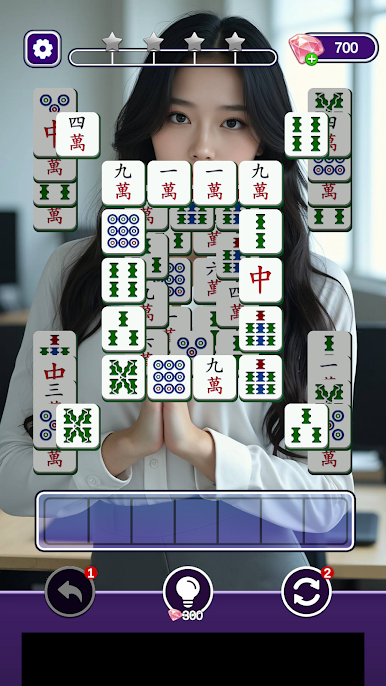
Classic Stacked Match-3
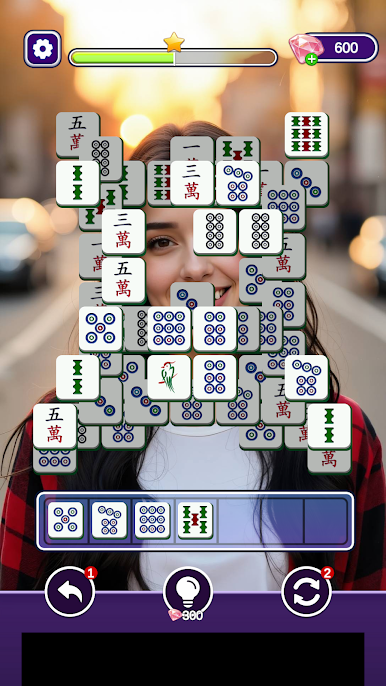
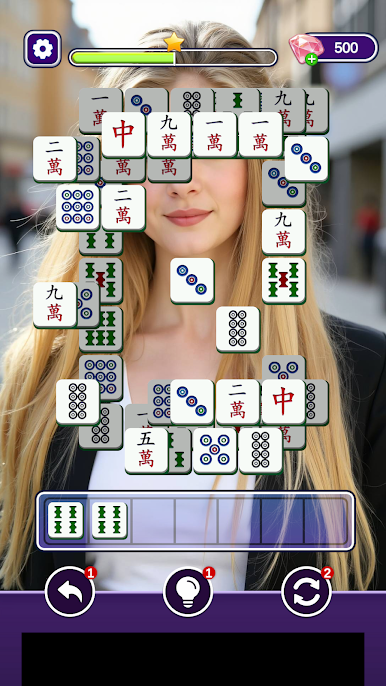
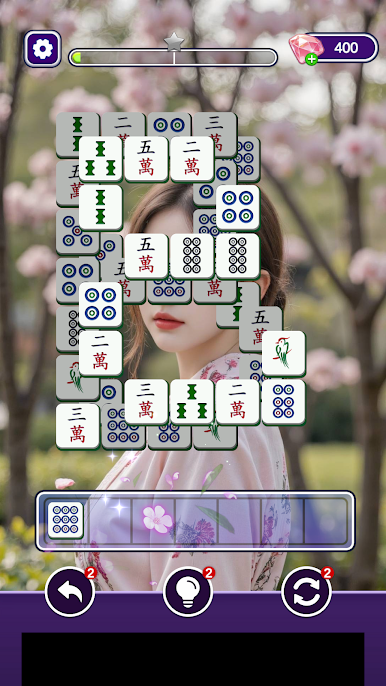
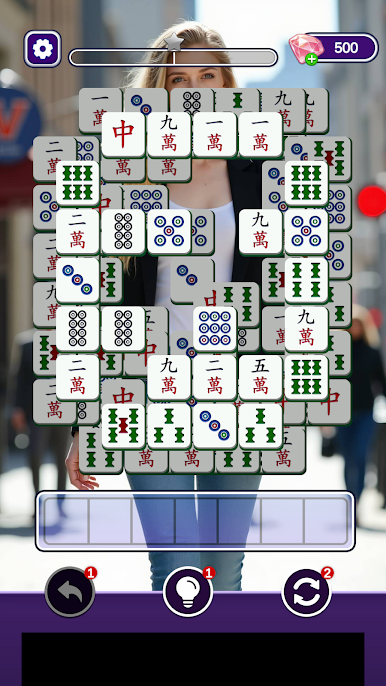
Match three identical blocks to clear stacked layers on the board. As you progress, level layouts grow increasingly intricate, requiring sharp observation and strategic planning.
Every level is easy to pick up yet full of strategic challenges. Victory depends on analyzing block structures and planning your moves ahead, rather than fast reflexes alone.
Strategic Boosters
Three practical boosters help you overcome difficult stages effortlessly:
• Undo: Reverse your last move to fix mistakes.
• Remove: Instantly eliminate any selected block.
• Shuffle: Rearrange all blocks to create new matching opportunities.
Use items wisely to breeze through tough levels without frustration.
Immersive Story Unlock
Dive into a mysterious midnight narrative brought to life by cinematic story videos. Your journey is always rewarding:
• Reach level milestones to unlock early story videos for free.
• Progress further to unlock brand-new story chapters.
Embark on a thrilling, immersive puzzle adventure in Midnight Tales!
Play Midnight Tales on PC. It’s easy to get started.
-
Download and install BlueStacks on your PC
-
Complete Google sign-in to access the Play Store, or do it later
-
Look for Midnight Tales in the search bar at the top right corner
-
Click to install Midnight Tales from the search results
-
Complete Google sign-in (if you skipped step 2) to install Midnight Tales
-
Click the Midnight Tales icon on the home screen to start playing

