

US Drifting & Car Driving Game
Play on PC with BlueStacks – the Android Gaming Platform, trusted by 500M+ gamers.

Page Modified on: Apr 3, 2026
Play Drifting & Driving Racing Game on PC or Mac
Bring your A-game to Drifting & Driving Racing Game, the Racing game sensation from Games Tracker. Give your gameplay the much-needed boost with precise game controls, high FPS graphics, and top-tier features on your PC or Mac with BlueStacks.
About the Game
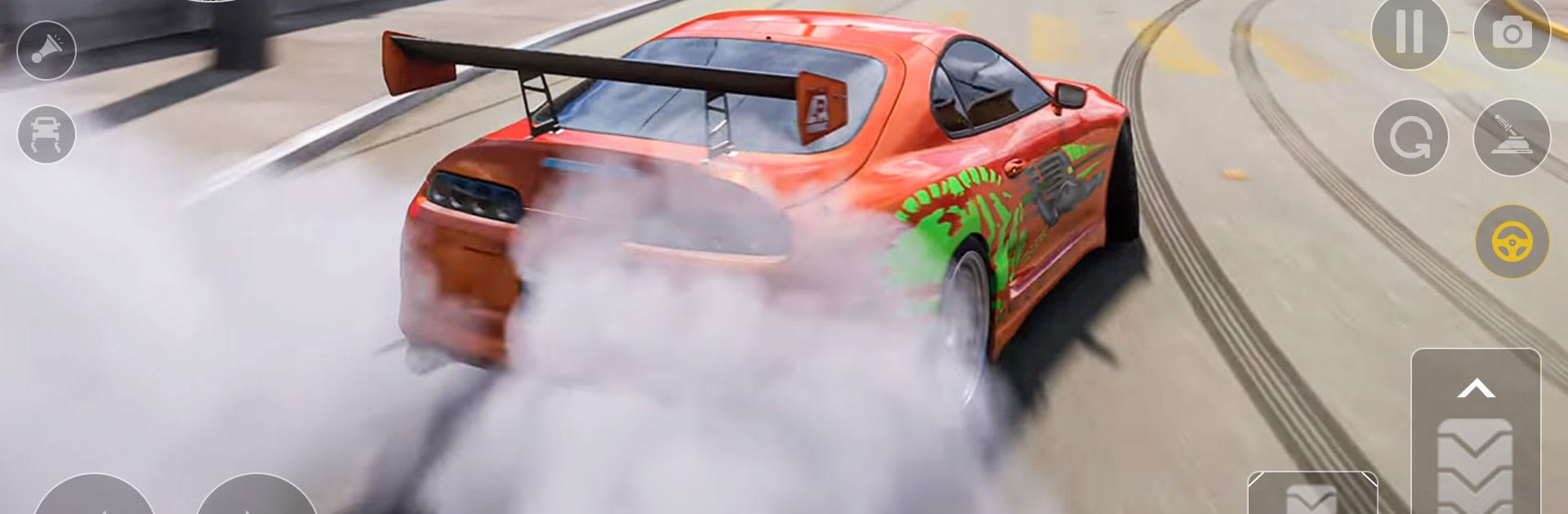
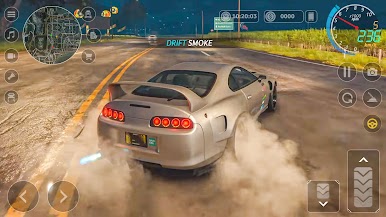
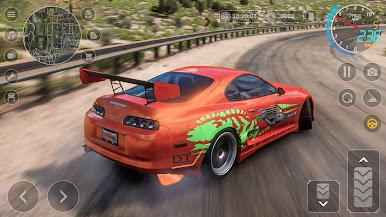
Drifting & Driving Racing Game from Games Tracker is all about feeling the road and owning every corner. It blends open-world cruising with skill-first drifting, giving you room to relax, push your limits, or just get lost in the city. Want the smoothest slides, tight lines, and that satisfying growl under the hood? That’s the vibe.
You can also enjoy it on BlueStacks if you like playing Android games on your PC.
Game Features
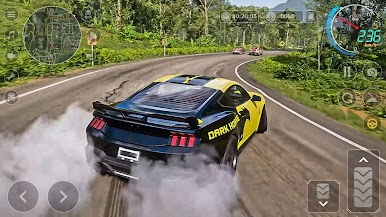
- Open-city playground: Roll through busy urban streets, long highways, and scenic routes. Pick a direction and go—free roam means it’s your pace and your path.
- Authentic car feel: Weight shift, tire grip, throttle, and braking behave like you expect. Every nudge on the wheel matters, which makes clean runs feel extra sweet.
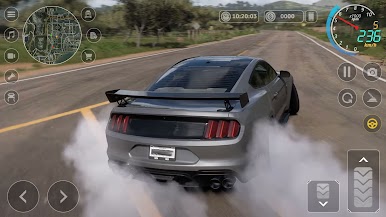
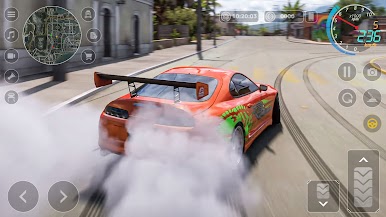
- Built for drifting: Wide sweepers, tight city corners, and marked drift sections are perfect for chaining slides. Practice technique or go all-in on style—both are rewarded.
- Dynamic traffic: Share the road with believable AI drivers. Time your moves, read gaps, and thread through traffic without breaking your flow.
- Detailed interiors: Switch to cockpit view to catch the gauges, dash, and that close-to-the-road perspective that helps with precise inputs.
- Tuning that matters: Upgrade performance and dial in handling to match how you like to drive—stable and grippy or loose and eager to swing the tail.
- Multiple ways to play: Chill free roam, focused city driving practice, or dedicated drift challenges. Quick sessions or long drives both feel good here.
- A garage with range: Choose from high-performance cars built for speed, control, and style. Find the one that clicks with your driving personality.
Slay your opponents with your epic moves. Play it your way on BlueStacks and dominate the battlefield.
Play US Drifting & Car Driving Game on PC. It’s easy to get started.
-
Download and install BlueStacks on your PC
-
Complete Google sign-in to access the Play Store, or do it later
-
Look for US Drifting & Car Driving Game in the search bar at the top right corner
-
Click to install US Drifting & Car Driving Game from the search results
-
Complete Google sign-in (if you skipped step 2) to install US Drifting & Car Driving Game
-
Click the US Drifting & Car Driving Game icon on the home screen to start playing

