


Real Truck Simulator 3D
Play on PC with BlueStacks – the Android Gaming Platform, trusted by 500M+ gamers.

Page Modified on: May 6, 2026
Overview
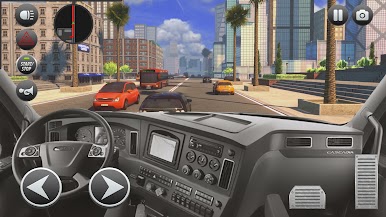
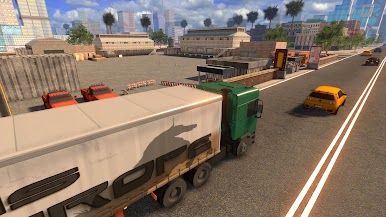
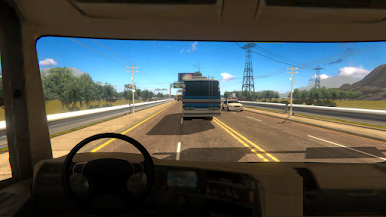
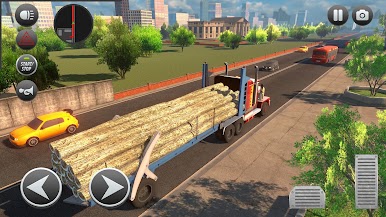
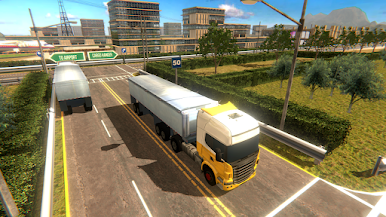
Become a professional truck driver and explore realistic highways, city roads, and countryside landscapes. Transport cargo, complete delivery missions, and upgrade your fleet in this immersive truck driving simulation game.
🌍 Key Features:
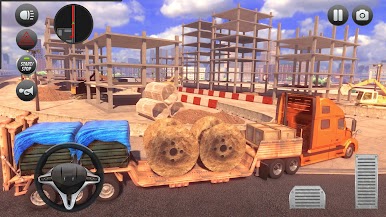
✅ Realistic Truck Driving Controls – Easy steering, manual/auto gears & indicators
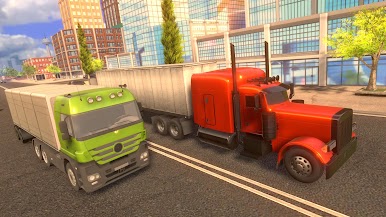
✅ Wide Range of Trucks – Unlock heavy cargo trucks, Euro trucks, and trailers
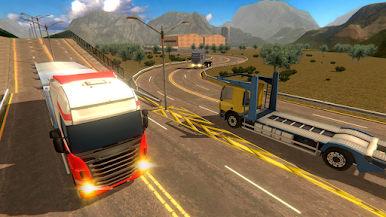
✅ Open World Map – Drive across cities, highways, and off-road routes
✅ Challenging Missions – Deliver goods on time, park precisely, and avoid traffic
✅ Dynamic Weather & Day-Night Cycle – Feel the realism with rain, fog & sunsets
✅ Customizations – Paint, upgrade engines, wheels, and horns
Whether you love driving big rigs, delivering cargo, or testing your parking skills, Real Truck Simulator 3D offers the full experience of life behind the wheel.
📦 Perfect for fans of truck games, simulator games, and realistic driving!
📥 Download now and start your trucking journey today!
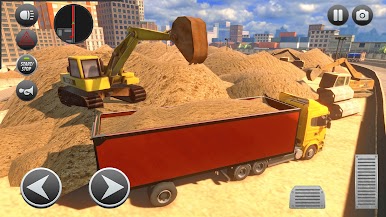
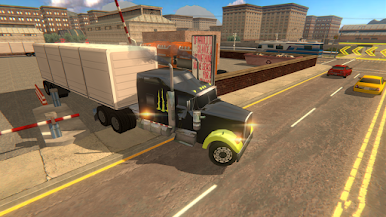
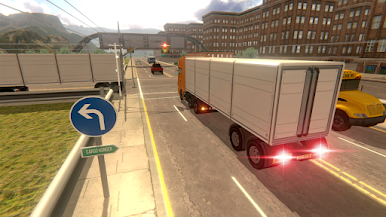
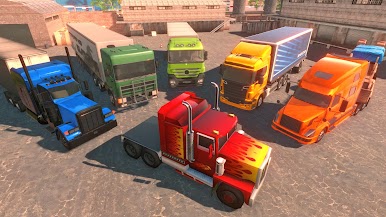
Play Real Truck Simulator 3D on PC. It’s easy to get started.
-
Download and install BlueStacks on your PC
-
Complete Google sign-in to access the Play Store, or do it later
-
Look for Real Truck Simulator 3D in the search bar at the top right corner
-
Click to install Real Truck Simulator 3D from the search results
-
Complete Google sign-in (if you skipped step 2) to install Real Truck Simulator 3D
-
Click the Real Truck Simulator 3D icon on the home screen to start playing

