

Rangers of Oblivion
Play on PC with BlueStacks – the Android Gaming Platform, trusted by 500M+ gamers.

Page Modified on: Dec 15, 2025
Play Rangers of Oblivion on PC or Mac
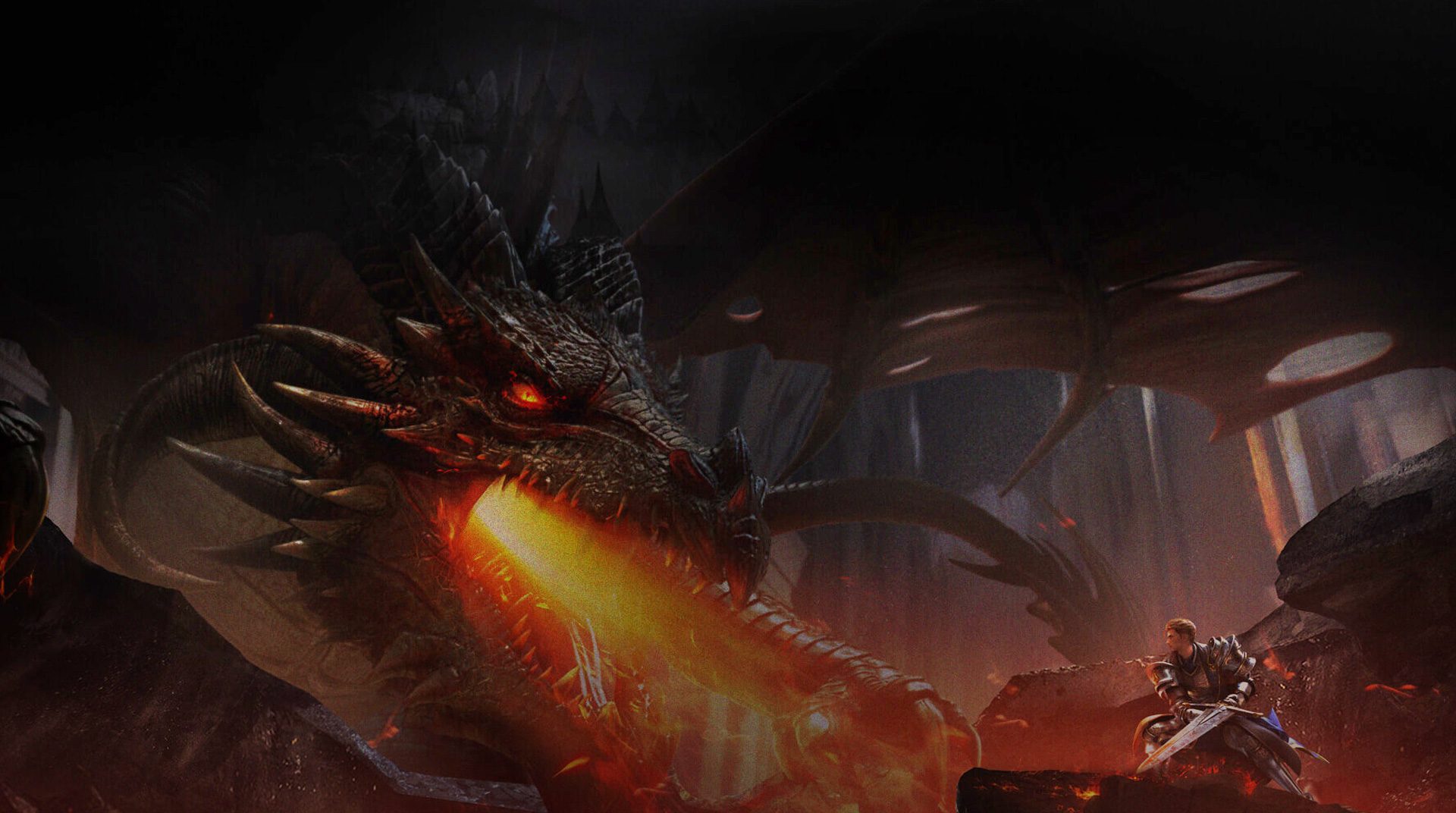
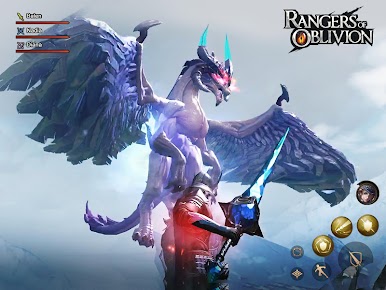
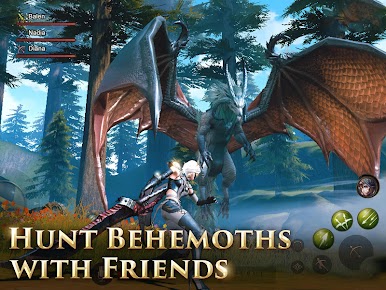
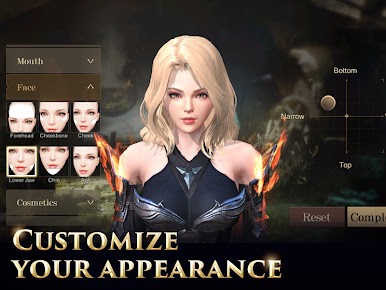
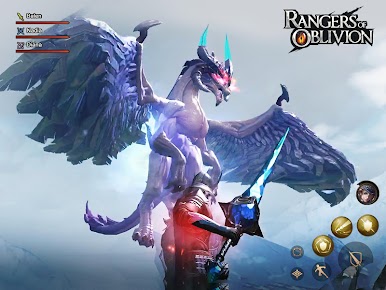
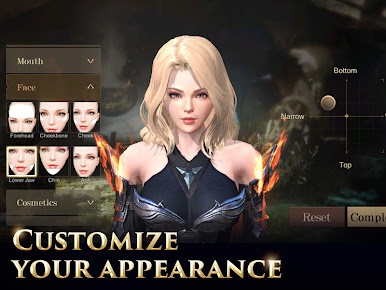
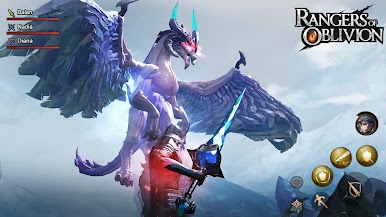
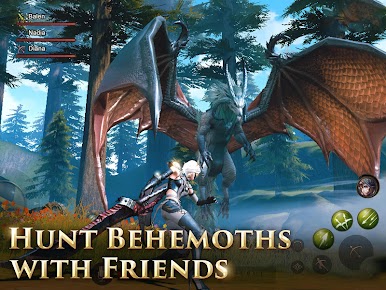
Our once so-called paradise has been taken over. Nowadays, monsters roam freely in our world, bringing along the end of days, at least as we know it, or even worst. In the shadows, a great evil conspires against us all, and the only hope that remains to save Malheim is in your hands. Play Rangers of Oblivion on PC and Mac with BlueStacks and be the one responsible for hunting every single monster on the land, ending the plague that was suddenly cast upon us. Eradicate corruption and bring order back to a once-peaceful society. There is absolutely no need to say your task is not going to be easy, but if there is life, then there is also hope. Form a team with other players to hunt the Ultimate Prey in an open world environment in which you must master at least one out of 6 exclusive weapon types. Become a true ranger and test your skills in a wide variety of game modes to keep the challenge going. Be ready to test your combat abilities at all moments. Are you ready to explore the unknown and restore life as it once was? We hope you are. Download Rangers of Oblivion on PC with BlueStacks and discover how far you are willing to go to save us all from doom and extinction.









Play Rangers of Oblivion on PC. It’s easy to get started.
-
Download and install BlueStacks on your PC
-
Complete Google sign-in to access the Play Store, or do it later
-
Look for Rangers of Oblivion in the search bar at the top right corner
-
Click to install Rangers of Oblivion from the search results
-
Complete Google sign-in (if you skipped step 2) to install Rangers of Oblivion
-
Click the Rangers of Oblivion icon on the home screen to start playing

