


Ever Night: Twilight
Play on PC with BlueStacks – the Android Gaming Platform, trusted by 500M+ gamers.

Page Modified on: Oct 14, 2026
Main Ever Night: Twilight on PC
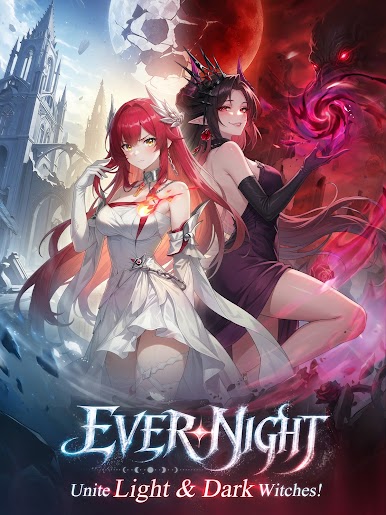
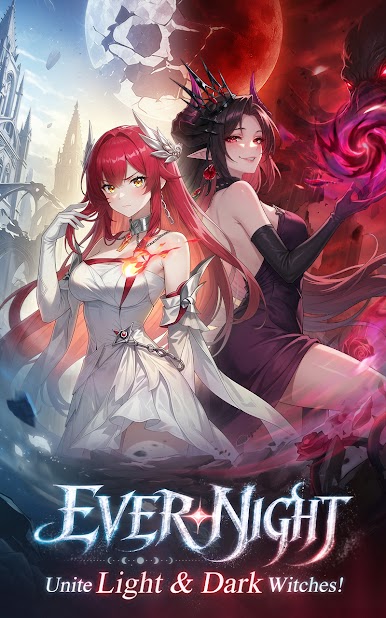
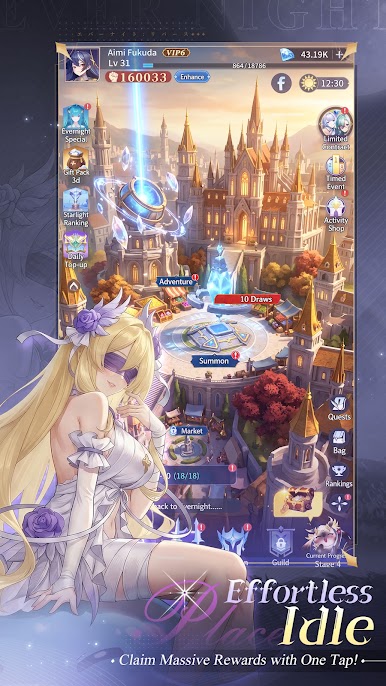
* Dark Narrative Worldview: Set in a world consumed by eternal night, where corruption twists even the kind-hearted into evil. Players embark on a journey to uncover the origin of Evernight and restore hope to the world.
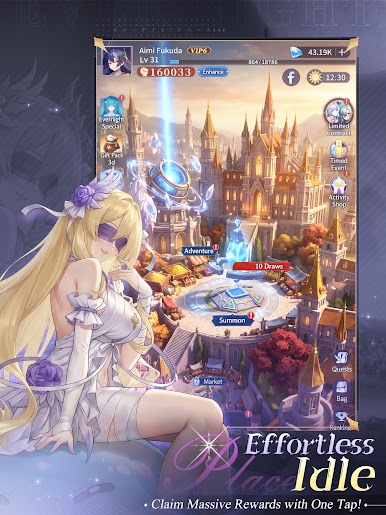
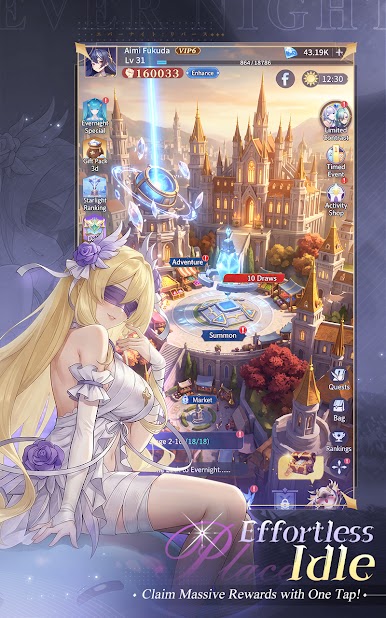
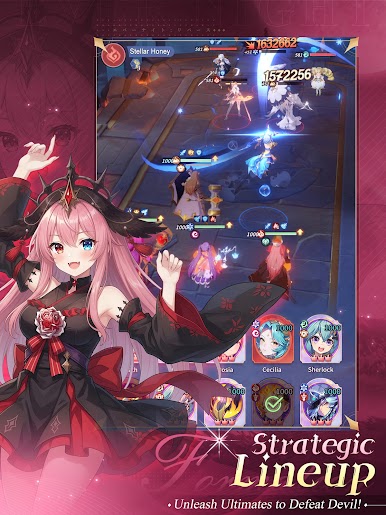
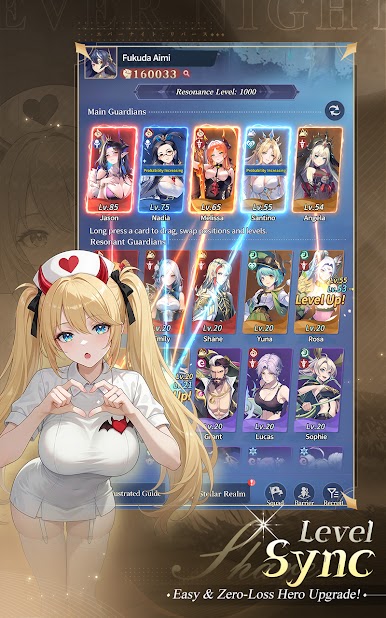
* Hybrid Gameplay Depth: In addition to classic team-building and skill synergy, players manage territories, develop resources, and make strategic decisions that directly influence progression and combat outcomes.
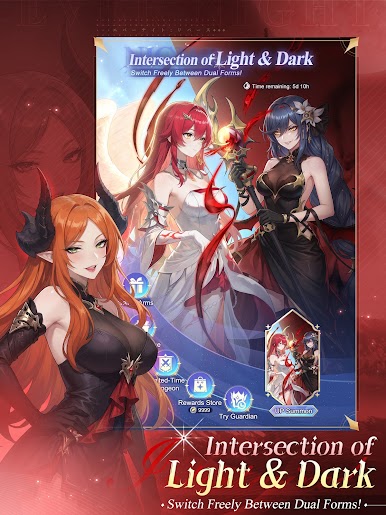
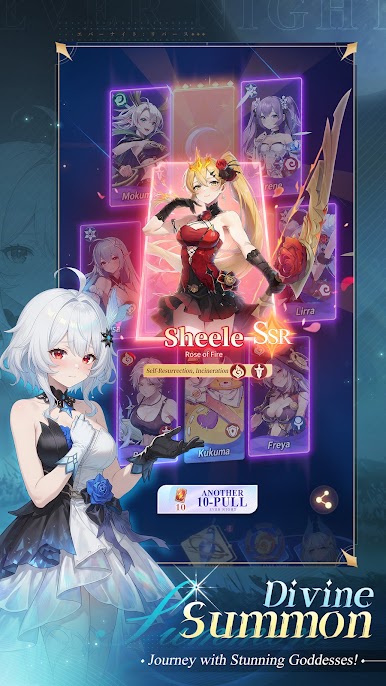
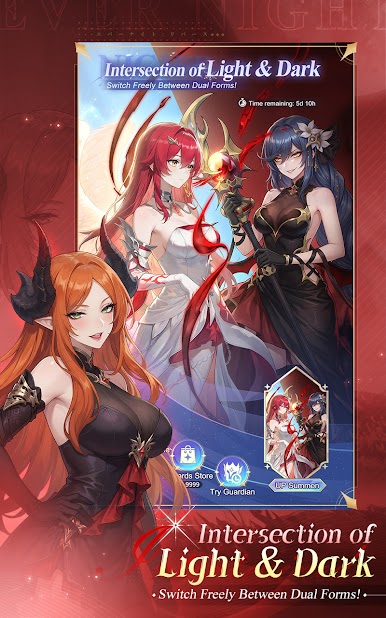
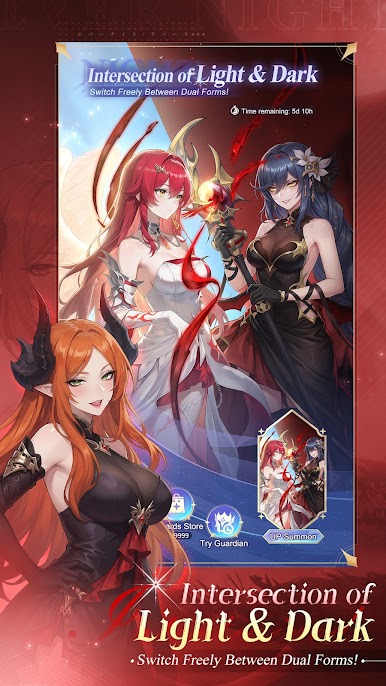
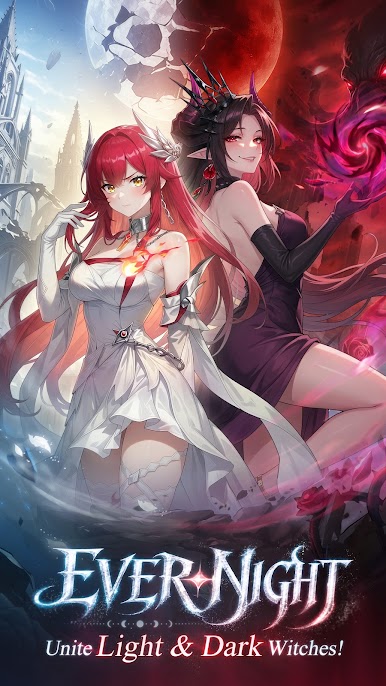
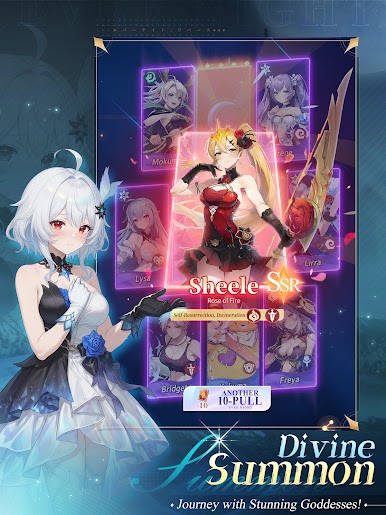
* Distinct Visual Identity: Korean comic-inspired art fused with high-fantasy and Celtic elements, layered with subtle Lovecraftian tones—creating a dark yet stylish aesthetic rarely seen in the genre.
* Strong Emotional Engagement: Character-driven storytelling and moral conflict encourage players to invest deeply in both the heroes and the world they are trying to save.
--Follow us for more updates--
Official Facebook: https://www.facebook.com/yyjlsmmy
Official Discord: https://discord.gg/F7N6uwC4zD
Official Website: https://www.yrlongxin.com/





Play Ever Night: Twilight on PC. It’s easy to get started.
-
Download and install BlueStacks on your PC
-
Complete Google sign-in to access the Play Store, or do it later
-
Look for Ever Night: Twilight in the search bar at the top right corner
-
Click to install Ever Night: Twilight from the search results
-
Complete Google sign-in (if you skipped step 2) to install Ever Night: Twilight
-
Click the Ever Night: Twilight icon on the home screen to start playing

