


Bible KJV
Play on PC with BlueStacks – the Android Gaming Platform, trusted by 500M+ gamers.

Page Modified on: Nov 24, 2025
Play Bible KJV on PC
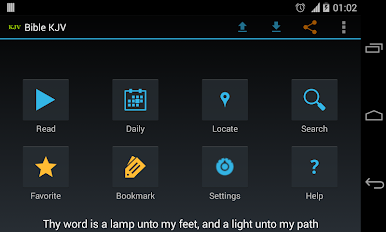
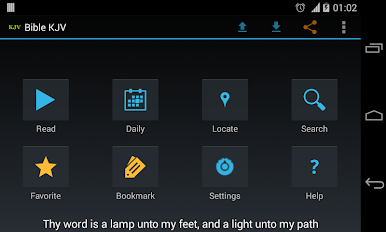
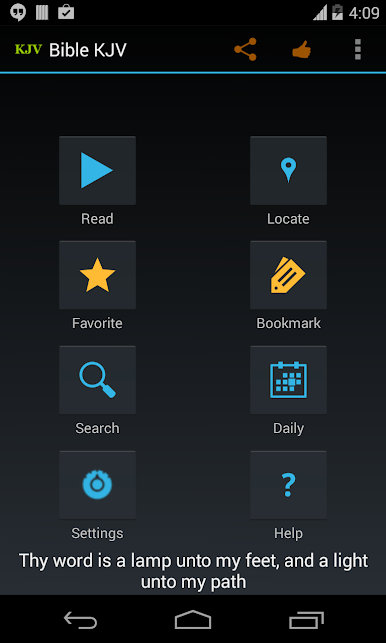
-KJV Bible offline
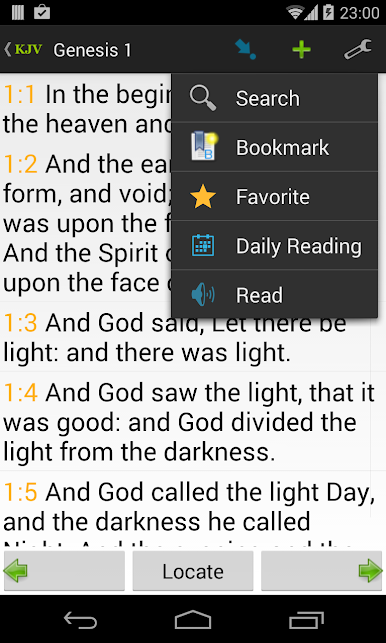
-Book/Chapter/Verse locate
-Bookmark
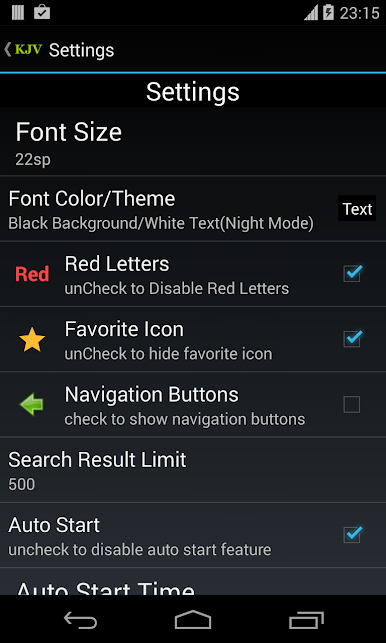
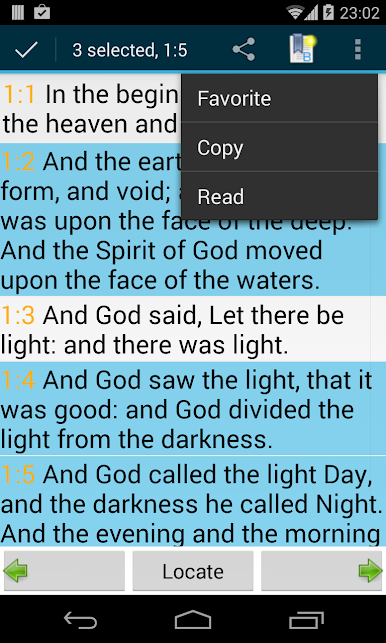
-Favorite
-Share
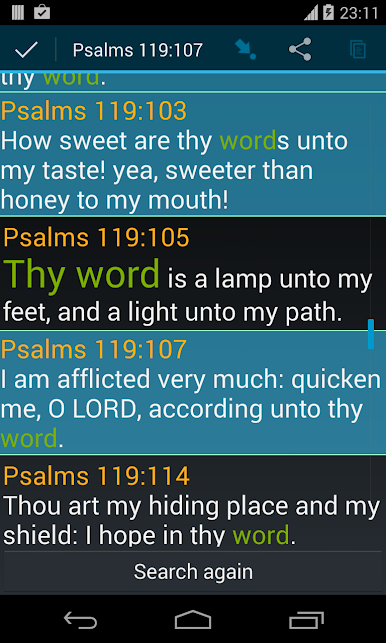
-Search
-Autostart
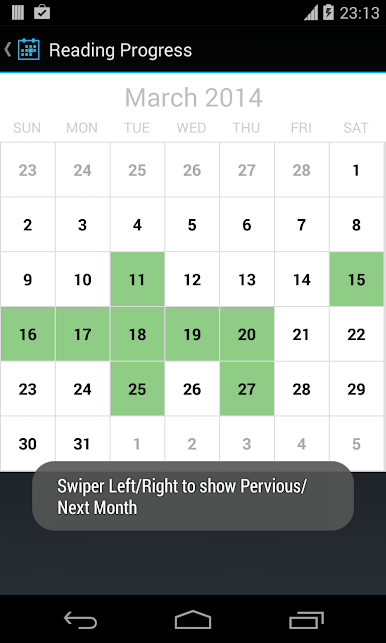
-3 yrs daily reading plan
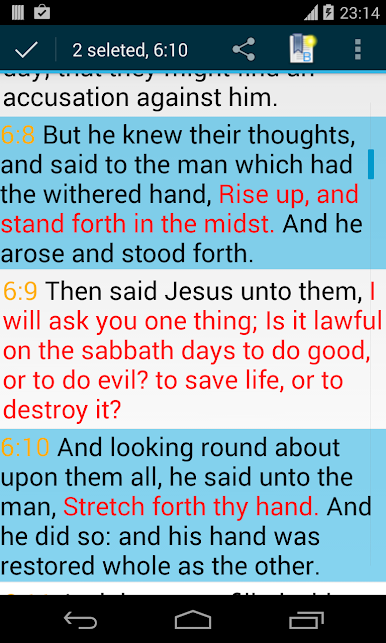
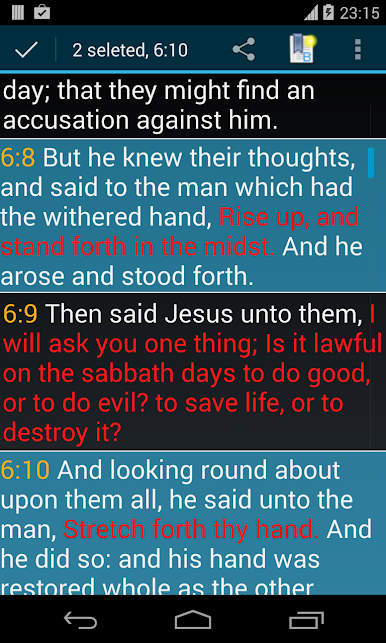
-Red Letter
-Speaking/Reading
-user-friendly navigation and verse locating
-screen Widget
A simple, powerful design will enable you to easily read the KJV Bible, navigate, search, share(through Facebook, Twitter, Gmail goolge+, email, SMS, Evernote, Bluetooth, ColorNote, Messaging, Yahoo Mail, and many others), highlight verses, bookmark, make/copy/paste notes.
Play Bible KJV on PC. It’s easy to get started.
-
Download and install BlueStacks on your PC
-
Complete Google sign-in to access the Play Store, or do it later
-
Look for Bible KJV in the search bar at the top right corner
-
Click to install Bible KJV from the search results
-
Complete Google sign-in (if you skipped step 2) to install Bible KJV
-
Click the Bible KJV icon on the home screen to start playing

