


Cozy Landlord Life
Play on PC with BlueStacks – the Android Gaming Platform, trusted by 500M+ gamers.

Page Modified on: Mar 11, 2026
Main Cozy Landlord Life on PC
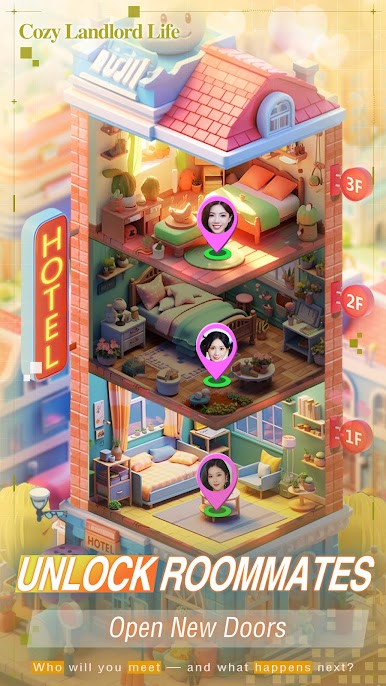
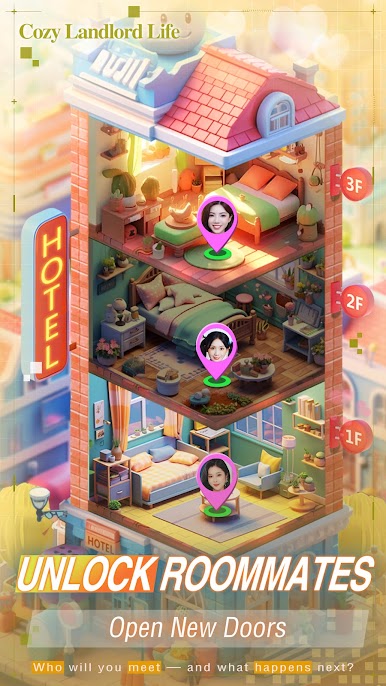
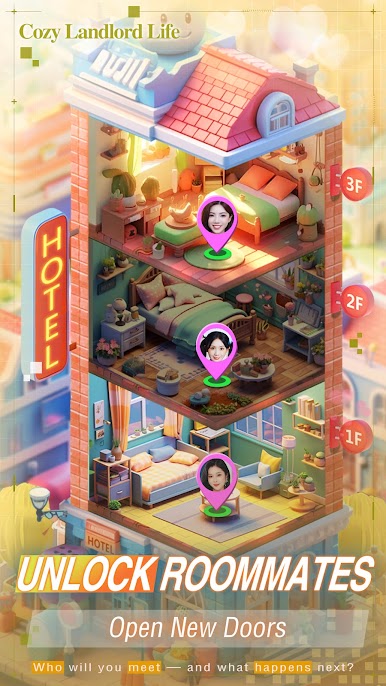
Step into a vibrant world of stories, uncover the secrets behind each tenant through completing tasks and making key decisions, and experience an emotionally engaging journey.
Diverse Interactive Gameplay
Give gifts, complete tasks, participate in management activities... every interaction shapes your relationship with tenants, unlocking hidden storylines and exclusive endings.
Personalized Character Design
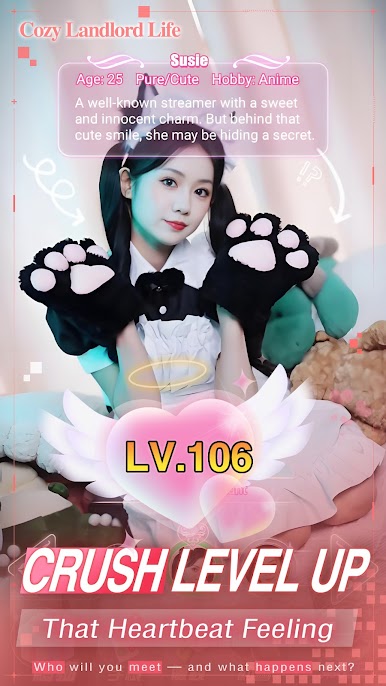
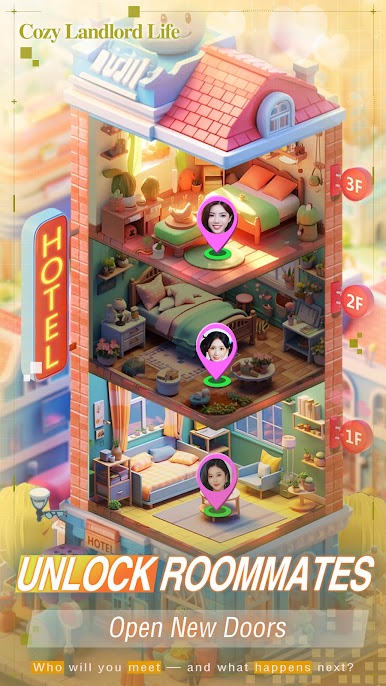
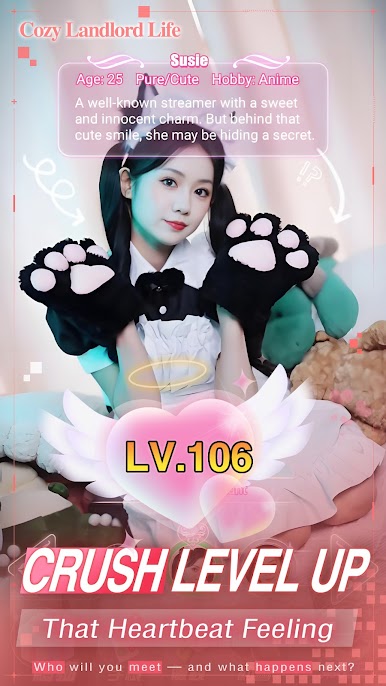
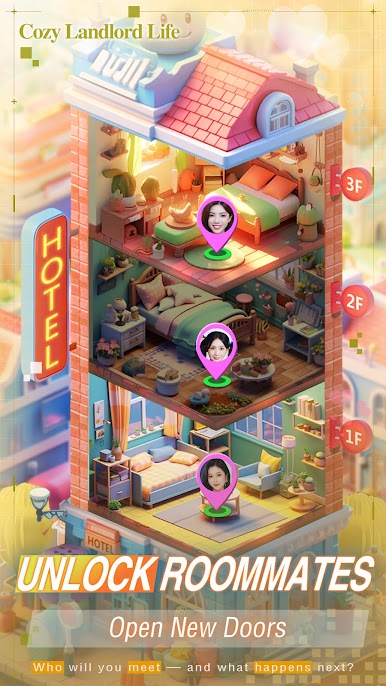
Meet a cast of tenants with distinct personalities and backgrounds, each with their own unique stories and charms waiting for you to discover and nurture.
Simulated Management Fun
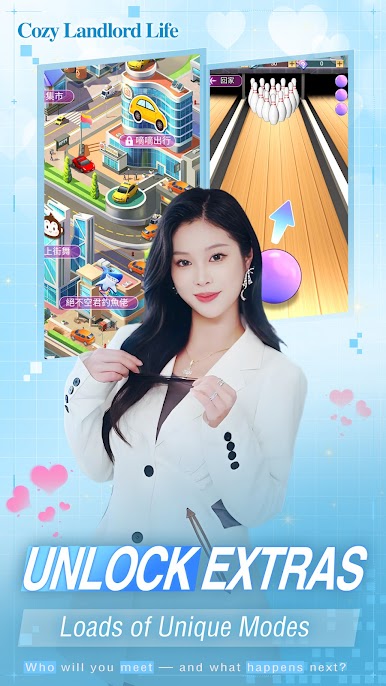
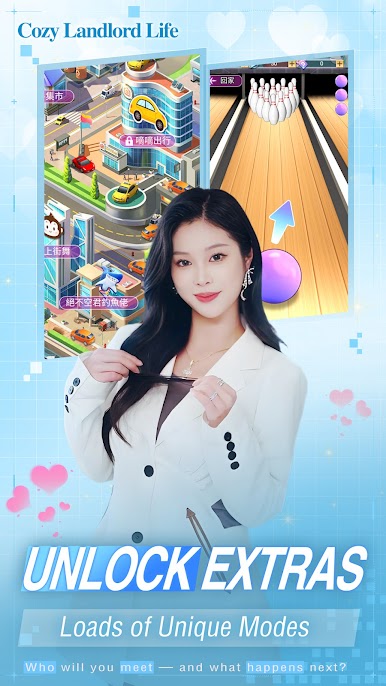
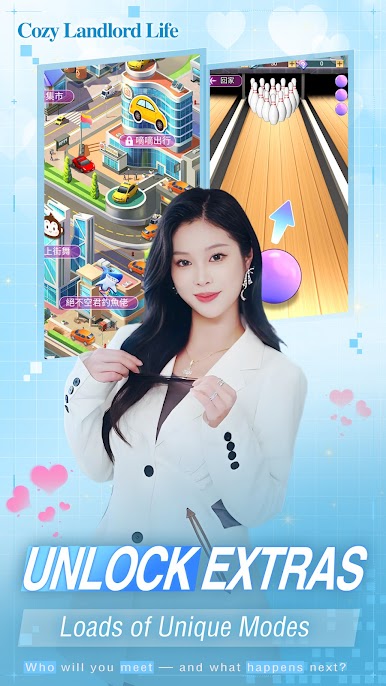
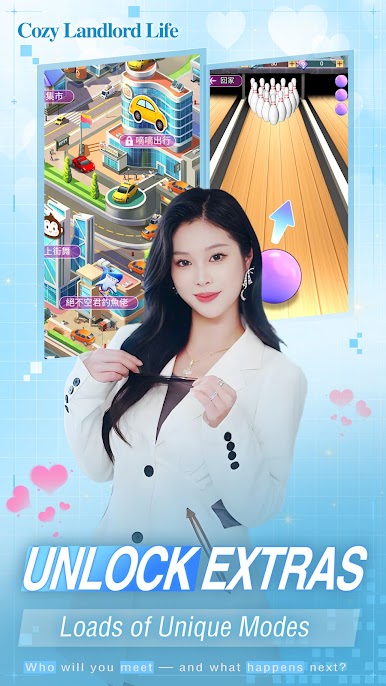
Take part in various management activities (such as simulated ride-sharing services), continuously upgrade your property and facilities, and create your own cozy home.
Multiple Endings
Every choice influences the direction of the story. Multiple endings ensure that each playthrough brings a fresh experience, allowing you to revisit classics while exploring new possibilities.
Whether you enjoy strategic management or immersive interactive storytelling, this game has something to satisfy your expectations. Download now and start your landlord’s legend!










Play Cozy Landlord Life on PC. It’s easy to get started.
-
Download and install BlueStacks on your PC
-
Complete Google sign-in to access the Play Store, or do it later
-
Look for Cozy Landlord Life in the search bar at the top right corner
-
Click to install Cozy Landlord Life from the search results
-
Complete Google sign-in (if you skipped step 2) to install Cozy Landlord Life
-
Click the Cozy Landlord Life icon on the home screen to start playing

