


Capybara Go!
Play on PC with BlueStacks – the Android Gaming Platform, trusted by 500M+ gamers.

Page Modified on: Jan 29, 2026
Main Capybara Go! on PC
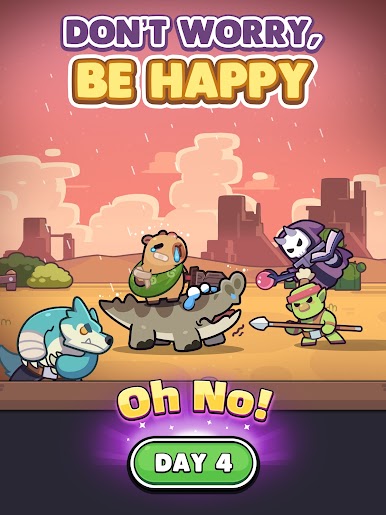
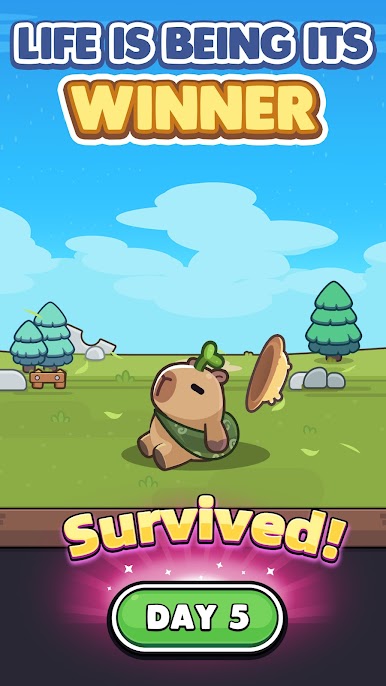
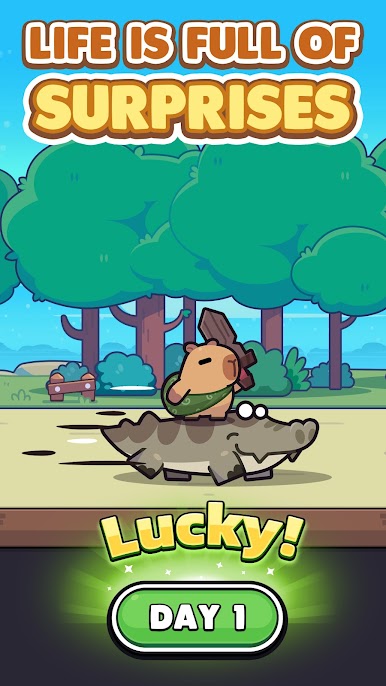
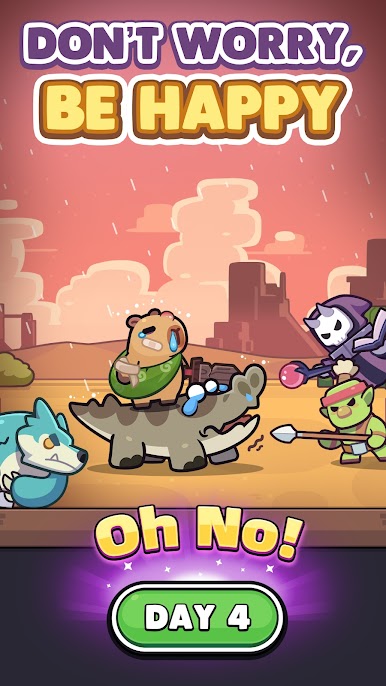
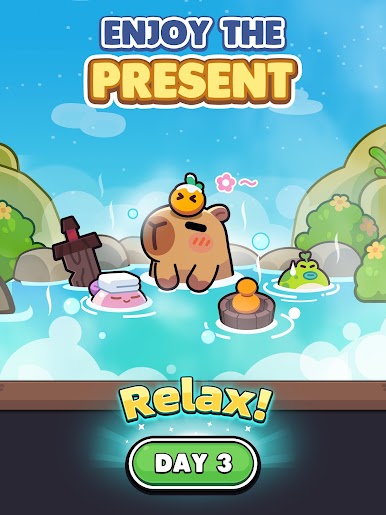
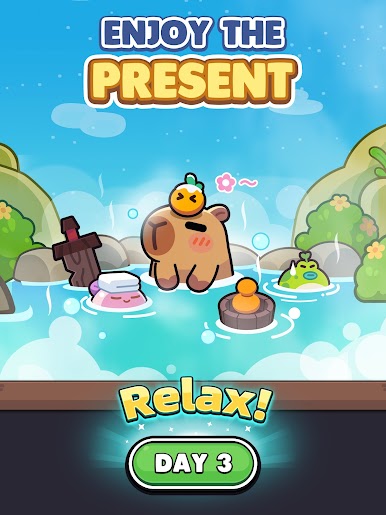
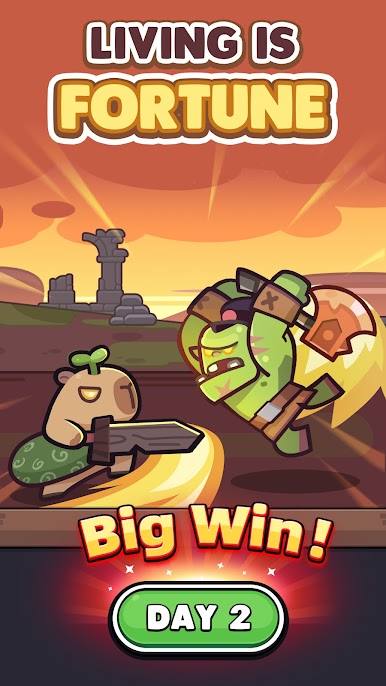
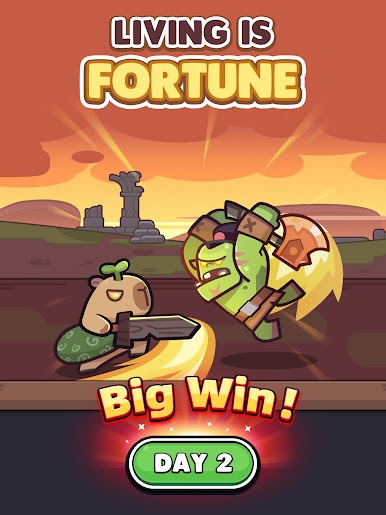
Introducing the craziest capybara roguelike adventure RPG!
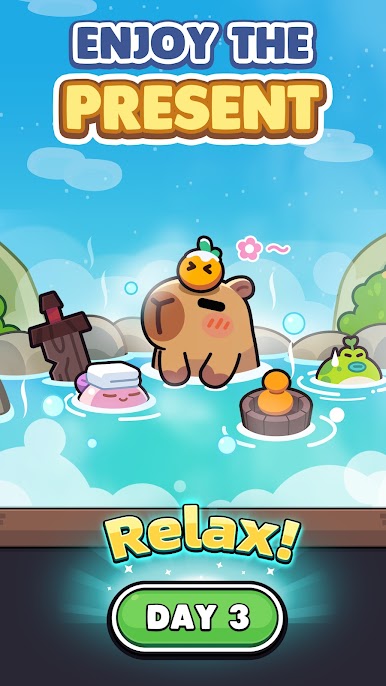
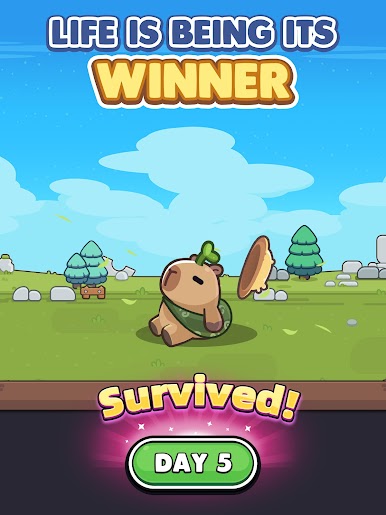
Dive into the world of capybaras with "CAPYBARA GO"!
- Your journey starts and ends with the capybara! Befriend it, bond with it, deck it out with the best gear and explore the wild!
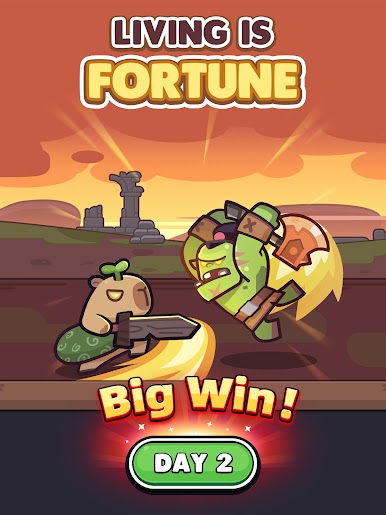
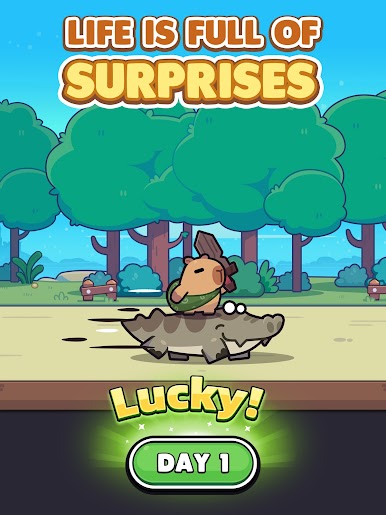
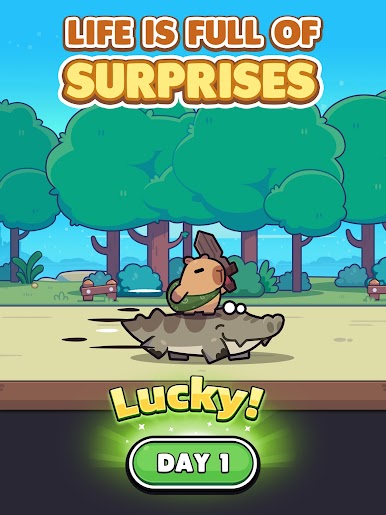
- Endless adventures with randomized events, conquer the challenges ahead!
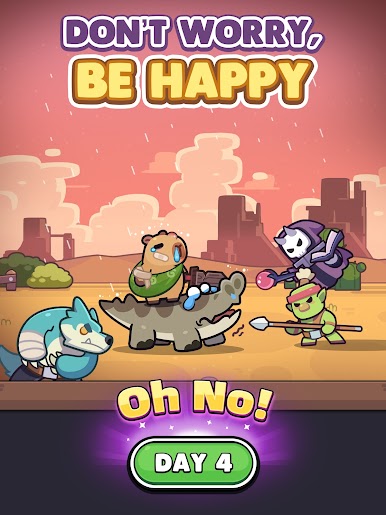
- Forge kindred bonds with other animal companions! Form alliances and face dangers together!
- Will you take the road off the beaten path or go the chaotic capybara route? Uncover hidden secrets with your capybara companion!
Victory or defeat depends entirely on your choices and luck (good, bad and ugly)!
CAPYBARA GO - A text-based roguelike RPG starring a capybara! Dive headfirst into bizarre adventures with some whismy, some irreverence, and a shovelful of good ol’ madness in this cute capy caper!
©2025 Viacom Overseas Holdings C.V. All Rights Reserved. Teenage Mutant Ninja Turtles and all related titles, logos and characters are trademarks of Viacom Overseas Holdings C.V. Nickelodeon and all related titles and logos are trademarks of Viacom International Inc.

Play Capybara Go! on PC. It’s easy to get started.
-
Download and install BlueStacks on your PC
-
Complete Google sign-in to access the Play Store, or do it later
-
Look for Capybara Go! in the search bar at the top right corner
-
Click to install Capybara Go! from the search results
-
Complete Google sign-in (if you skipped step 2) to install Capybara Go!
-
Click the Capybara Go! icon on the home screen to start playing

