


Battle Racing Stars
Play on PC with BlueStacks – the Android Gaming Platform, trusted by 500M+ gamers.

Page Modified on: Sep 6, 2024
Main Battle Racing Stars on PC
KEY FEATURES
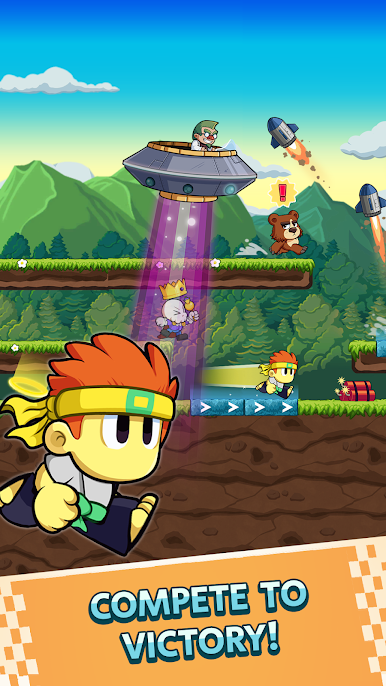
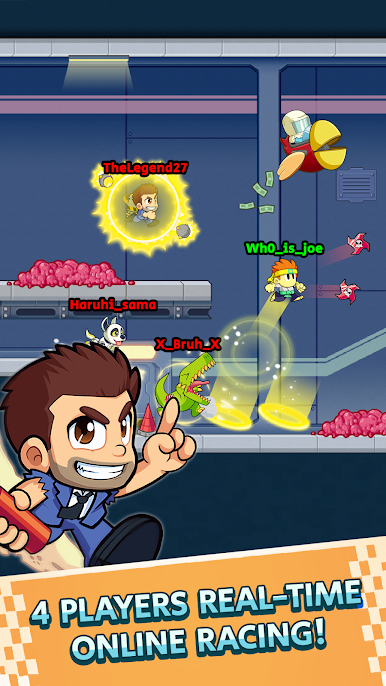
• Engage in races for intense competition.
• Utilize character abilities to outmaneuver your rivals during races.
• Enjoy quick, sub-2-minute races for a burst of excitement.
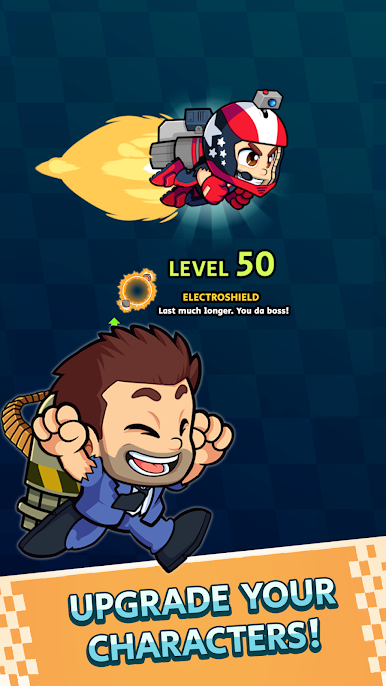
• Customize your racers with a variety of awesome skins.
• Easy-to-learn gameplay that's difficult to master.
• Prove your racing prowess by climbing the leaderboards
Game Modes
• Quick Play: Test your speed by competing in lightning-fast races
• UFO Apocalypse: Dodge UFOs and engage in fierce battles against rivals.
• Auto-Boost: Experience intense max-speed racing with strategic attacks.
• Flappy Bomb: Avoid a menacing pursuing bomb or get blown out of the race.
• Portal Mania: Navigate a maze of intertwined tracks for the ultimate challenge.
Halfbrick All-Stars:
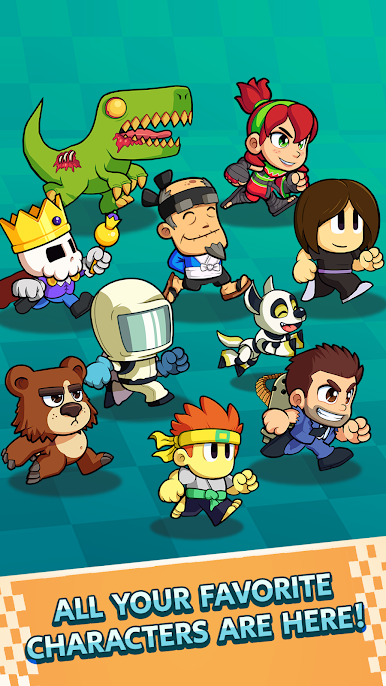
Collect unique characters from Halfbrick games, each boasting their own special abilities. Elevate your favorites by leveling up and personalizing them with a variety of skins. Character’s available:
• Barry from Jetpack Joyride
• Mari from Fruit Ninja
• The Scientists from Jetpack Joyride
• Raskull King from Magic Brick Wars
• The Ginger Ninja from Dan The Man
• Flash from Jetpack Joyride
• Josie from Dan the Man
• Sensei from Fruit Ninja
• Zombie T-Rex from Age of Zombies
• Rory from Bears vs. Art
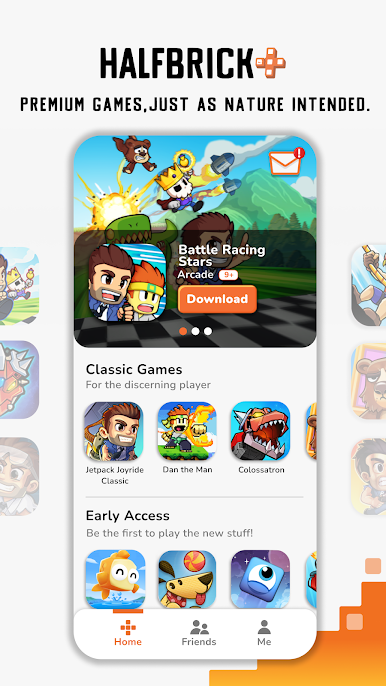
WHAT'S HALFBRICK+
Halfbrick+ is a mobile games subscription service featuring:
● Exclusive access to the highest-rated games
● No ads or in app purchases
● Brought to you by the makers of Award-winning mobile games
● Regular updates and new games
● Curated by hand - for gamers by gamers!
Kick off your Guest Access with 60 minutes of gameplay! If you like what you see, start your One Month free trial and play all our games without ads, in app purchases, and fully unlocked games! Your subscription will auto-renew after 30 days, or save money with an annual membership!
If you have any questions, please contact our support team https://support.halfbrick.com
****************************************
View our privacy policy at https://halfbrick.com/hbpprivacy
View our terms of service at https://www.halfbrick.com/terms-of-service

Play Battle Racing Stars on PC. It’s easy to get started.
-
Download and install BlueStacks on your PC
-
Complete Google sign-in to access the Play Store, or do it later
-
Look for Battle Racing Stars in the search bar at the top right corner
-
Click to install Battle Racing Stars from the search results
-
Complete Google sign-in (if you skipped step 2) to install Battle Racing Stars
-
Click the Battle Racing Stars icon on the home screen to start playing

