


Nonogram - picture cross game
Play on PC with BlueStacks – the Android Gaming Platform, trusted by 500M+ gamers.

Page Modified on: Nov 30, 2025
Play Nonogram - picture cross puzzle game on PC or Mac
Step into the World of Nonogram – picture cross puzzle game, a thrilling Puzzle game from the house of 航讯工作室. Play this Android game on BlueStacks App Player and experience immersive gaming on PC or Mac.
About the Game
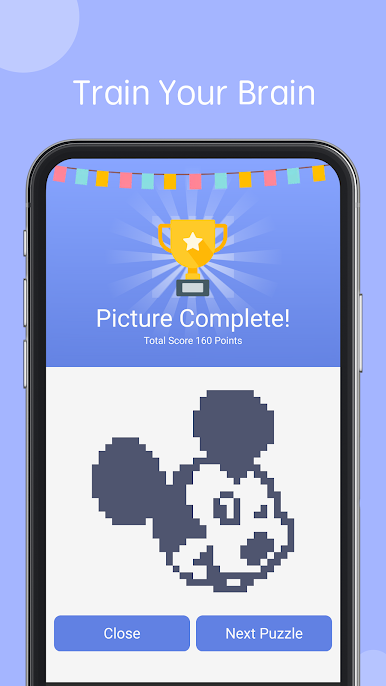
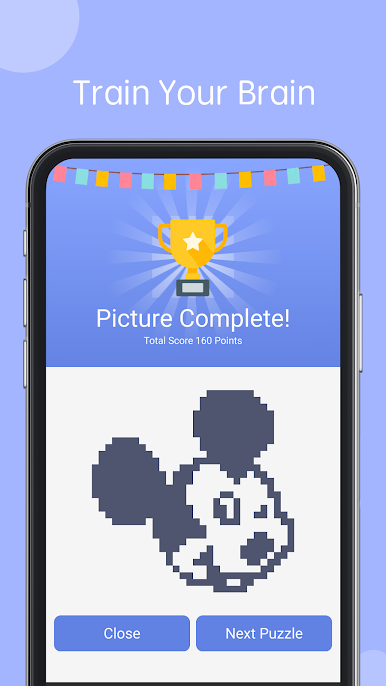
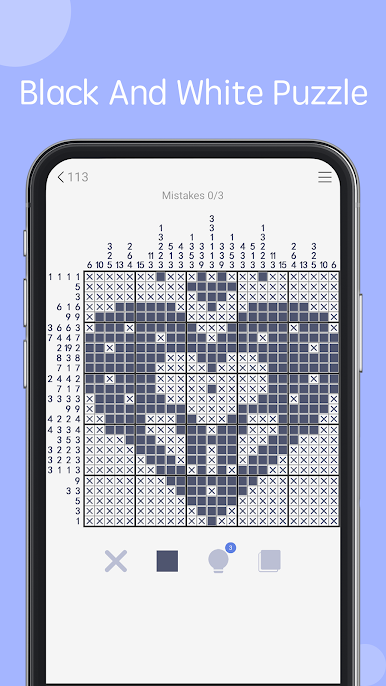
Nonogram – picture cross puzzle game by 航讯工作室 is all about clever deduction and relaxing brain teasers. If you love puzzles that reward a little patience and a lot of logic, this game’s probably up your alley. Whether you’re trying it out during a coffee break or planning to spend your evening uncovering pixelated masterpieces, Nonogram – picture cross puzzle game has got loads of satisfying puzzles waiting for you, each more intriguing than the last.
Game Features
-
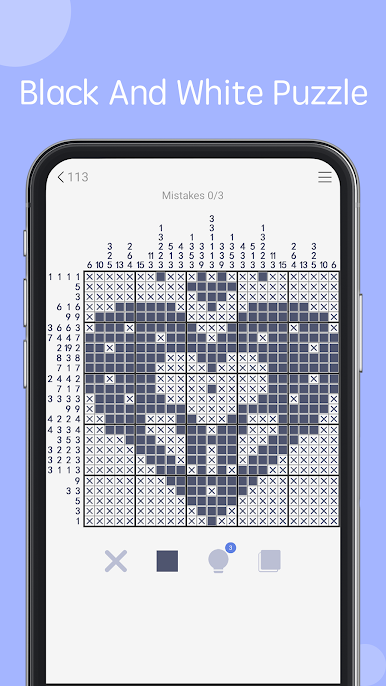
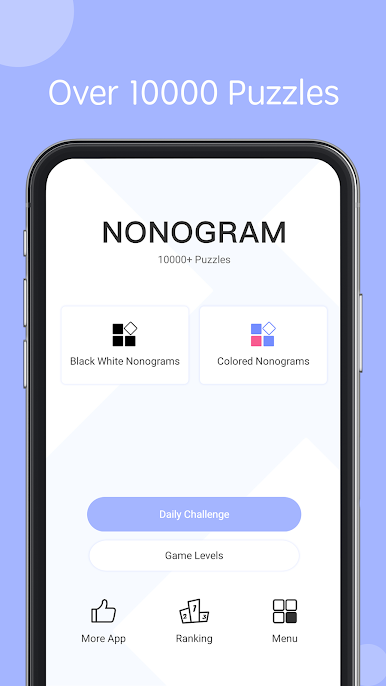
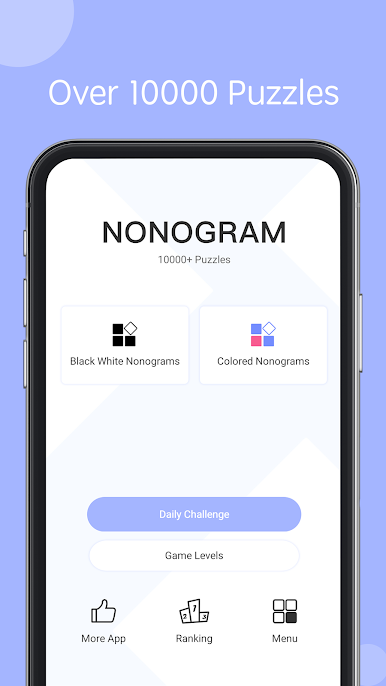
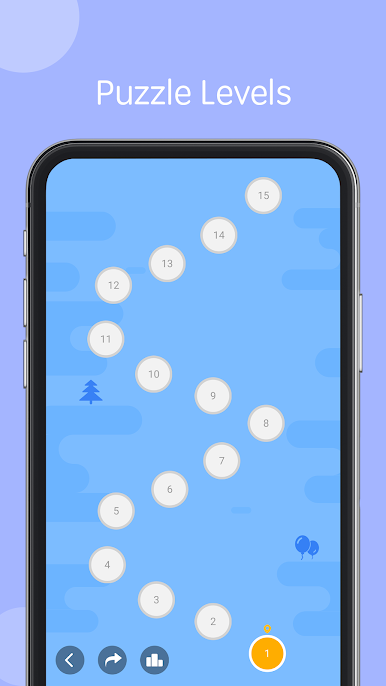
Massive Puzzle Collection
You won’t run out of content. There are thousands of puzzles here, stretching from easy five-by-five grids to massive fifty-by-fifty challenges. They’ll keep both beginners and long-time puzzle fans busy. -
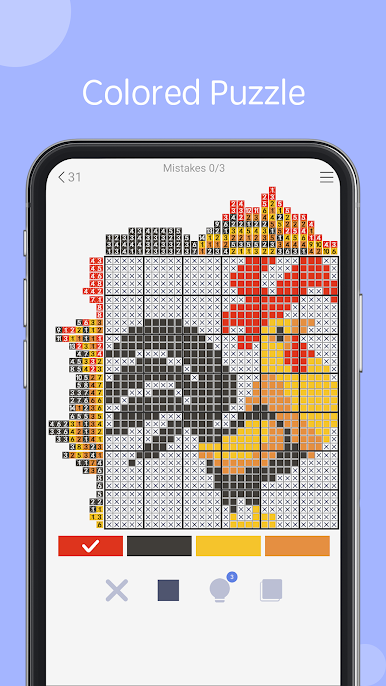
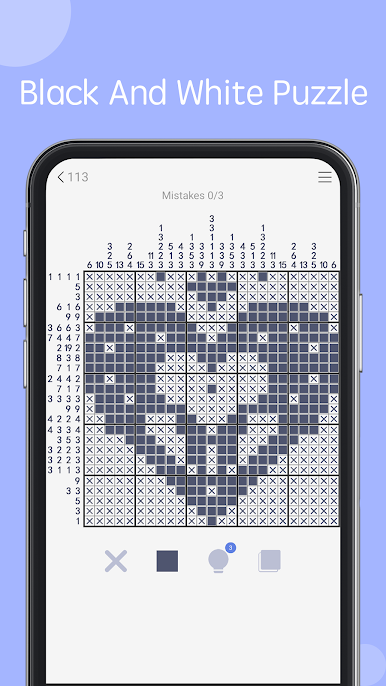
Classic & Colored Nonograms
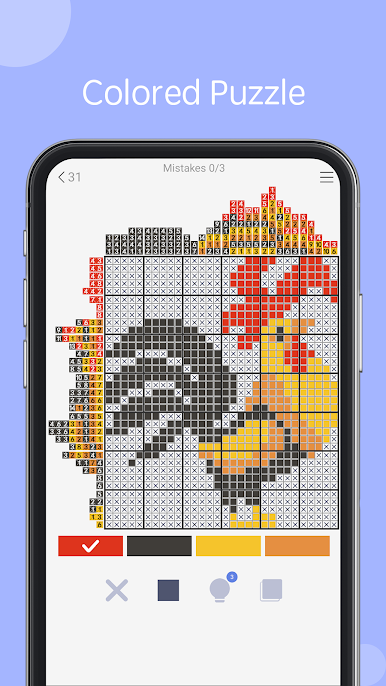
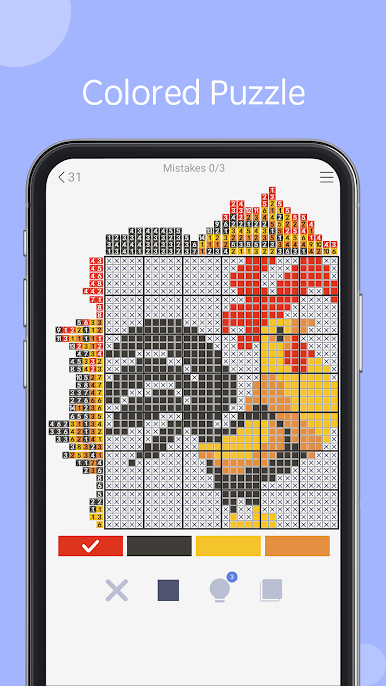
Tired of black-and-white? Test your skills with colored puzzles too—the rules are similar but adding color really spices things up. -
Level Up at Your Own Pace
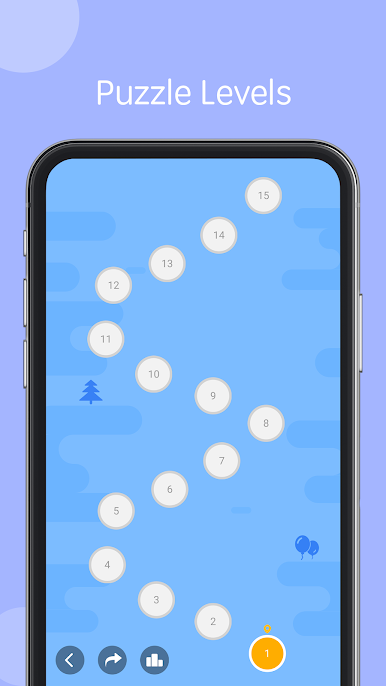
Pick your difficulty with seven different levels. Start simple if you’re new, or throw yourself into the deep end if you crave a challenge. -
Clean, No-Nonsense Visuals
The interface is crisp, clutter-free, and just lets you focus on solving puzzles. Great for zoning in and relaxing. -
Smart Puzzle Testing
Every puzzle’s been checked so there’s always one perfect solution (and no sneaky ambiguities). -
Play How You Want
Try out two different play modes: one with unlimited mistakes for relaxed solving, and a stricter option if you’re feeling brave. -
Helpful Tools & Features
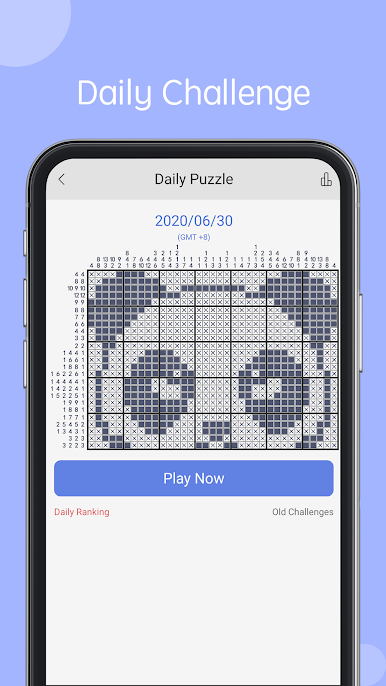
Enjoy unlimited undos, a handy hint system, auto error-checking, and line auto-fill. The game keeps track of your progress and scores, ranking you on daily challenges if you’re feeling competitive. -
Playable Anywhere
You can easily pause mid-puzzle—your progress is saved for when you come back. Plus, Nonogram – picture cross puzzle game looks great on both phones and tablets. -
Download Even More Puzzles
Want even more variety? There’s an option to freely download millions of extra puzzles, so running out of content really isn’t going to happen. -
Seamless Experience on BlueStacks
For those who prefer something bigger, you can play via BlueStacks—solving giant grids gets a little easier on a bigger screen.
Make your gaming sessions memorable with precise controls that give you an edge in close combats and visuals that pop up, bringing every character to life.
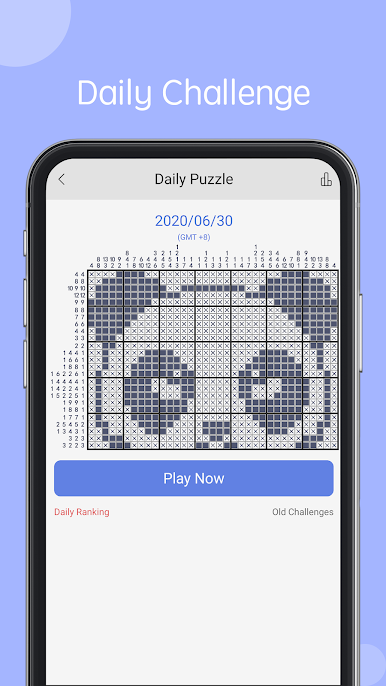
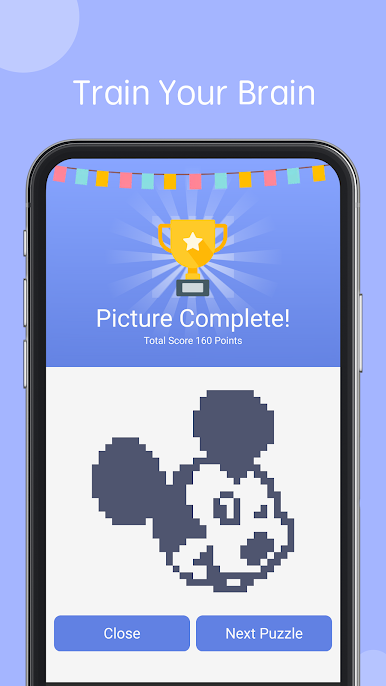
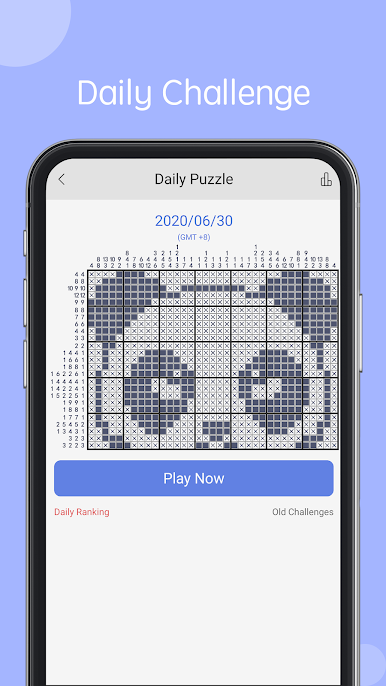
Play Nonogram - picture cross game on PC. It’s easy to get started.
-
Download and install BlueStacks on your PC
-
Complete Google sign-in to access the Play Store, or do it later
-
Look for Nonogram - picture cross game in the search bar at the top right corner
-
Click to install Nonogram - picture cross game from the search results
-
Complete Google sign-in (if you skipped step 2) to install Nonogram - picture cross game
-
Click the Nonogram - picture cross game icon on the home screen to start playing

