


AIO Phone Booster
Play on PC with BlueStacks – the Android Gaming Platform, trusted by 500M+ gamers.

Page Modified on: Nov 18, 2022
Run happymod on PC or Mac
HappyMod is a Tools app developed by AIO TEAM. BlueStacks app player is the best platform (emulator) to run this Android app on your PC or Mac for an immersive user experience!
It doesn’t matter if you’re a game developer or player; HappyMod has something exciting waiting for everyone. Get free access to hundreds of user-created mods for different Android apps. Interact with both creators and players to find additional materials that can enhance your experience on HappyMod .
About the App
HappyMod lets you download modded versions of games from indie creators. This gives you endless lifetimes, unlimited coins, and other unique perks in some of your favorite games. Examples of the games you can find on this app include Minecraft Pocket Edition, Castle Defender, and others.
Every content on the app is safe and secure for you to download whenever you like. It also features an interactive platform that lets users interact not only with each other but also with the main developers to submit suggestions and file complaints. The best part is that HappyMod rarely redirects you to third-party links.
App Features
- Extensive gaming library
- Minimalistic app design
- Non-disruptive ads
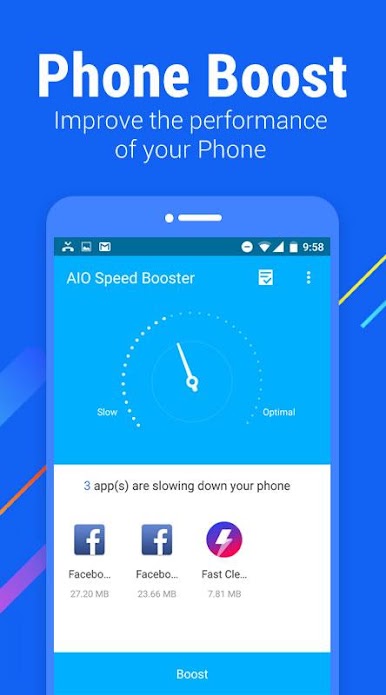
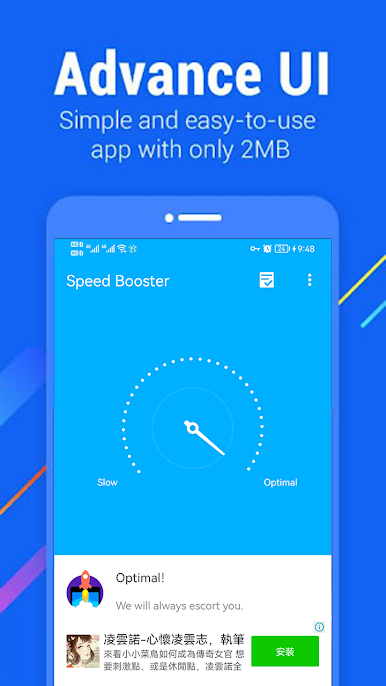
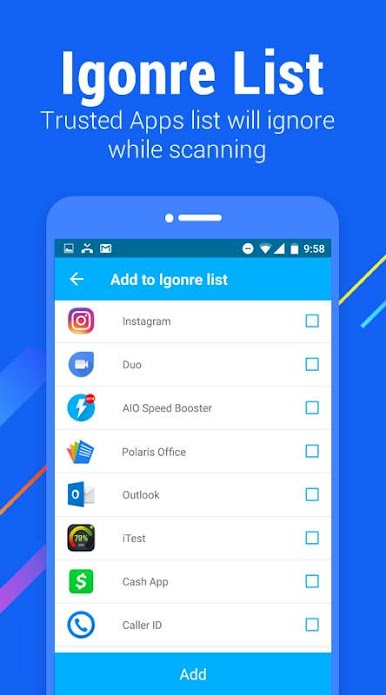
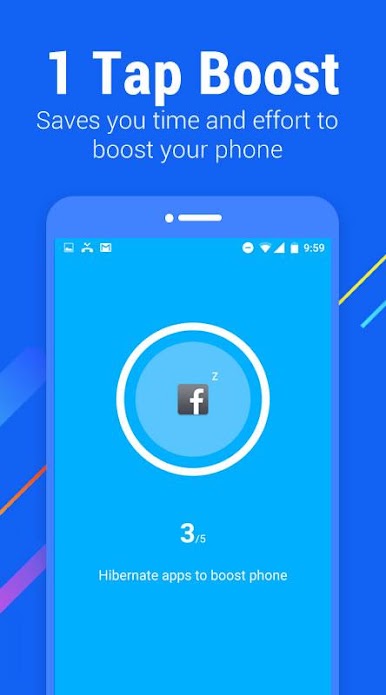
Play AIO Phone Booster on PC. It’s easy to get started.
-
Download and install BlueStacks on your PC
-
Complete Google sign-in to access the Play Store, or do it later
-
Look for AIO Phone Booster in the search bar at the top right corner
-
Click to install AIO Phone Booster from the search results
-
Complete Google sign-in (if you skipped step 2) to install AIO Phone Booster
-
Click the AIO Phone Booster icon on the home screen to start playing

