


Spider Solitaire
Play on PC with BlueStacks – the Android Gaming Platform, trusted by 500M+ gamers.

Page Modified on: Nov 20, 2025
Play Spider Solitaire on PC or Mac
From the innovators and creators at Spider Solitaire Card Games, Spider Solitaire is another fun addition to the World of Card games. Go beyond your mobile screen and play it bigger and better on your PC or Mac. An immersive experience awaits you.
Spider Solitaire here feels like a calm puzzle that still keeps the brain busy. The goal is simple to explain and tricky to master: build full in-suit runs from King down to Ace, clear the tableau, and watch the stack slide away when it is complete. The layout sticks to the classic setup with ten piles, cards mostly face down at first with the top ones ready to move. When no piles are empty, a fresh row of ten comes in from the stock, which is where the pacing gets tense in a good way. It plays fair and it rewards patience, not speed.
There are three modes that change the difficulty in a real way. One-suit is relaxed and great for warming up, two-suit makes the brain take a breath, and four-suit is the honest challenge. Controls are smooth. Drag cards, tap to auto-place, or give them a quick flick that shoots the stack where it should go, which is oddly satisfying. The look is clean, animations are light, and the audio is quiet enough to stay in the background. Unlimited undo encourages experimenting without worry, hints are helpful without solving the whole thing, and there is a rules page plus standard scoring if someone wants the details. Stats keep track of wins, time, and streaks so it is easy to see improvement. Custom card backs and backgrounds, even from personal photos, add a nice touch, and the orientation lock is handy. On PC through BlueStacks, the mouse drag feels natural and the bigger screen gives more room, which makes longer sessions alot easier on the eyes.
Slay your opponents with your epic moves. Play it your way on BlueStacks and dominate the battlefield.
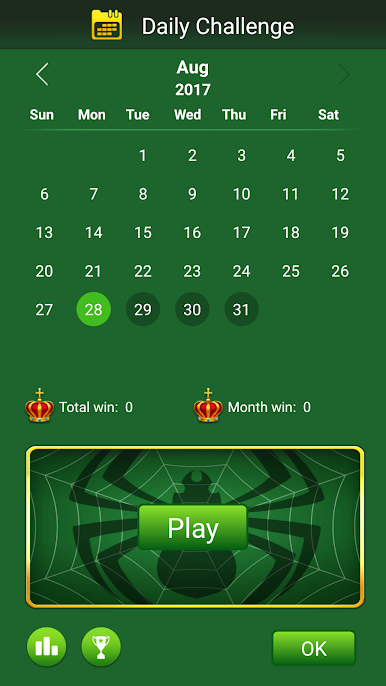
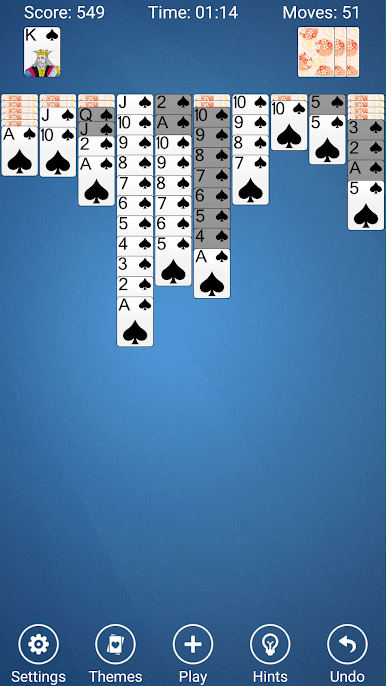
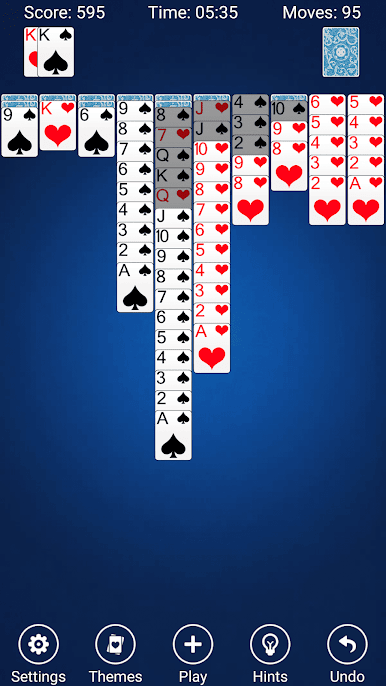
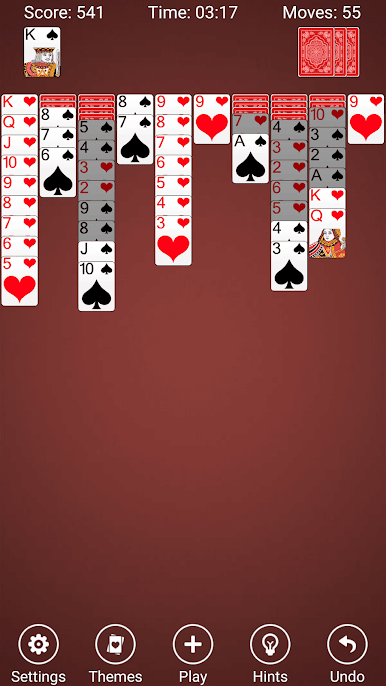
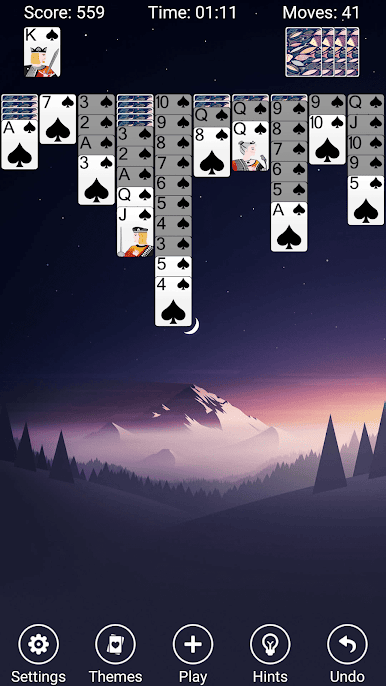
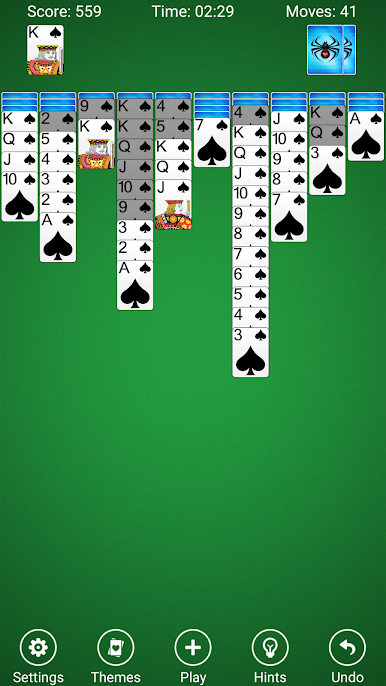
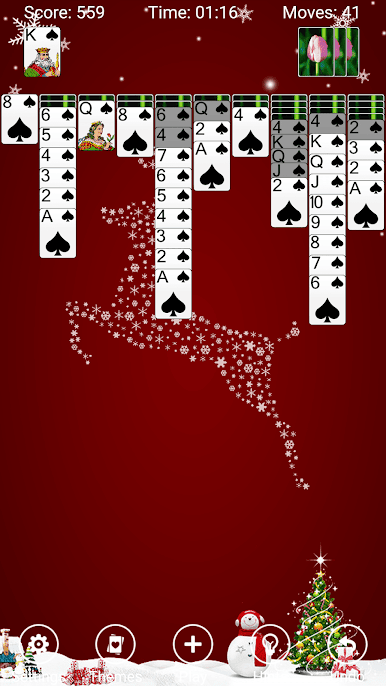
Play Spider Solitaire on PC. It’s easy to get started.
-
Download and install BlueStacks on your PC
-
Complete Google sign-in to access the Play Store, or do it later
-
Look for Spider Solitaire in the search bar at the top right corner
-
Click to install Spider Solitaire from the search results
-
Complete Google sign-in (if you skipped step 2) to install Spider Solitaire
-
Click the Spider Solitaire icon on the home screen to start playing

