


Baby Piano - Music Game
Play on PC with BlueStacks – the Android Gaming Platform, trusted by 500M+ gamers.

Page Modified on: Sep 29, 2026
Overview
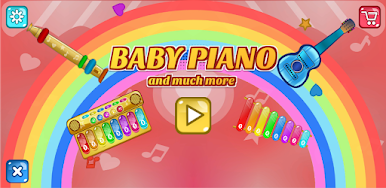
Enjoy and play a variety of music instruments. Create new songs with a number of background rhythms.
Play notes and chords in beautifully designed colorful instruments including:
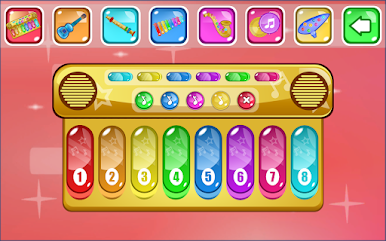
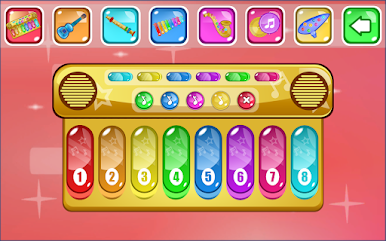
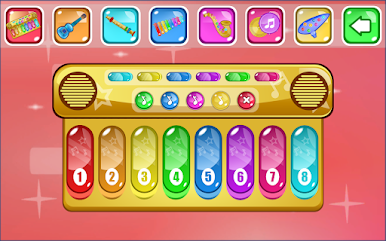
Piano - Colorful Piano contains melodies and rhythms to play along. Pressing notes on piano button give beautiful effects.
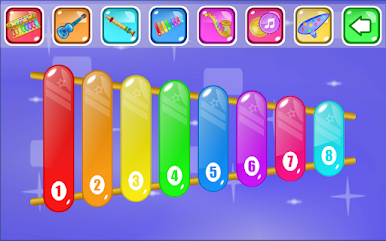
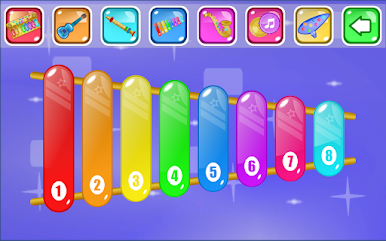
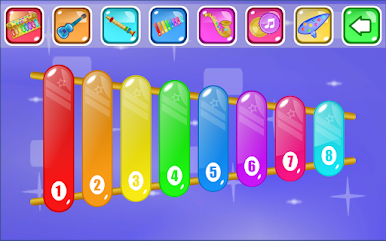
Xylophone - Beautiful Xylophone with mismerising sounds to cheer up your mood.
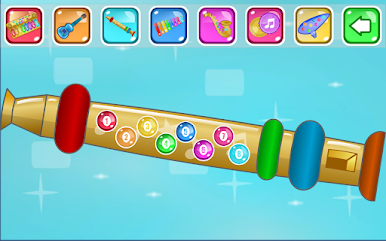
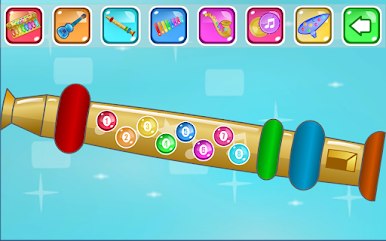
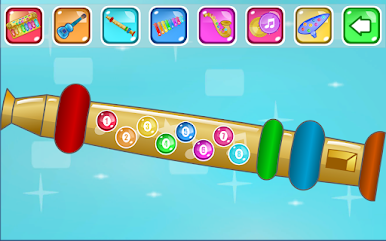
Flute - Fabulous sound of flute lifts up your mood.
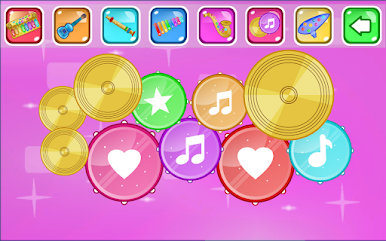
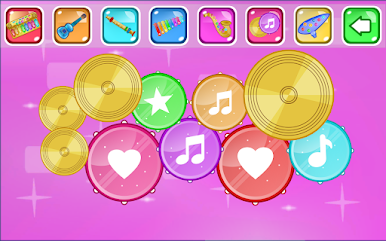
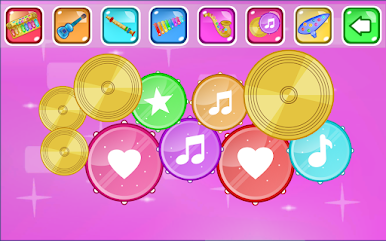
Drums - Play amazing beats on a colorful set of drums including hats, toms, cymbals and kicks.
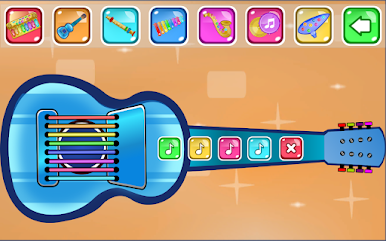
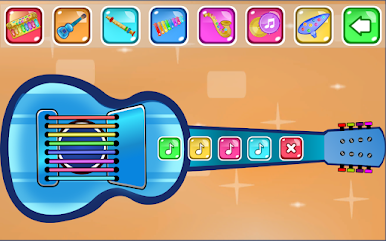
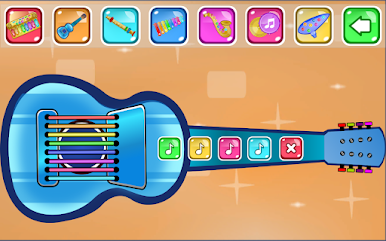
Guitar - Enjoy the amazing energizing tone
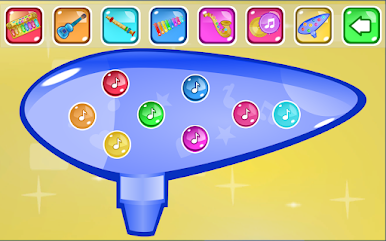
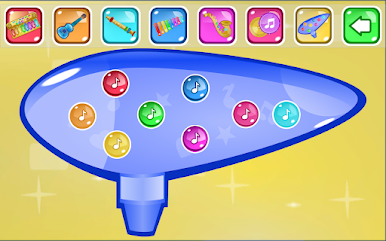
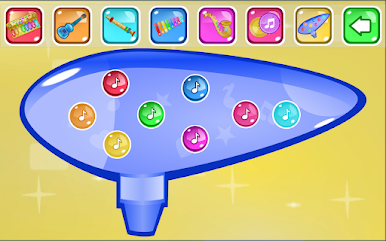
Ocarina - A rare music instrument to find in online apps
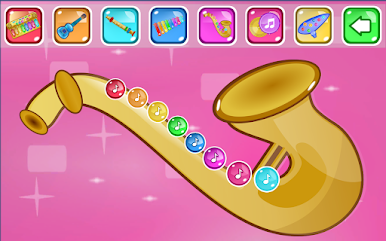
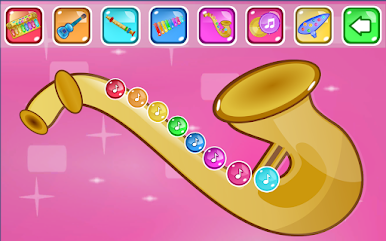
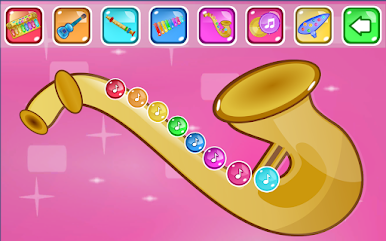
Saxophone - Classic sound of music.
If you had fun enjoying our app, please rate and share your opinion with us on Google Play.

Play Baby Piano - Music Game on PC. It’s easy to get started.
-
Download and install BlueStacks on your PC
-
Complete Google sign-in to access the Play Store, or do it later
-
Look for Baby Piano - Music Game in the search bar at the top right corner
-
Click to install Baby Piano - Music Game from the search results
-
Complete Google sign-in (if you skipped step 2) to install Baby Piano - Music Game
-
Click the Baby Piano - Music Game icon on the home screen to start playing

