


Harley-Davidson
Play on PC with BlueStacks – the Android Gaming Platform, trusted by 500M+ gamers.

Page Modified on: Feb 27, 2026
Play Harley-Davidson on PC
COMMUNITY
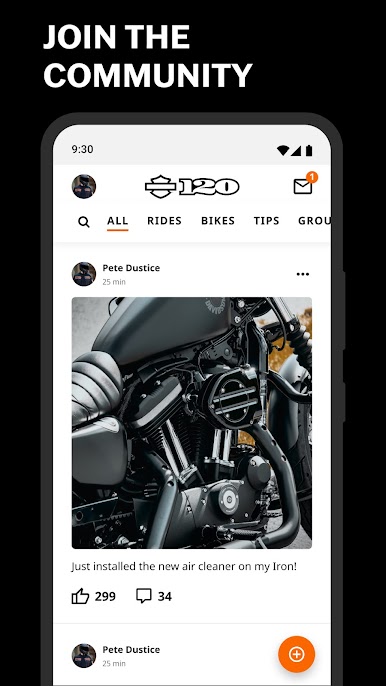
Make new connections, create or join groups, and find events in your local area or at your next destination.
MEMBERSHIP
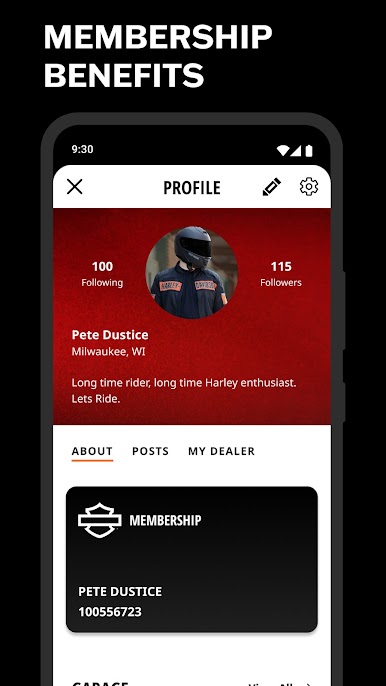
Create a custom profile, track your points, and connect with your local dealership. Earn points with purchases and in-app activities.
MAPS & RIDE PLANNING
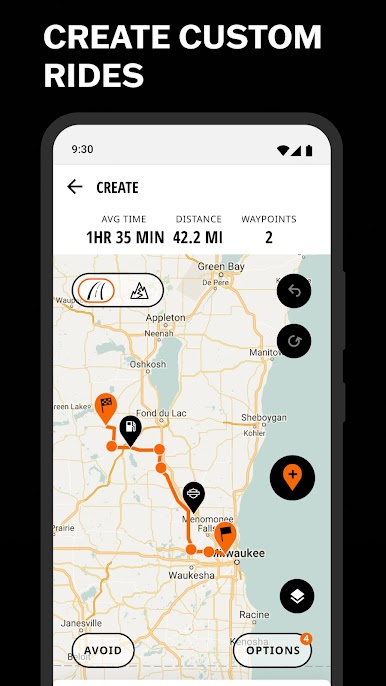
Plan a custom route by adding waypoints, Harley-Davidson® dealers, gas stations and restaurants along the way. Your custom routes are synced with the routes you create on www.h-d.com/rideplanner.
RECORDING & SHARING RIDES
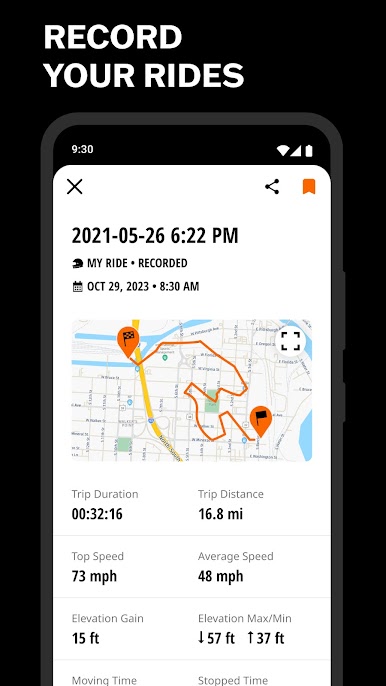
Share your rides with friends. From custom planned routes or favorite local rides to that epic ride you just recorded.
GPS NAVIGATION
Stay on course with turn-by-turn GPS navigation. Choose a destination or plan an epic route.
CHALLENGES
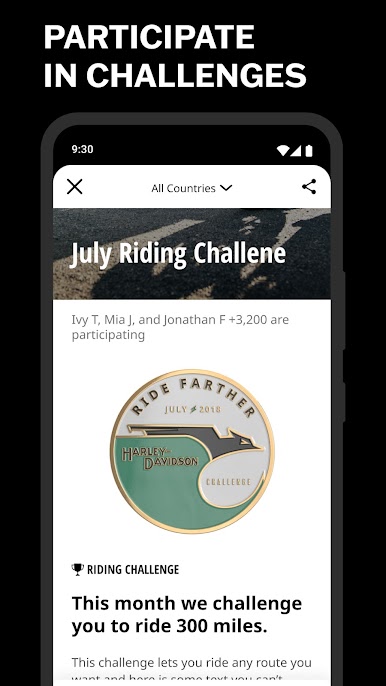
Participate in riding challenges, climb the leaderboard, and earn achievements including reward points.
HARLEY-DAVIDSON® DEALERS
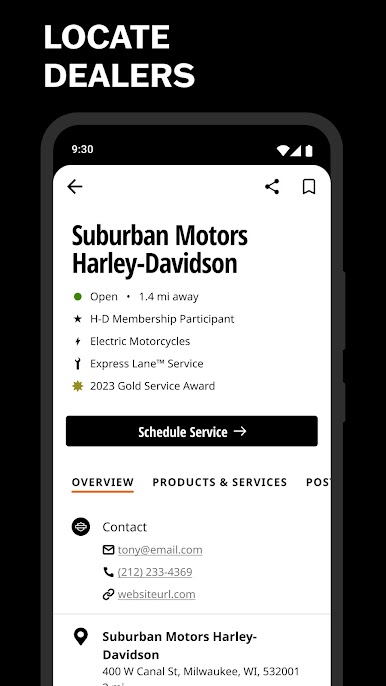
Locate and navigate to any dealership using GPS navigation. Connect with dealers, see their services, hours and upcoming events.
YOUR HARLEY-DAVIDSON® GARAGE
Manage your Harley-Davidson Motorcycles and ensure they are maintained and recall free. On select vehicles with Bluetooth connectivity you can display your routes on your bike’s infotainment system.

Play Harley-Davidson on PC. It’s easy to get started.
-
Download and install BlueStacks on your PC
-
Complete Google sign-in to access the Play Store, or do it later
-
Look for Harley-Davidson in the search bar at the top right corner
-
Click to install Harley-Davidson from the search results
-
Complete Google sign-in (if you skipped step 2) to install Harley-Davidson
-
Click the Harley-Davidson icon on the home screen to start playing

