


Pearl Drop
Play on PC with BlueStacks – the Android Gaming Platform, trusted by 500M+ gamers.

Page Modified on: Jul 9, 2026
Play Pearl Drop on PC
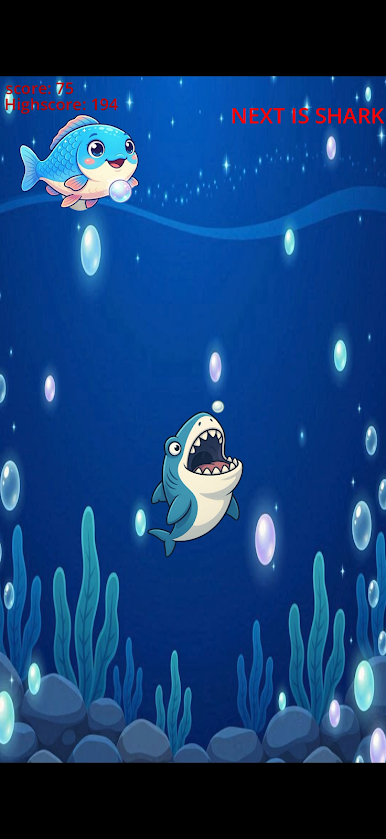
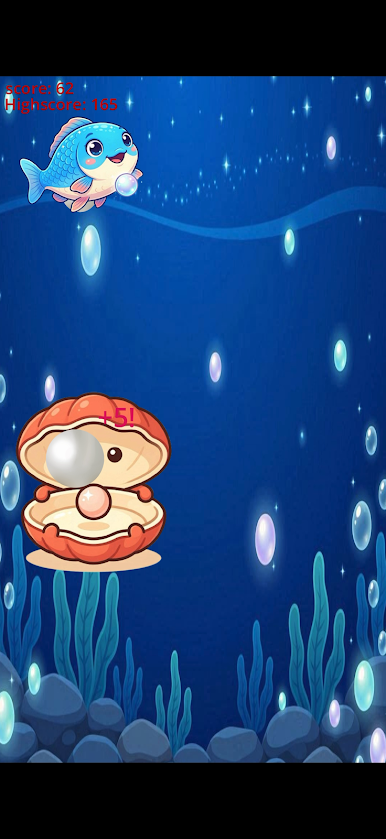
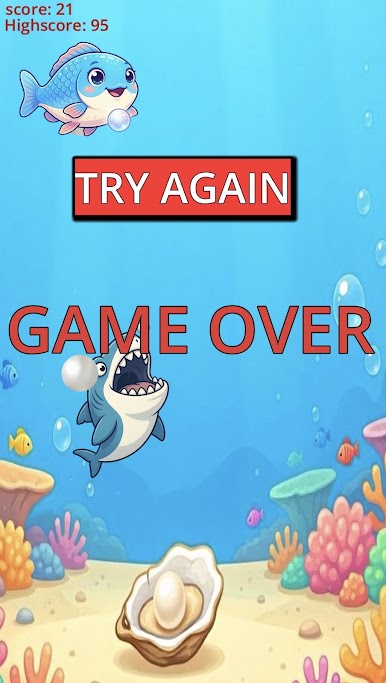
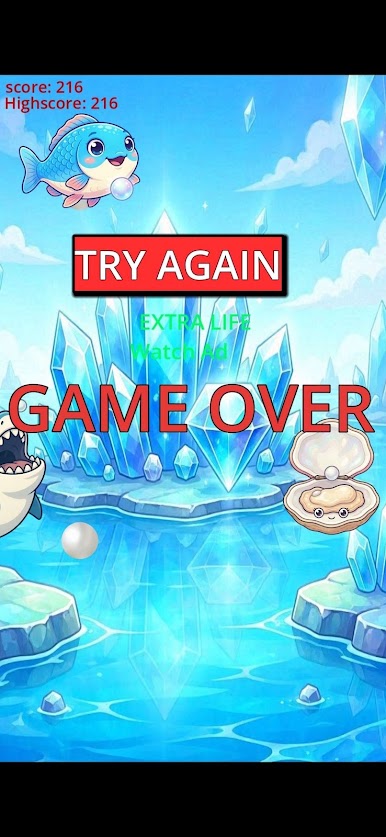
Control the fish and drop pearls into moving bowls to score points. As your score increases, the game becomes faster and more challenging. Miss a bowl and the game is over.
Features:
• Easy one-touch gameplay
• Increasing difficulty
• Highscore system
• Rewarded bonus opportunities
• Simple and fun arcade experience
How many points can you score in Pearl Drop?
Play Pearl Drop on PC. It’s easy to get started.
-
Download and install BlueStacks on your PC
-
Complete Google sign-in to access the Play Store, or do it later
-
Look for Pearl Drop in the search bar at the top right corner
-
Click to install Pearl Drop from the search results
-
Complete Google sign-in (if you skipped step 2) to install Pearl Drop
-
Click the Pearl Drop icon on the home screen to start playing

