

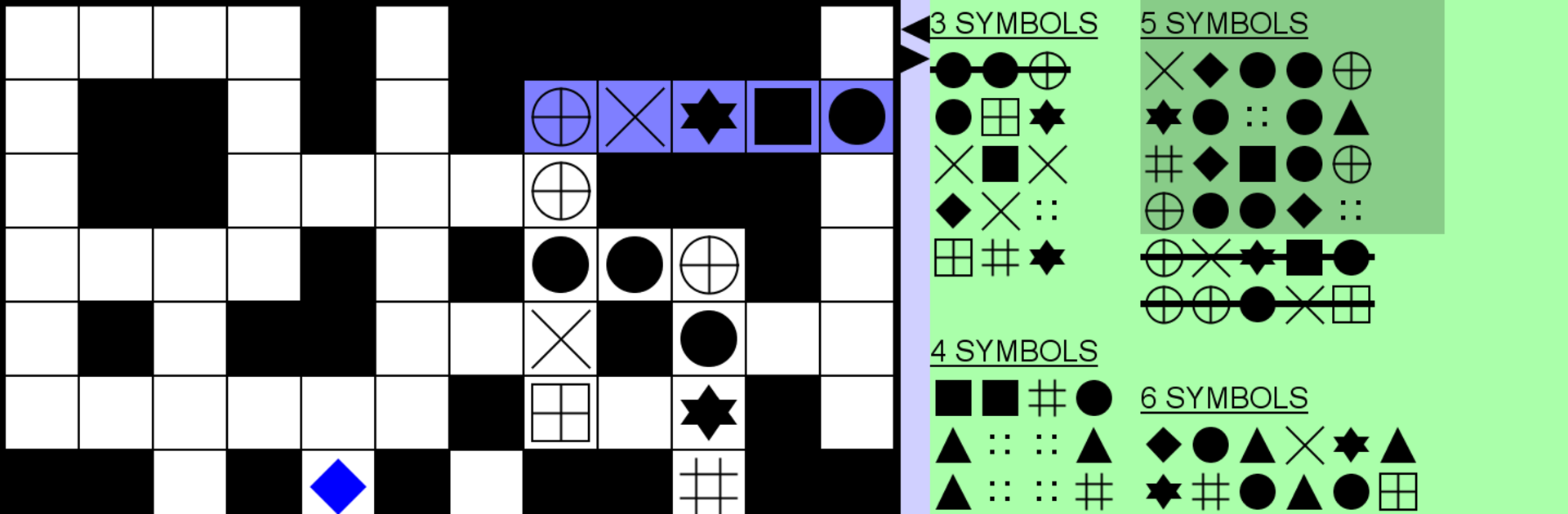
Number Fit Puzzle
Play on PC with BlueStacks – the Android Gaming Platform, trusted by 500M+ gamers.

Page Modified on: Jan 15, 2024
Play Number Fit Puzzle on PC or Mac
Step into the World of Number Fit Puzzle, a thrilling Puzzle game from the house of Havos Ltd. Play this Android game on BlueStacks App Player and experience immersive gaming on PC or Mac.
About the Game
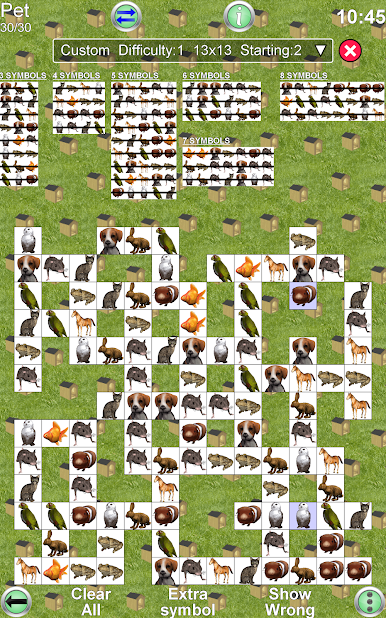
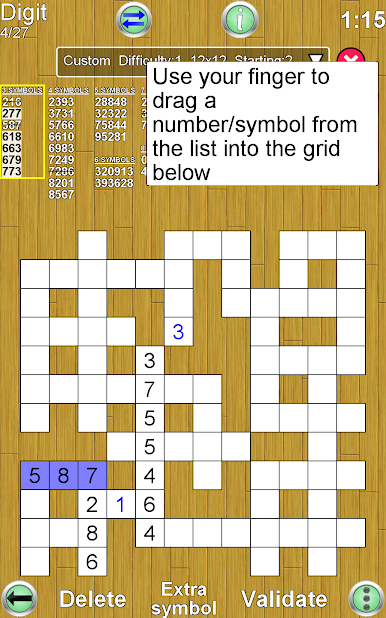
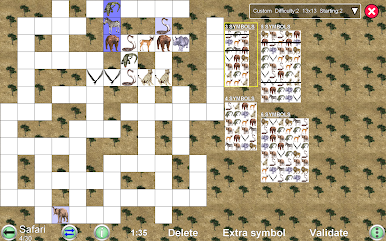
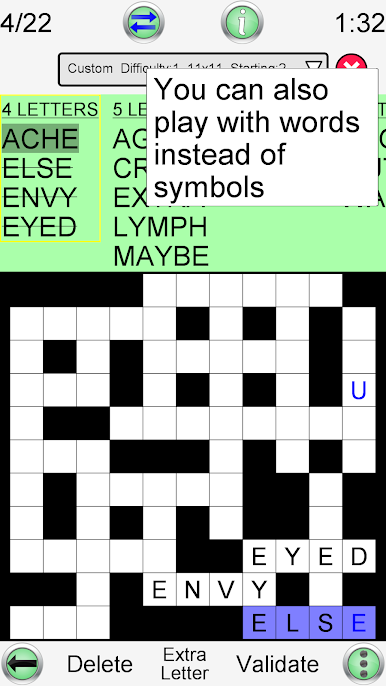
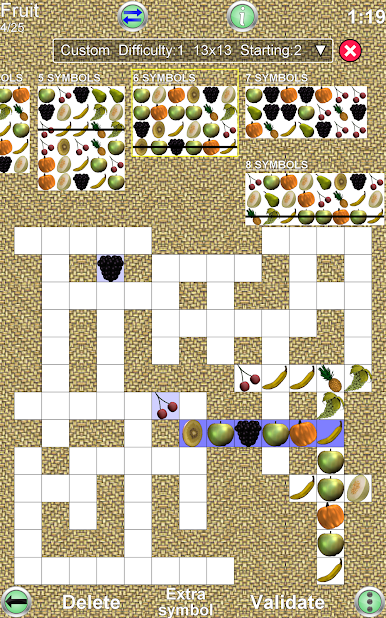
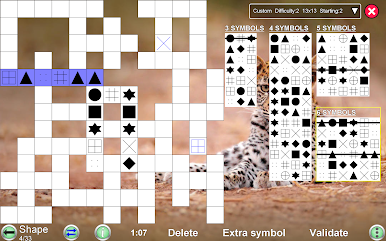
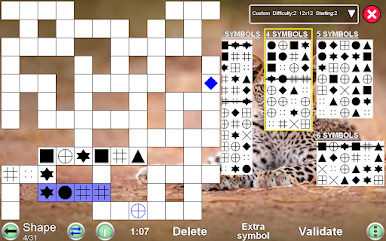
Number Fit Puzzle from Havos Ltd is one of those games you’ll pick up for a quick brain teaser—then notice you’ve been playing way longer than you meant to. Whether you love numbers, enjoy cute animal themes, or just want a Puzzle that keeps things fresh, this one’s got you covered. Tuck numbers or pictures neatly into a grid, figuring out exactly where each piece belongs—sort of like a cross between Sudoku and a picture puzzle, but without the headache.
Game Features
- Endless Variety
-
Never run out of challenges; there’s an unlimited supply of puzzles to keep things from getting stale.
-
Mix Up the Themes
-
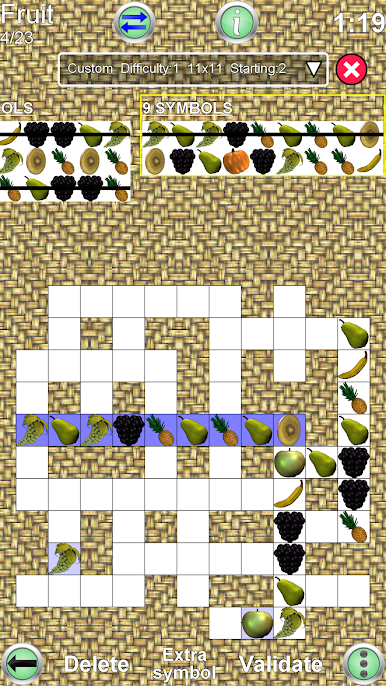
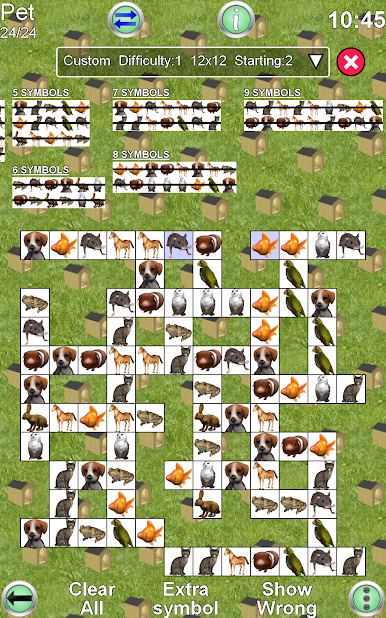
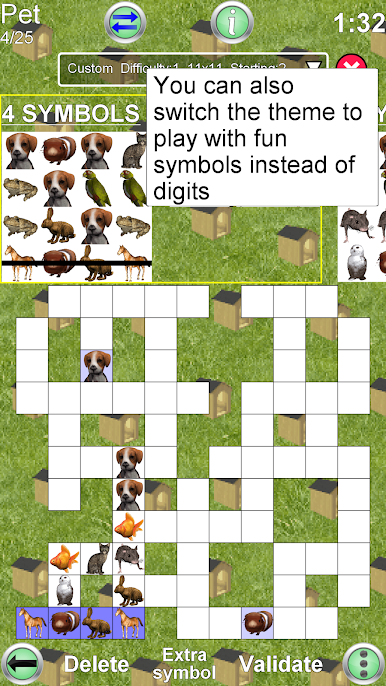
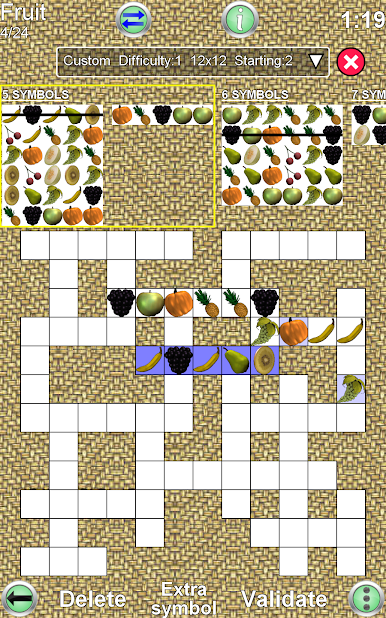
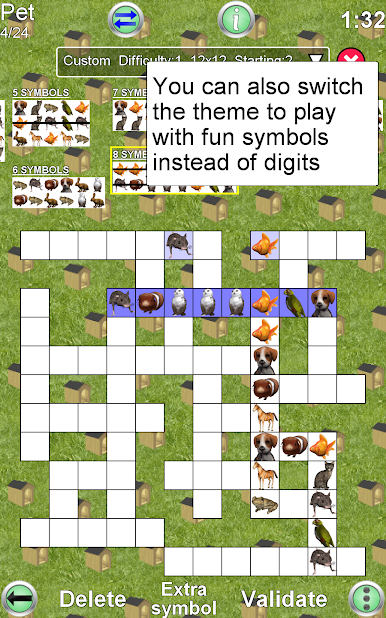
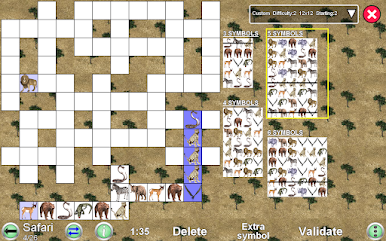
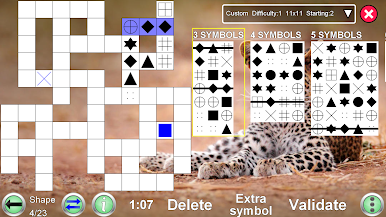
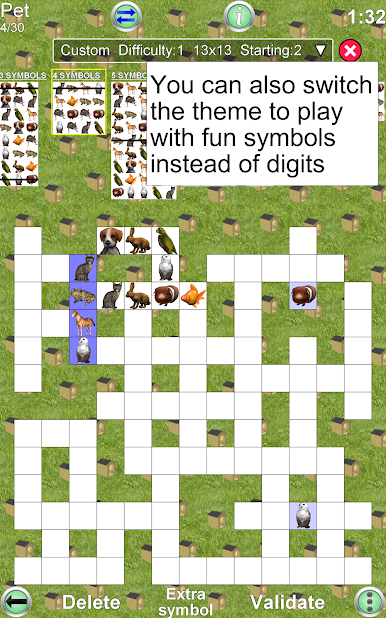
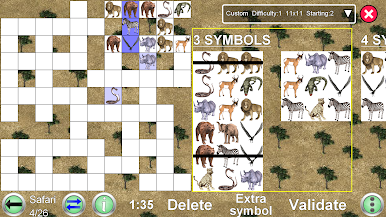
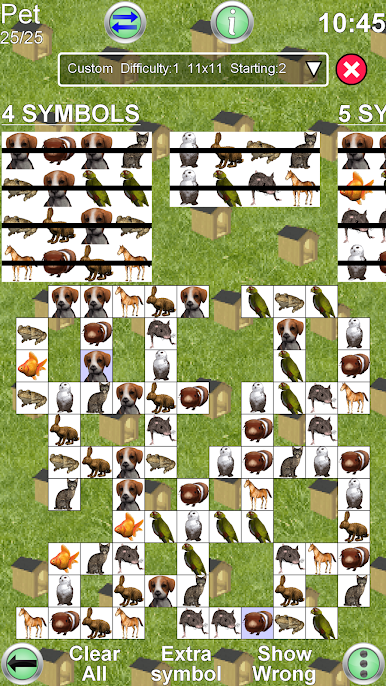
Choose what you like looking at—classic numbers, safari animals, pets, and other fun images. You can even let the app surprise you with a random theme each time you play.
-
Customizable Grid Sizes
-
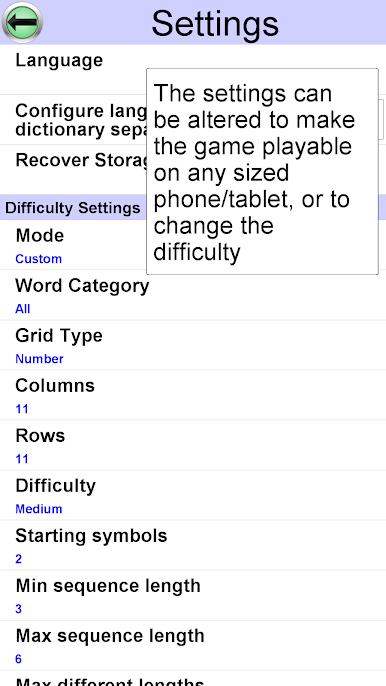
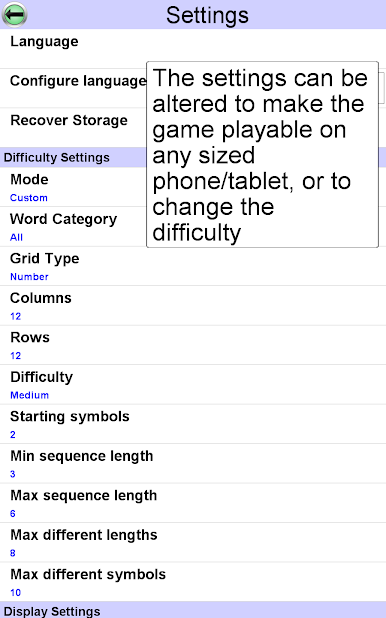
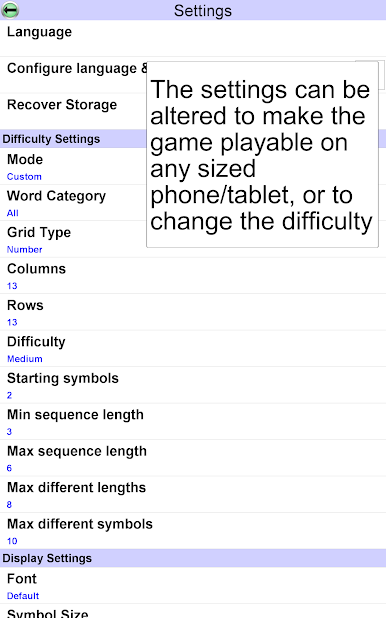
Like your puzzles bite-sized? Or do you want something sprawling? Set the grid up with as few as 3 columns and rows—or go big, all the way to 20. Fancy a rectangle instead of a square? No problem.
-
Flexible Controls
-
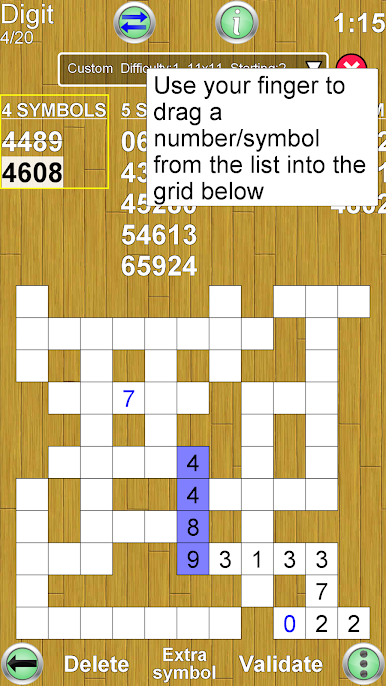
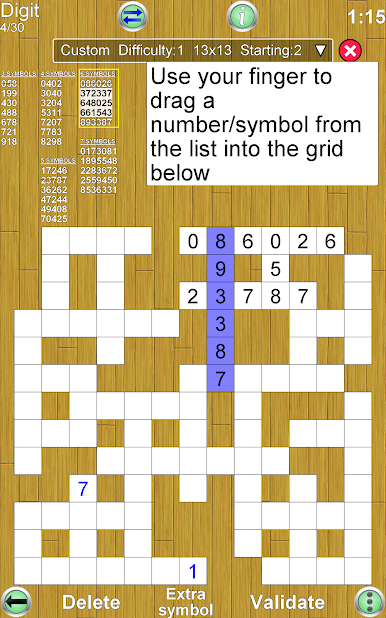
Play the way that feels right. Drag and drop pieces into place, or swipe and select them—whichever’s more your style.
-
Difficulty Levels for Everyone
-
Start simple, then ramp up as your skills improve. Puzzles can be breezy or truly brain-boggling, depending on the mood (or how many coffees you’ve had).
-
Tailored Screen Layout
-
Adjust how much space the grid or the piece list takes up. There’s a movable split bar, so you’re never squinting at tiny text or fiddling with cramped grids.
-
Play Your Way
-
Portrait or landscape mode? It’s your call. Rotate your device and everything shifts to fit, looking good on even the smallest phone or a big tablet.
-
High Scores and Achievements
-
Every difficulty keeps its own best times. Climb the charts and brag about your fastest solves, comparing with players worldwide through Google Play’s Game Services.
-
A New Take on Puzzles
-
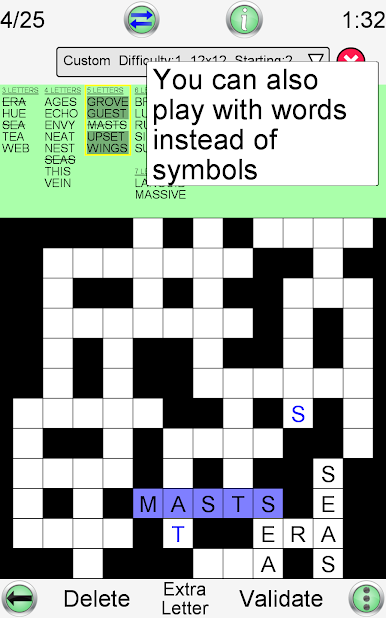
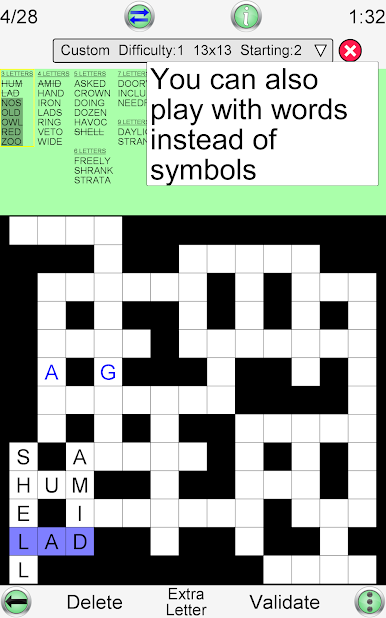
Number Fit Puzzle isn’t exactly a crossword or word game—and it isn’t classic Sudoku either. It sits somewhere in between, giving you a fresh twist every time.
-
Convenient on Any Device
- Resize grids, switch themes, and play on almost anything—phones, tablets, or even on your PC with the help of BlueStacks if you fancy a bigger screen and different controls.
Get ready for a buttery smooth, high-performance gaming action only on BlueStacks.
Play Number Fit Puzzle on PC. It’s easy to get started.
-
Download and install BlueStacks on your PC
-
Complete Google sign-in to access the Play Store, or do it later
-
Look for Number Fit Puzzle in the search bar at the top right corner
-
Click to install Number Fit Puzzle from the search results
-
Complete Google sign-in (if you skipped step 2) to install Number Fit Puzzle
-
Click the Number Fit Puzzle icon on the home screen to start playing

