


Heart Love Color By Number
Play on PC with BlueStacks – the Android Gaming Platform, trusted by 500M+ gamers.

Page Modified on: Sep 26, 2023
Play Heart Love Color By Number on PC or Mac
Heart Love Color By Number brings the Board genre to life, and throws up exciting challenges for gamers. Developed by OneStudioTeam, this Android game is best experienced on BlueStacks, the World’s #1 app player for PC and Mac users.
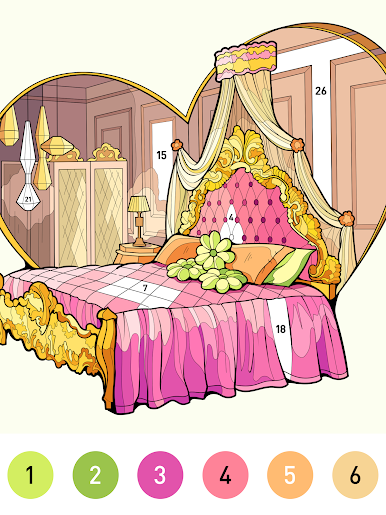
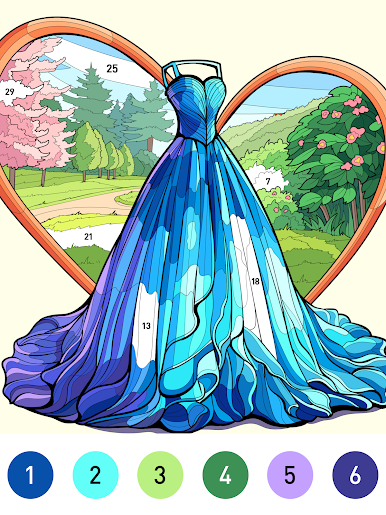
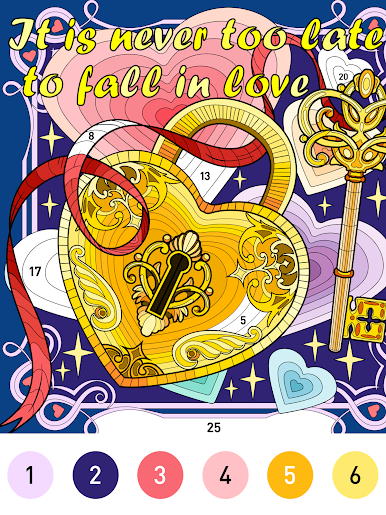
Heart Love Color By Number is a calm, pick up and color sort of game where everything revolves around filling in tiny shapes by matching numbers to a palette. It feels more like a relaxing puzzle than drawing, since there is no sketching needed. Players tap the color, tap the numbered area, and the picture slowly snaps into place. There are tons of pages to choose from, with hearts and romantic stuff, but also animals, mandalas, flowers, and some scenery for anyone who wants something detailed. Some designs are super simple for quick breaks, others get very intricate, so it suits a lazy evening or a longer session just the same.
What stands out is the clean flow. Colors slot in neatly, mistakes are easy to fix, and progress saves so nothing gets lost. New artworks show up often, so the library never feels stale. Finished pieces can be shared, which is fun when a complicated mandala comes together and actually looks polished. On PC with BlueStacks, the mouse makes precise tapping painless, and the bigger screen helps with those tiny cells that are annoying on a phone. There is no pressure, no timers, just quiet coloring with small pops of satisfaction as each section completes and the image clicks into a full scene. If someone likes low-stress, tidy results, this scratches that itch well.
Ready to top the leaderboard? We bet you do. Let precise controls and sharp visuals optimized on BlueStacks lead you to victory.






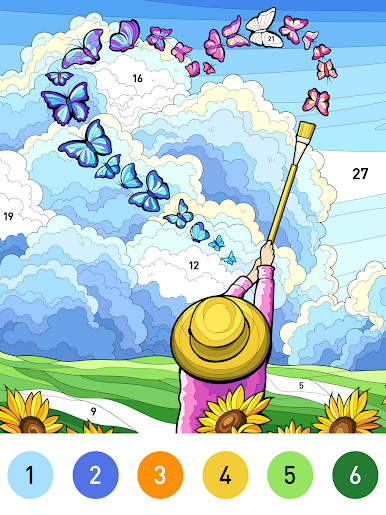
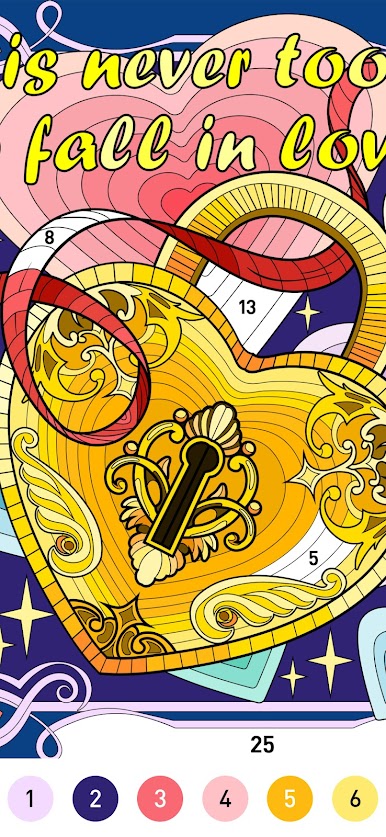
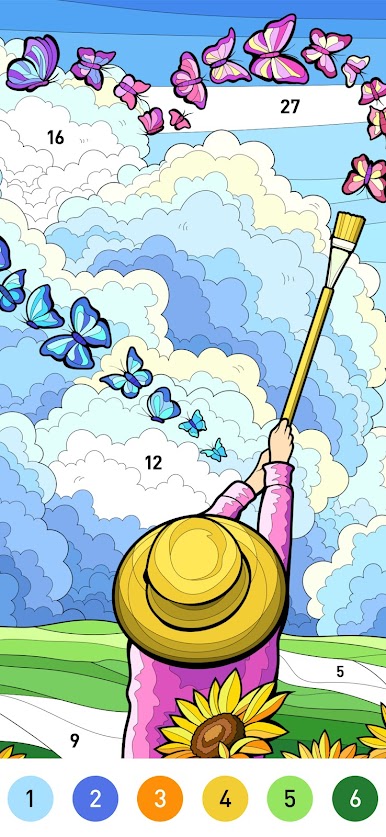

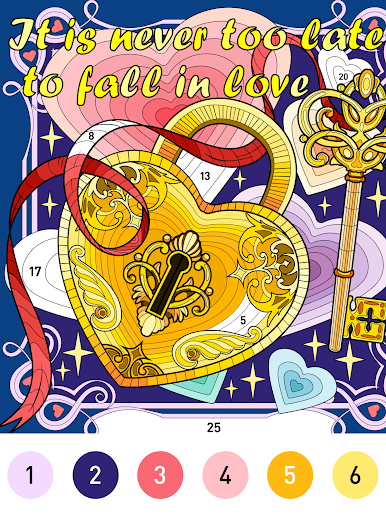
Play Heart Love Color By Number on PC. It’s easy to get started.
-
Download and install BlueStacks on your PC
-
Complete Google sign-in to access the Play Store, or do it later
-
Look for Heart Love Color By Number in the search bar at the top right corner
-
Click to install Heart Love Color By Number from the search results
-
Complete Google sign-in (if you skipped step 2) to install Heart Love Color By Number
-
Click the Heart Love Color By Number icon on the home screen to start playing

