

Click Wood
Play on PC with BlueStacks – the Android Gaming Platform, trusted by 500M+ gamers.

Page Modified on: Oct 15, 2026
Play Click Wood on PC or Mac
From the innovators and creators at Heartsnet, Click Wood is another fun addition to the World of Board games. Go beyond your mobile screen and play it bigger and better on your PC or Mac. An immersive experience awaits you.
About the Game
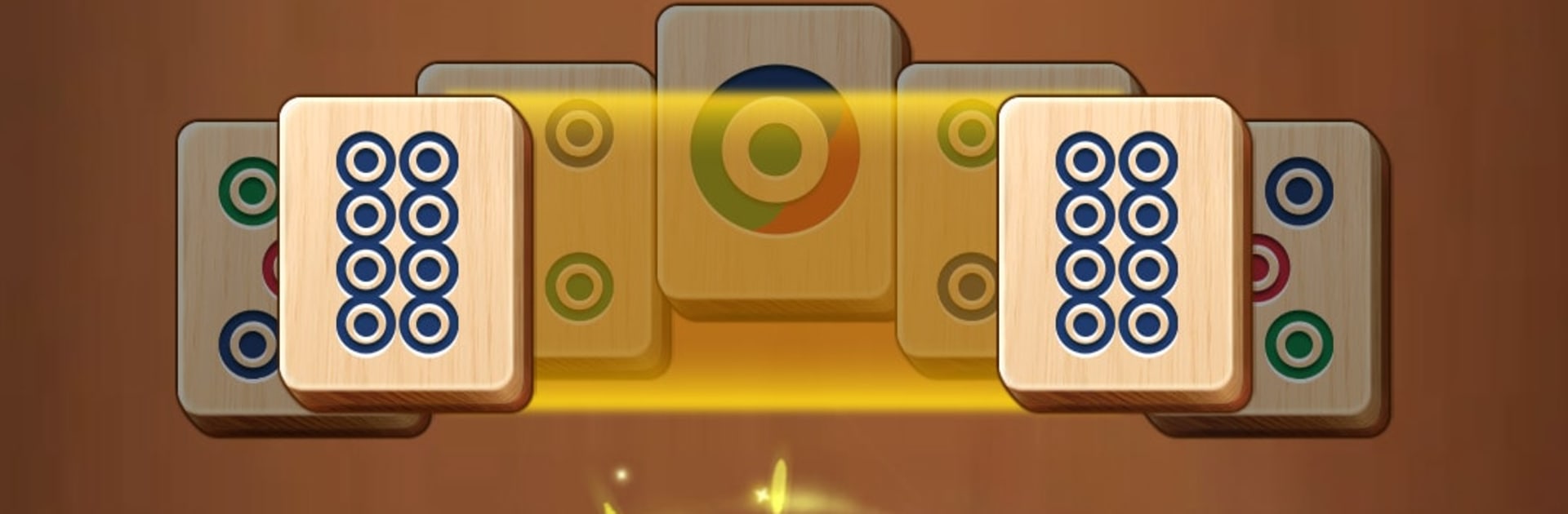
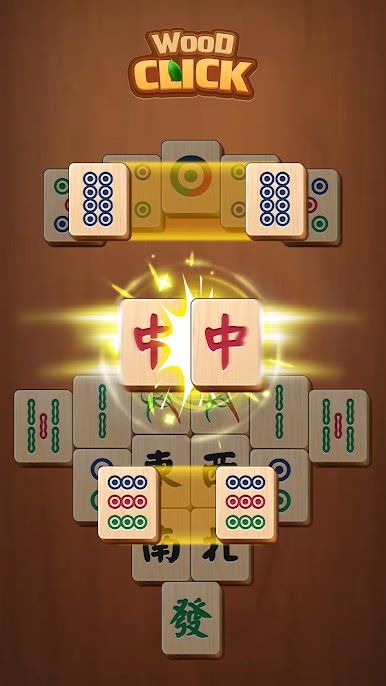
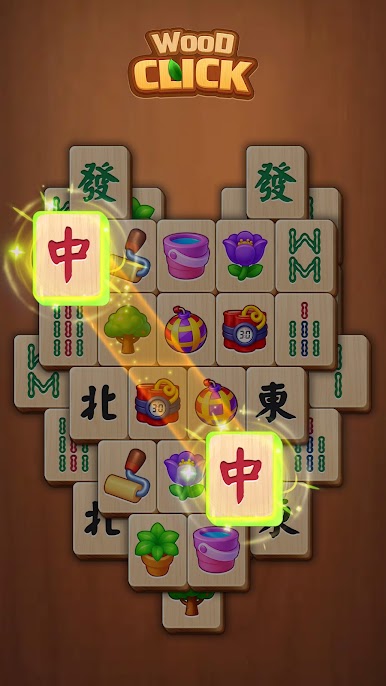
Click Wood from Heartsnet is a laid-back Board puzzler that brings classic mahjong solitaire to a warm, wood‑grain table. It’s calm, easy to pick up, and surprisingly satisfying when that last pair snaps off the board. Got a spare minute or need a quiet wind‑down before bed? This one fits the mood.
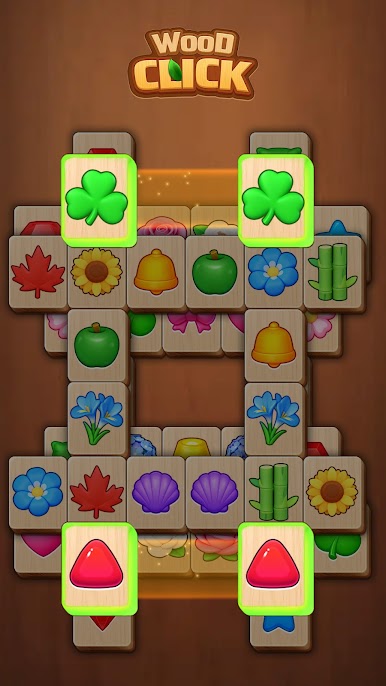
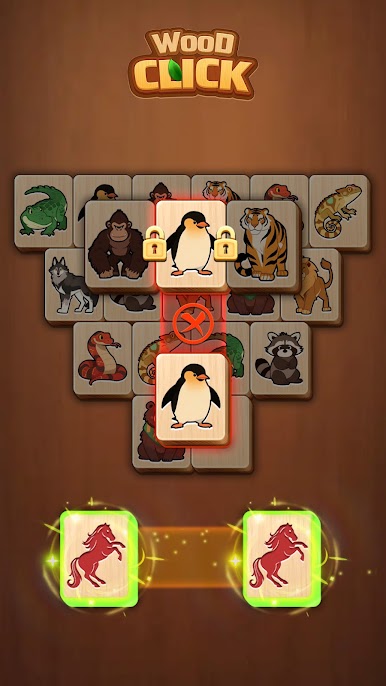
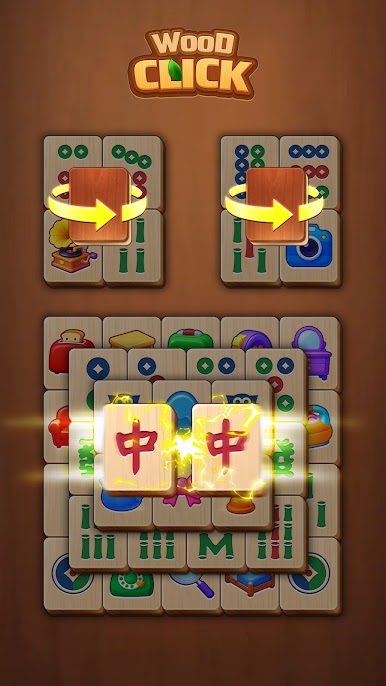
Match identical tiles that aren’t blocked, tap or slide to pair them, and clear the stack at your own pace. Simple idea, plenty of depth, zero fuss.
Game Features
- Cozy wooden look: Soft textures and natural tones make every board feel calm and inviting.
- Classic mahjong solitaire: Pair up free tiles to clear the layout—no complicated rules to memorize.
- Tons of layouts: A huge library of puzzles means you’ll always have a new board to solve.
- Big, readable tiles: Clear visuals are easy on the eyes and great for players of all ages.
- No timers, no pressure: Play slowly, pause anytime, and unwind without a clock ticking.
- Gentle brain workout: Sharpen attention and logic while keeping the vibe relaxed.
- Helpful boosters: Use hints, undo, or shuffle when a layout gets tricky—no judgment here.
- Offline friendly: Enjoy your puzzles anywhere, even without an internet connection.
- Phone and tablet ready: Smooth performance and clean UI across different screen sizes.
- Great on BlueStacks: Prefer a bigger screen? It runs comfortably on PC with BlueStacks.
Start your journey now. Download the game on BlueStacks, invite your friends, and march on a new adventure.
Play Click Wood on PC. It’s easy to get started.
-
Download and install BlueStacks on your PC
-
Complete Google sign-in to access the Play Store, or do it later
-
Look for Click Wood in the search bar at the top right corner
-
Click to install Click Wood from the search results
-
Complete Google sign-in (if you skipped step 2) to install Click Wood
-
Click the Click Wood icon on the home screen to start playing

