


Hedgehog's Adventures Part 2
Play on PC with BlueStacks – the Android Gaming Platform, trusted by 500M+ gamers.

Page Modified on: Oct 9, 2025
Play Hedgehog's Adventures Part 2 on PC
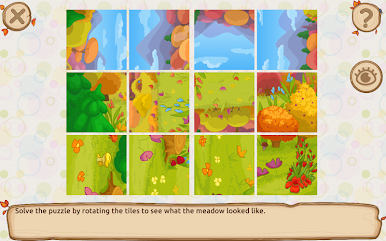
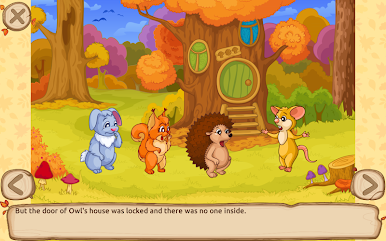
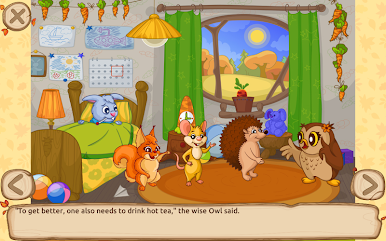
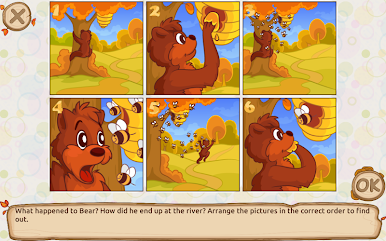
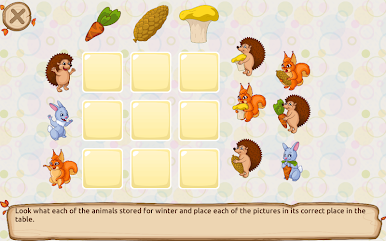
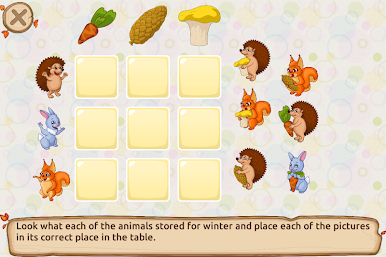
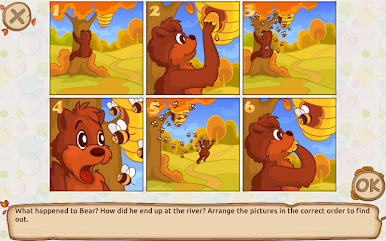
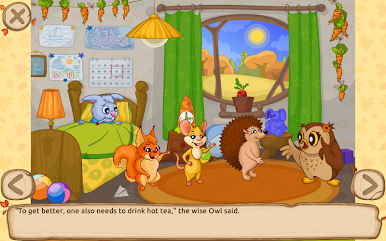
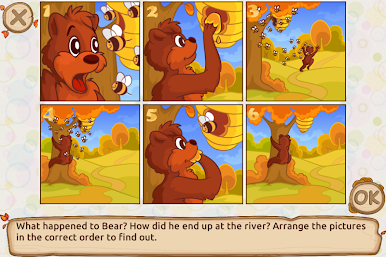
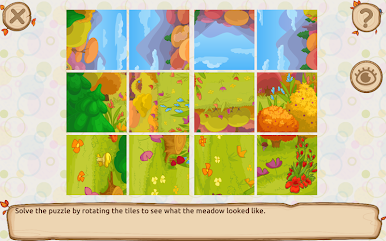
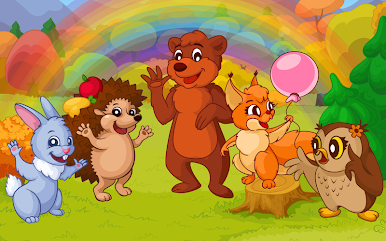
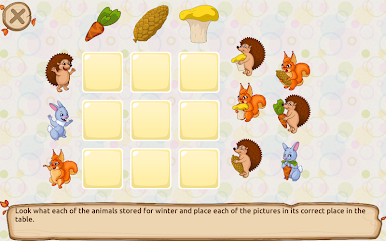
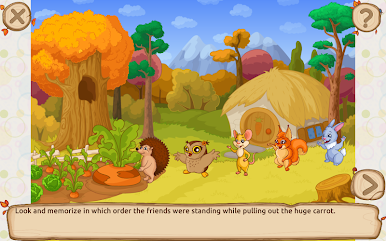
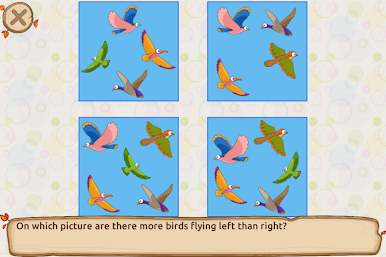
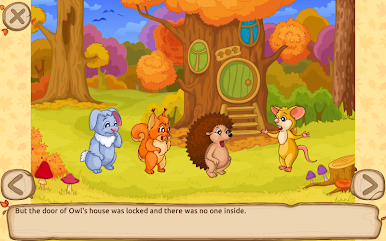
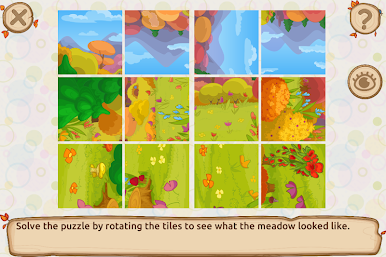
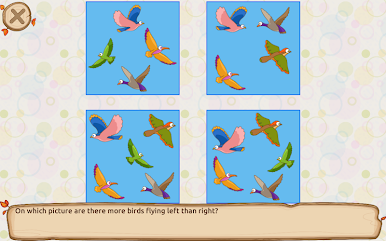
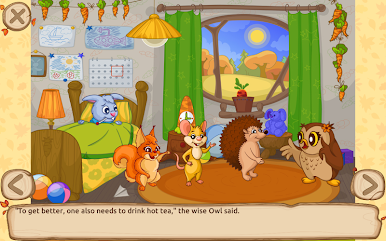
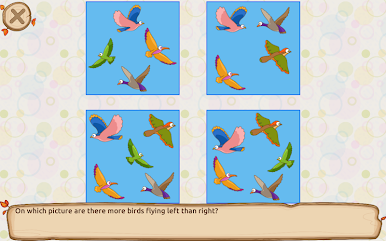
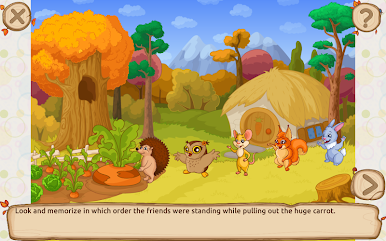
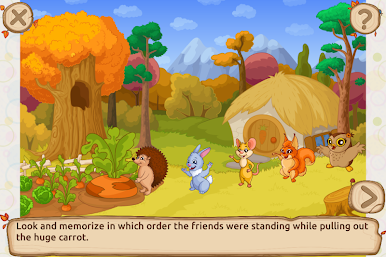
The logic tasks and puzzles are blended into the story. Such a format has proven to be more engaging and fun for kids. The educational tasks are aimed at development of attention, visual memory, logic and spatial intelligence. In total there are over 20 types of tasks including:
Pick the odd object,
Find two similar objects,
Sudoku,
Jigsaw puzzles,
Mazes,
Memory game,
Hidden objects,
and many other kids’ games.
Also, over 15 educational mini-games are available in a separate list, each with 4 levels of difficulty. Easy level would be accessible to preschoolers (3-4 year olds), while Very Hard is aimed at first and second graders (6-7 years old and up). All these mini-games randomly generate and can be replayed many times. They train such brain functions as logic, spatial intelligence, memory and attention.
This educational game was designed by a professional child psychologist and teacher. We recommend playing on tablets because tablets with their bigger screen better suit small children and toddlers, though smartphones with Android are also supported.
The app has support for 15 languages: English, Russian, German, French, Spanish, Portuguese, Italian, Dutch, Japanese, Swedish, Danish, Norwegian, Polish, Czech, and Turkish.
Play Hedgehog's Adventures Part 2 on PC. It’s easy to get started.
-
Download and install BlueStacks on your PC
-
Complete Google sign-in to access the Play Store, or do it later
-
Look for Hedgehog's Adventures Part 2 in the search bar at the top right corner
-
Click to install Hedgehog's Adventures Part 2 from the search results
-
Complete Google sign-in (if you skipped step 2) to install Hedgehog's Adventures Part 2
-
Click the Hedgehog's Adventures Part 2 icon on the home screen to start playing

