

FS Mehanika (Beam Analysis)
Play on PC with BlueStacks – the Android Gaming Platform, trusted by 500M+ gamers.

Page Modified on: Apr 11, 2017
Run FS Mehanika (Beam Analysis) on PC or Mac
Let BlueStacks turn your PC, Mac, or laptop into the perfect home for FS Mehanika (Beam Analysis), a fun Education app from Helike.
About the App
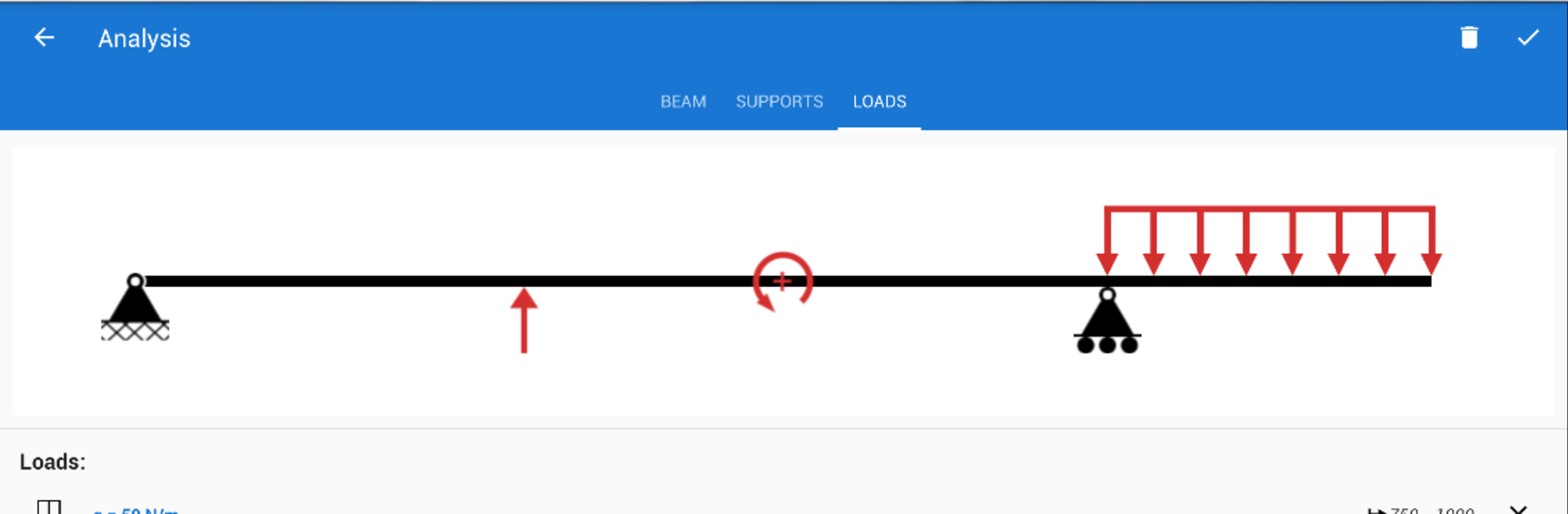
Ever get curious about how beams handle weight or bend under pressure? FS Mehanika (Beam Analysis) from Helike is your go-to tool if you’re studying mechanics or just need to run a quick calculation for a structure. The app lets you model beams, add loads and supports, and see the way everything reacts. Whether you’re in the classroom, stuck on homework, or just brushing up on the basics, this Education app makes working through tough engineering problems feel way less intimidating.
App Features
-
Custom Beam Setup
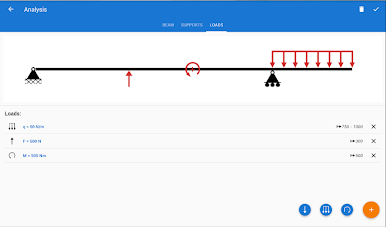
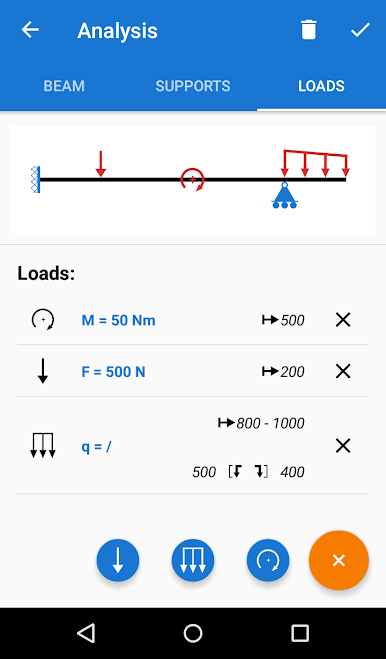
Pick any kind of support or load you need—fixed, pinned, roller, you name it. You can mix and match as many as your scenario demands, giving you real flexibility. -
Versatile Load Options
Add regular point loads, distributed forces, or even variable distributed loads to see how the beam responds in different situations. -
Determinacy Control
Not sure if your structure is statically determinate or indeterminate? No problem. The app can handle both, letting you experiment with all kinds of engineering challenges. -
Profile Library
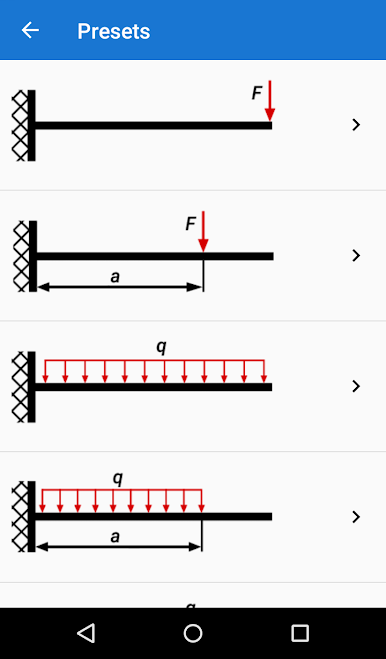
Browse through a handy library packed with standard steel sections and presets to make your modeling process even smoother. -
Powerful Meshing Algorithms
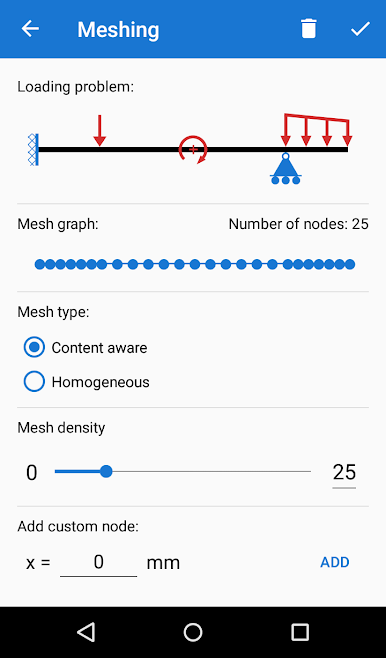
Take advantage of two different meshing approaches, ensuring accurate results whether you’re running simple or complex beam analyses. -
Detailed Results
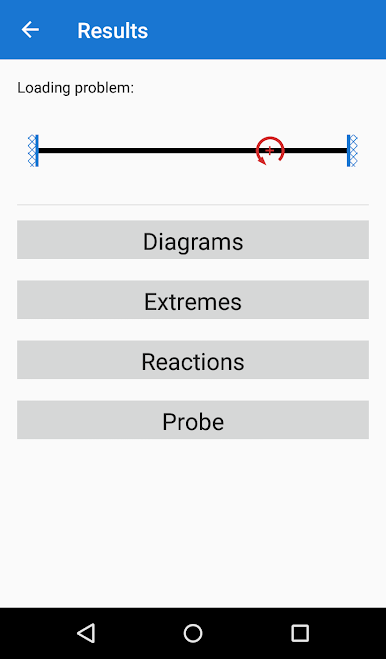
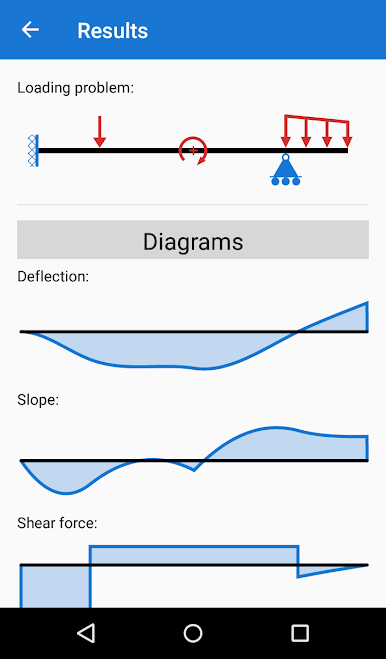
See diagrams for vertical displacement, slope, shear force, and moment. The app spotlights key extremes and reaction points, so you get a full picture of what’s happening. -
Learning Support
Perfect for students or anyone brushing up on mechanics, FS Mehanika (Beam Analysis) breaks things down clearly, so you can actually see theory in action.
If you like doing your engineering work on a bigger screen, FS Mehanika (Beam Analysis) runs smoothly with BlueStacks.
Big screen. Bigger performance. Use BlueStacks on your PC or Mac to run your favorite apps.


Play FS Mehanika (Beam Analysis) on PC. It’s easy to get started.
-
Download and install BlueStacks on your PC
-
Complete Google sign-in to access the Play Store, or do it later
-
Look for FS Mehanika (Beam Analysis) in the search bar at the top right corner
-
Click to install FS Mehanika (Beam Analysis) from the search results
-
Complete Google sign-in (if you skipped step 2) to install FS Mehanika (Beam Analysis)
-
Click the FS Mehanika (Beam Analysis) icon on the home screen to start playing

