


HereYouGo
Play on PC with BlueStacks – the Android Gaming Platform, trusted by 500M+ gamers.

Page Modified on: Jul 3, 2025
Play HereYouGo on PC
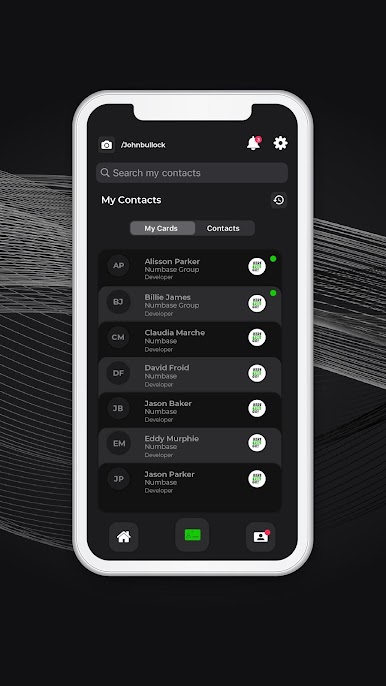
• Register in one simple step
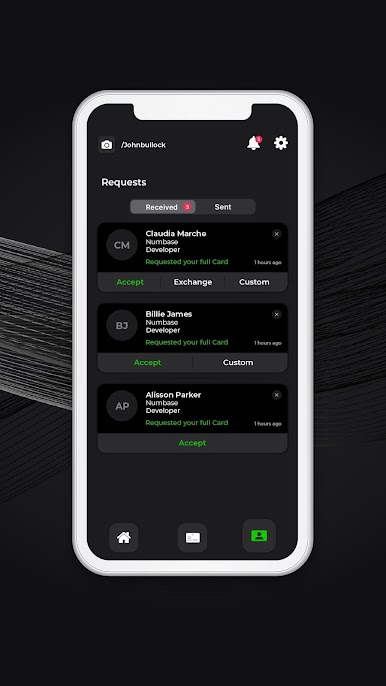
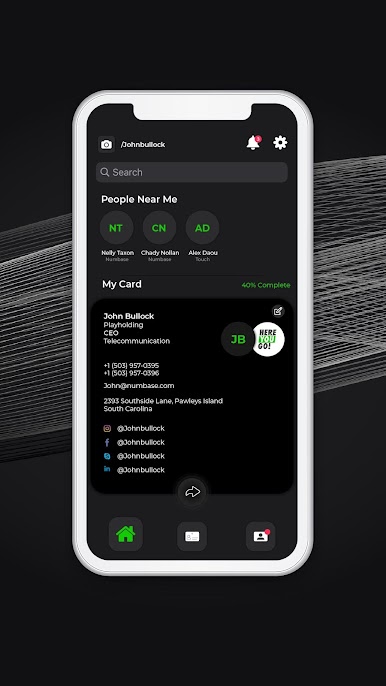
• Exchange, Save and Download business cards easily
• Keep your contacts up to date
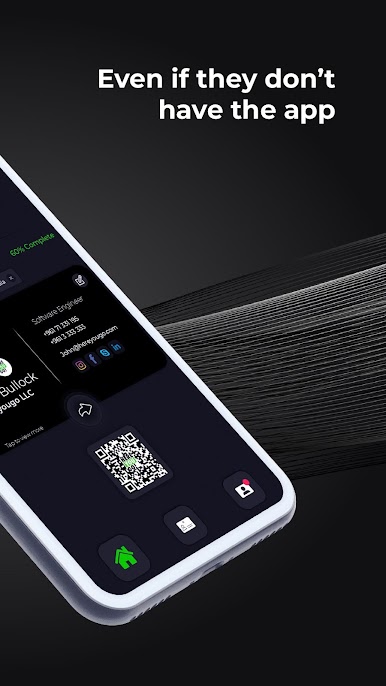
• Your own QR Code
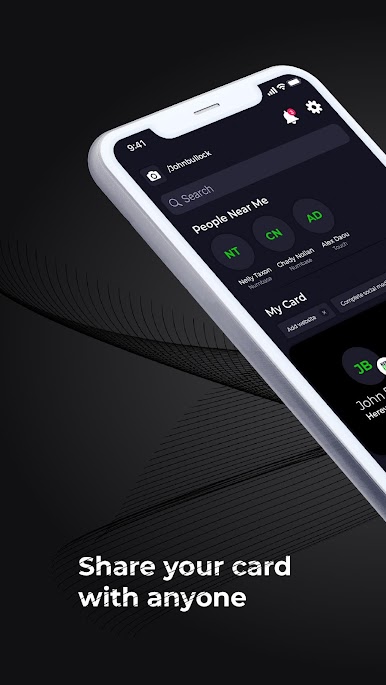
• Find people near you
• Share your card's link (hereyougo.com/yourname) easily across any platform or use it as your email signature
• 1 week free trial
• Environmentally friendly, no trees were cut in the process
HereYouGo! license agreement ( EULA ) :
https://www.hereyougo.com/eula
HereYouGo! privacy policy :
https://www.hereyougo.com/privacy-policy
HereYouGo! terms and conditions :
https://www.hereyougo.com/terms-conditions


Play HereYouGo on PC. It’s easy to get started.
-
Download and install BlueStacks on your PC
-
Complete Google sign-in to access the Play Store, or do it later
-
Look for HereYouGo in the search bar at the top right corner
-
Click to install HereYouGo from the search results
-
Complete Google sign-in (if you skipped step 2) to install HereYouGo
-
Click the HereYouGo icon on the home screen to start playing

