


主公超會閃
Play on PC with BlueStacks – the Android Gaming Platform, trusted by 500M+ gamers.

Page Modified on: Apr 27, 2026
Play 主公超会闪 on PC or Mac
Bring your A-game to 主公超会闪, the Card game sensation from Morefun Technology Limited. Give your gameplay the much-needed boost with precise game controls, high FPS graphics, and top-tier features on your PC or Mac with BlueStacks.
About the Game
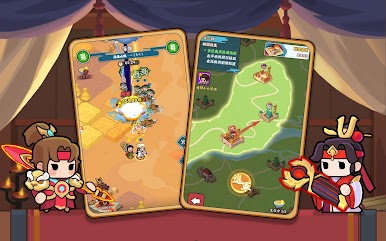
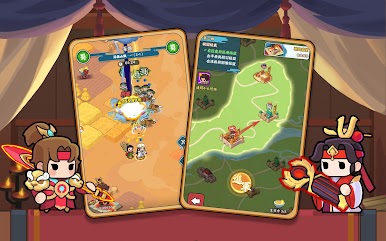
主公超会闪 from Morefun Technology Limited is a playful Card game that gives the Three Kingdoms a bright, cheeky spin. Collect a squad of adorable generals, mix their skills in clever ways, and outwit foes with quick, tactical battles that don’t feel heavy. Want to play on a bigger screen? It works smoothly on BlueStacks when you’re in the mood for a comfy PC session.
Game Features
- Cute generals with bite: Recruit fan-favorite Three Kingdoms heroes reimagined in a charming style, each with distinct roles and flashy skills.
- Pick-up-and-play strategy: Battles are easy to understand but reward timing, formation choices, and smart skill order.
- Skill combos and bonds: Trigger powerful effects by pairing complementary abilities and activating character bonds for surprising turnarounds.
- Rewards that keep coming: Daily dungeons and quick challenges hand out plenty of resources, so progress feels steady, not grindy.
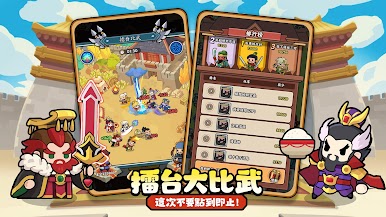
- Arena mind games: Test your lineup against other players’ teams, read their setups, and counter with your own mix of tactics.
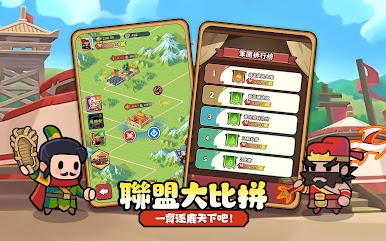
- League teamwork: Join forces with allies, support each other’s growth, and push for shared victories on a larger competitive stage.
- Simple growth, real impact: Upgrade and evolve your generals with an easy-to-use system, then tailor squads for different modes.
- Play your pace: Hop in for short sessions to grab daily rewards or settle in for tougher runs when you’ve got time.
Get ready for a buttery smooth, high-performance gaming action only on BlueStacks.















Play 主公超會閃 on PC. It’s easy to get started.
-
Download and install BlueStacks on your PC
-
Complete Google sign-in to access the Play Store, or do it later
-
Look for 主公超會閃 in the search bar at the top right corner
-
Click to install 主公超會閃 from the search results
-
Complete Google sign-in (if you skipped step 2) to install 主公超會閃
-
Click the 主公超會閃 icon on the home screen to start playing

