


SuperHero Crawler: Roguelike
Play on PC with BlueStacks – the Android Gaming Platform, trusted by 500M+ gamers.

Page Modified on: Jul 31, 2026
Play SuperHero Crawler: Roguelike on PC
If you are passionate about strategic card games and superhero aesthetics, this is your next challenge. Explore dark corridors, face unique villains, and discover a thrilling story told through incredible comic panels.
🔥 KEY FEATURES
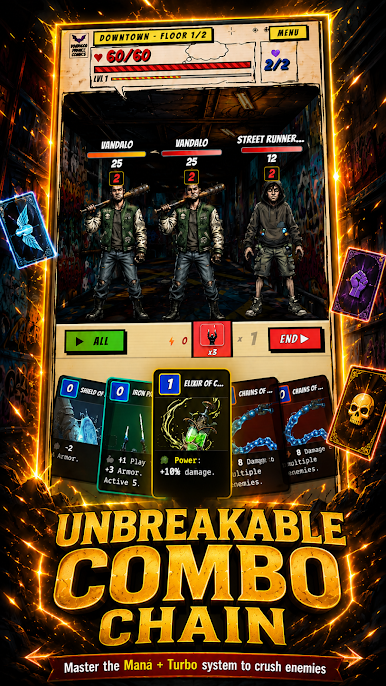
🃏 Tactical Deckbuilding: Every decision counts. Design your strategy with over 60 general cards and unique decks for each character.
⚡ Innovative Combo System: Master the Mana and Turbo system (0-1-2-3). Chain your attacks, strategically use zero-cost Wild Cards, and unleash devastating combos to annihilate your enemies.
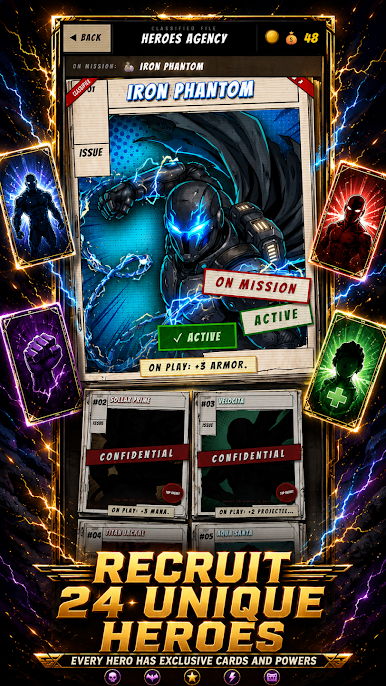
🦸♂️ Recruit Your Team: Unlock up to 24 unique heroes at the Hero Agency. Each possesses their own cards, skills, and a completely different playstyle.
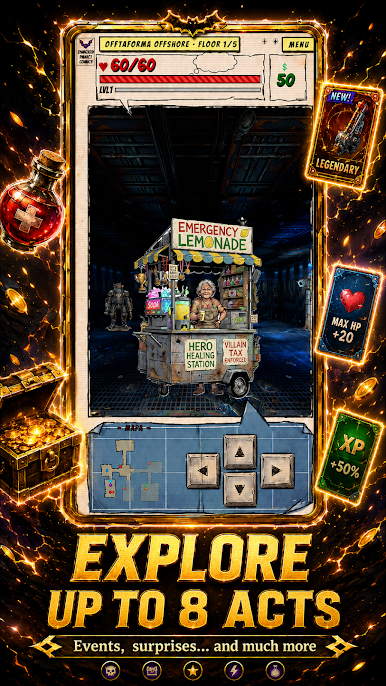
🗺️ Massive Exploration: Fight your way through 8 distinct Acts. Each zone features its own stages, exclusive enemies, and final bosses that will test your deck. No recycled villains here!
📖 Comic Book Narrative: Immerse yourself in the action without long text screens. The story and world lore unfold through spectacular comic strips.
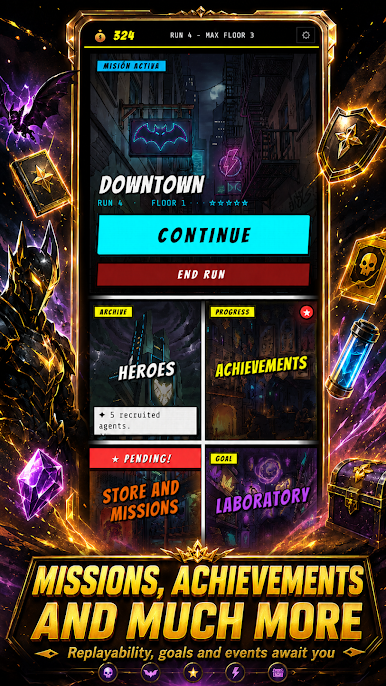
💎 Meta-progression: Fall in battle? No problem! Use the Hero Shop to purchase permanent upgrades (Strength, Health, Recovery) that will help you in your next run.

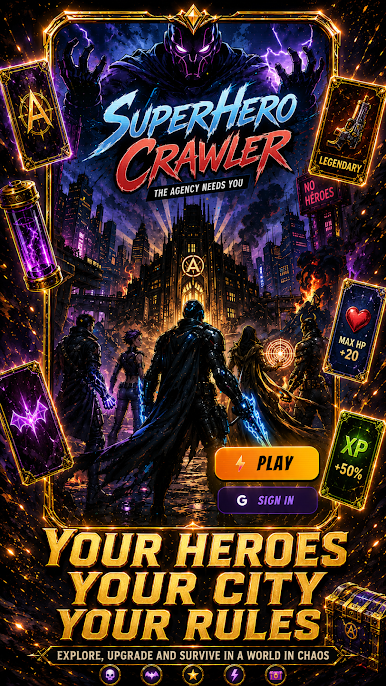
Play SuperHero Crawler: Roguelike on PC. It’s easy to get started.
-
Download and install BlueStacks on your PC
-
Complete Google sign-in to access the Play Store, or do it later
-
Look for SuperHero Crawler: Roguelike in the search bar at the top right corner
-
Click to install SuperHero Crawler: Roguelike from the search results
-
Complete Google sign-in (if you skipped step 2) to install SuperHero Crawler: Roguelike
-
Click the SuperHero Crawler: Roguelike icon on the home screen to start playing

