


Adventure: Undying Diamond
Play on PC with BlueStacks – the Android Gaming Platform, trusted by 500M+ gamers.

Page Modified on: May 15, 2026
Main Adventure: Undying Diamond on PC
feature:
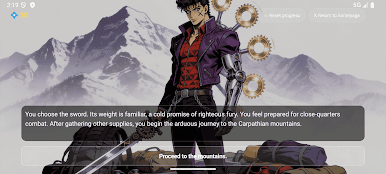
A Century of War: Unravel an epic story spanning generations.
Lead Your Noble House: Forge alliances, manage resources, and secure your legacy.
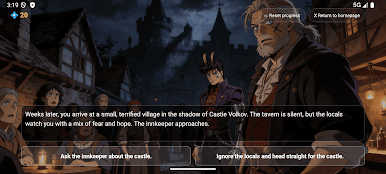
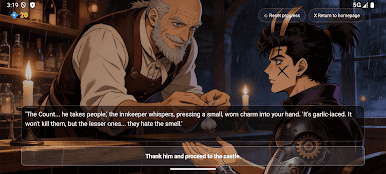
Hunt the Undead: Stalk and vanquish powerful vampire lords with unique abilities.
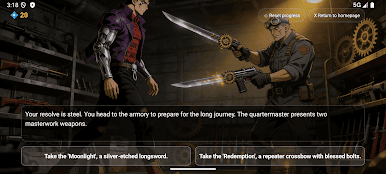
Master Tactical Combat: Outwit immortal foes in deep, word-based battles.
Explore Gothic Britain: Uncover dark secrets in a richly detailed, atmospheric world.
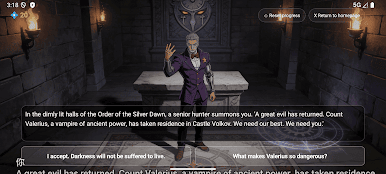
Play Adventure: Undying Diamond on PC. It’s easy to get started.
-
Download and install BlueStacks on your PC
-
Complete Google sign-in to access the Play Store, or do it later
-
Look for Adventure: Undying Diamond in the search bar at the top right corner
-
Click to install Adventure: Undying Diamond from the search results
-
Complete Google sign-in (if you skipped step 2) to install Adventure: Undying Diamond
-
Click the Adventure: Undying Diamond icon on the home screen to start playing

