


DREO
Play on PC with BlueStacks – the Android Gaming Platform, trusted by 500M+ gamers.

Page Modified on: Sep 13, 2026
Play DREO on PC
Why Choose the DREO Home App?
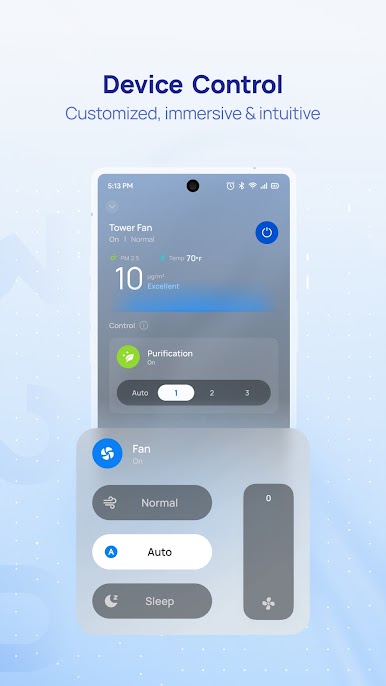
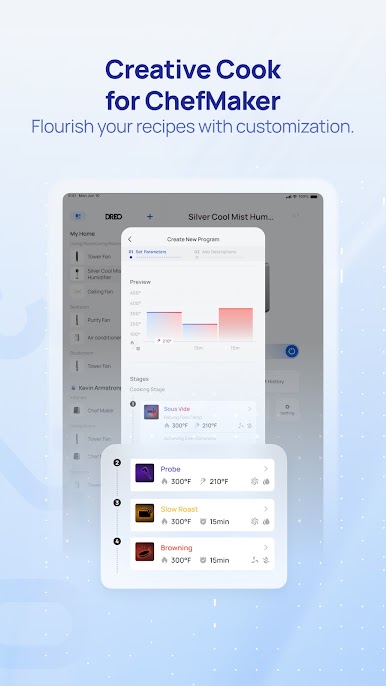
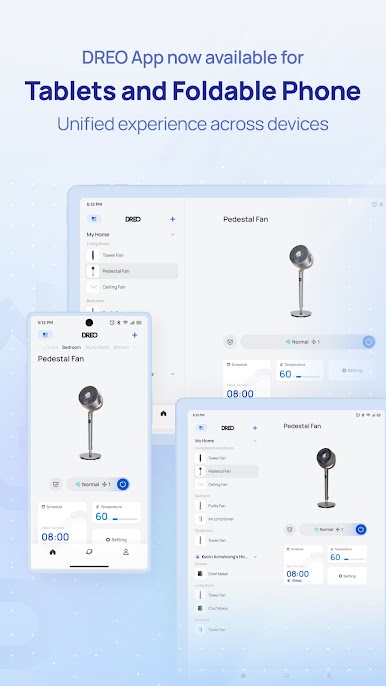
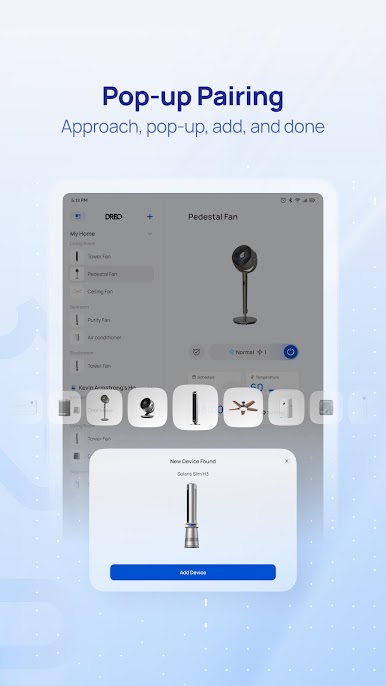
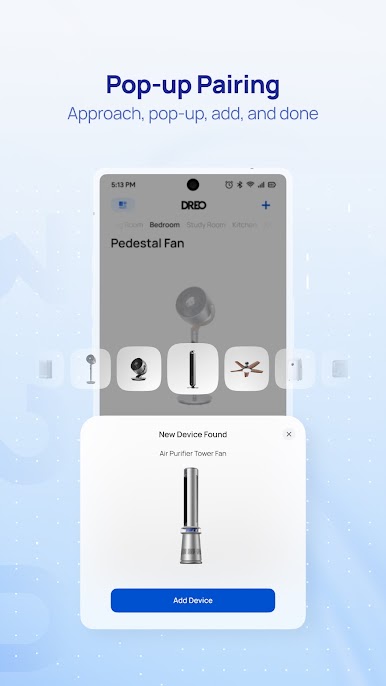
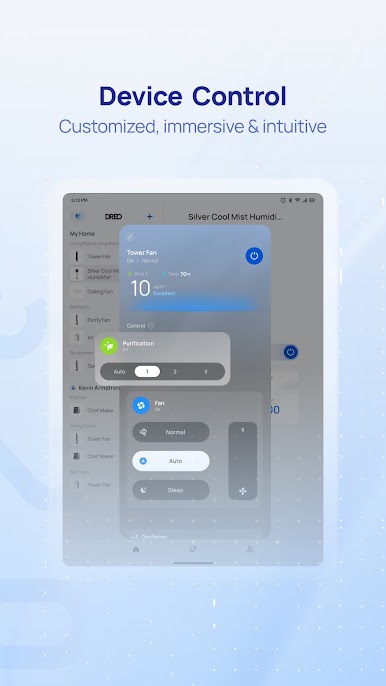
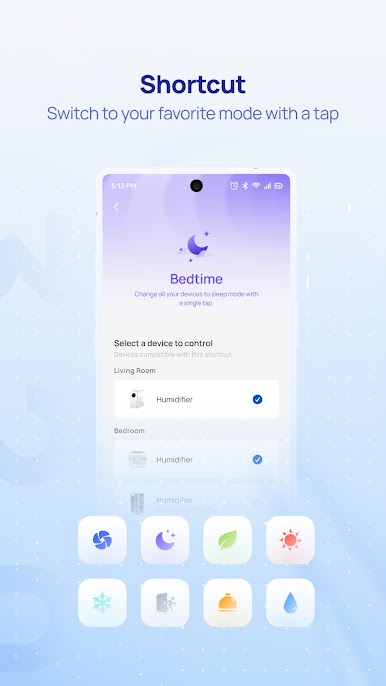
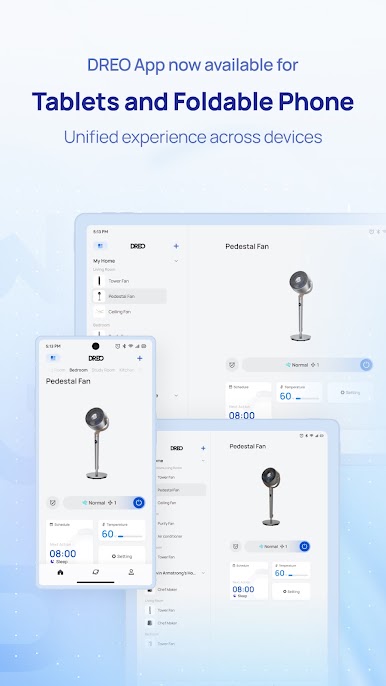
- Unified Control: Manage all your smart devices—whether at home or in the office—effortlessly through a single app.
- Top-Tier Cloud Security: Enjoy the ultimate peace of mind with top-notch security for your smart devices and data.
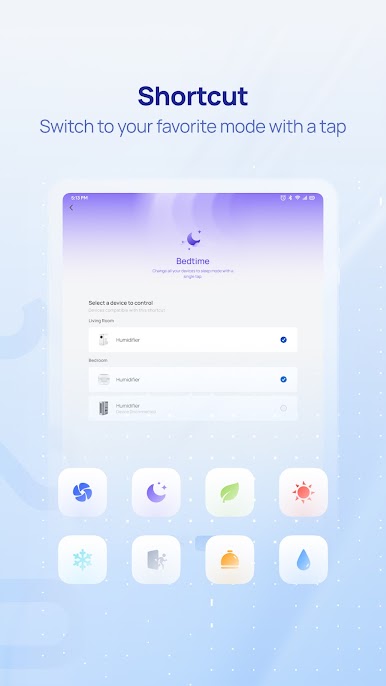
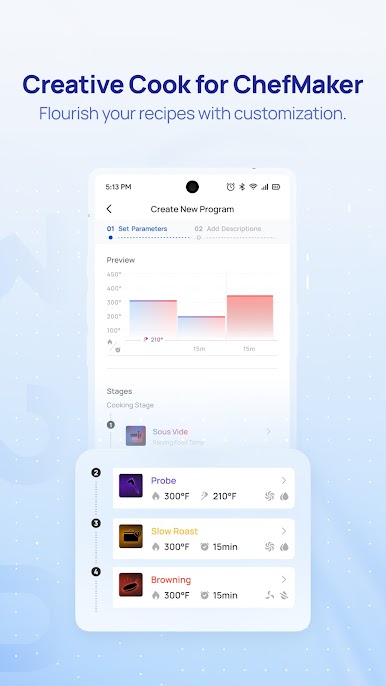
- Smart Remote Features: Gain control, simplify daily tasks, and enjoy the convenience of intelligent remote operations.
- Streamlined Interface: Forget lengthy manuals—the app’s intuitive design puts control at your fingertips.
Play DREO on PC. It’s easy to get started.
-
Download and install BlueStacks on your PC
-
Complete Google sign-in to access the Play Store, or do it later
-
Look for DREO in the search bar at the top right corner
-
Click to install DREO from the search results
-
Complete Google sign-in (if you skipped step 2) to install DREO
-
Click the DREO icon on the home screen to start playing

