


AniVera - Anime TV SUB & DUB
Play on PC with BlueStacks – the Android Gaming Platform, trusted by 500M+ gamers.

Page Modified on: Jul 14, 2026
Play AniVera - Anime TV SUB & DUB on PC
Welcome to Anivera — the app for anime lovers who want to explore and stay updated with the anime universe. Whether you're a longtime fan or just getting started, Anivera lets you dive into trending titles and keep track of what's hot in the anime world.
⸻
🔑 Key Features
1. Extensive Anime Catalog
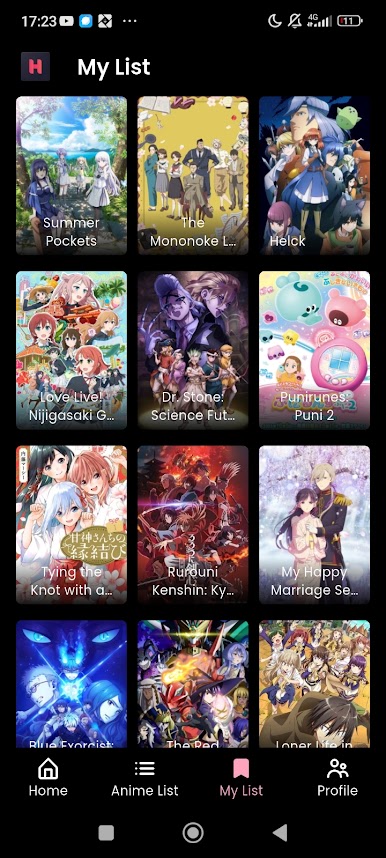
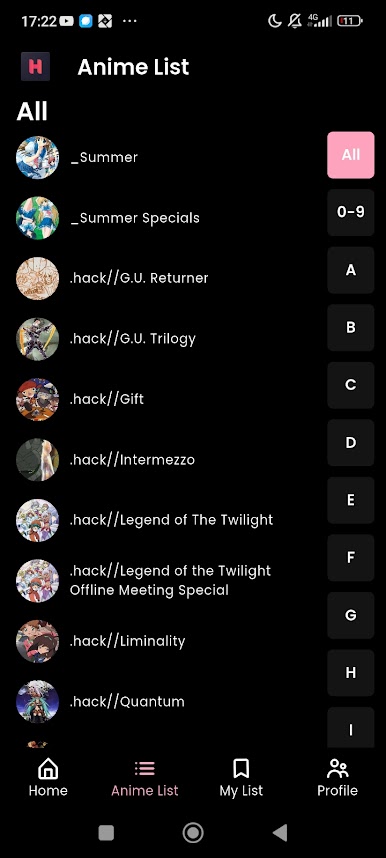
Browse a wide range of anime across all genres – from timeless classics to the newest hits. Discover trending shows, seasonal picks, and hidden gems.
2. Personalized Discovery
Get smart recommendations based on what you watch and like. Our discovery engine helps you find your next favorite anime.
3. Clean & Intuitive UI
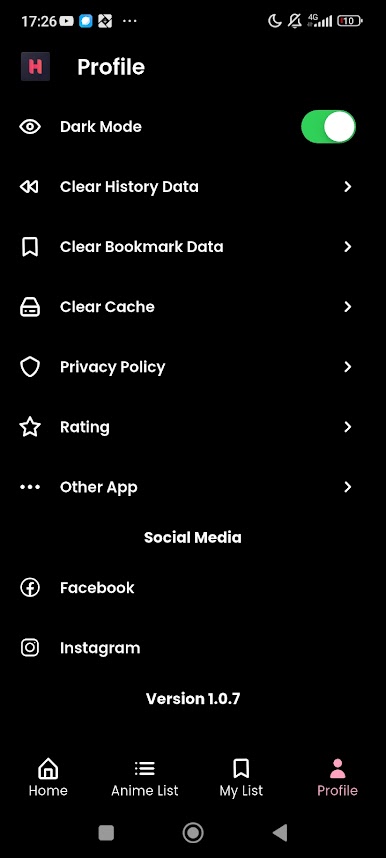
Designed with you in mind – simple navigation, dark mode, and fast, smooth browsing.
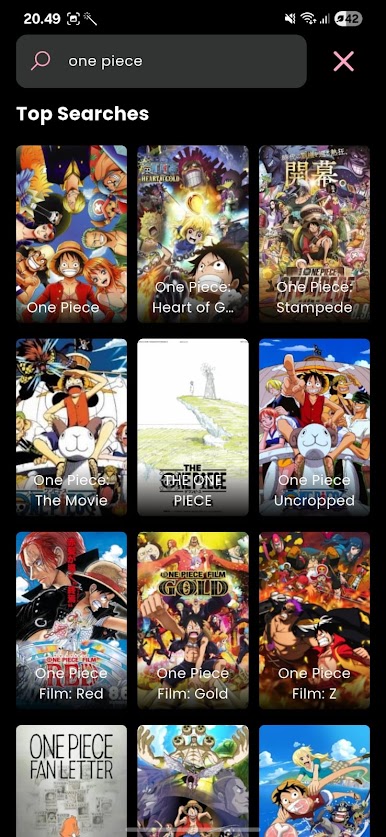
4. Search & Filter Easily
Find anime by title, genre, or release year. Fast, relevant results every time.
5. No Sign-Up Needed
Just open the app and start exploring. No account or login required.
6. Updated Weekly
Stay in the loop with fresh content, seasonal anime, and upcoming releases.
⸻
📌 Why Anivera?
Anivera is your lightweight, fast, and simple way to stay updated in the anime world. Whether you want to preview a new release or explore what's trending, Anivera helps you do it all.
Download Anivera today and start your anime journey!

Play AniVera - Anime TV SUB & DUB on PC. It’s easy to get started.
-
Download and install BlueStacks on your PC
-
Complete Google sign-in to access the Play Store, or do it later
-
Look for AniVera - Anime TV SUB & DUB in the search bar at the top right corner
-
Click to install AniVera - Anime TV SUB & DUB from the search results
-
Complete Google sign-in (if you skipped step 2) to install AniVera - Anime TV SUB & DUB
-
Click the AniVera - Anime TV SUB & DUB icon on the home screen to start playing

