

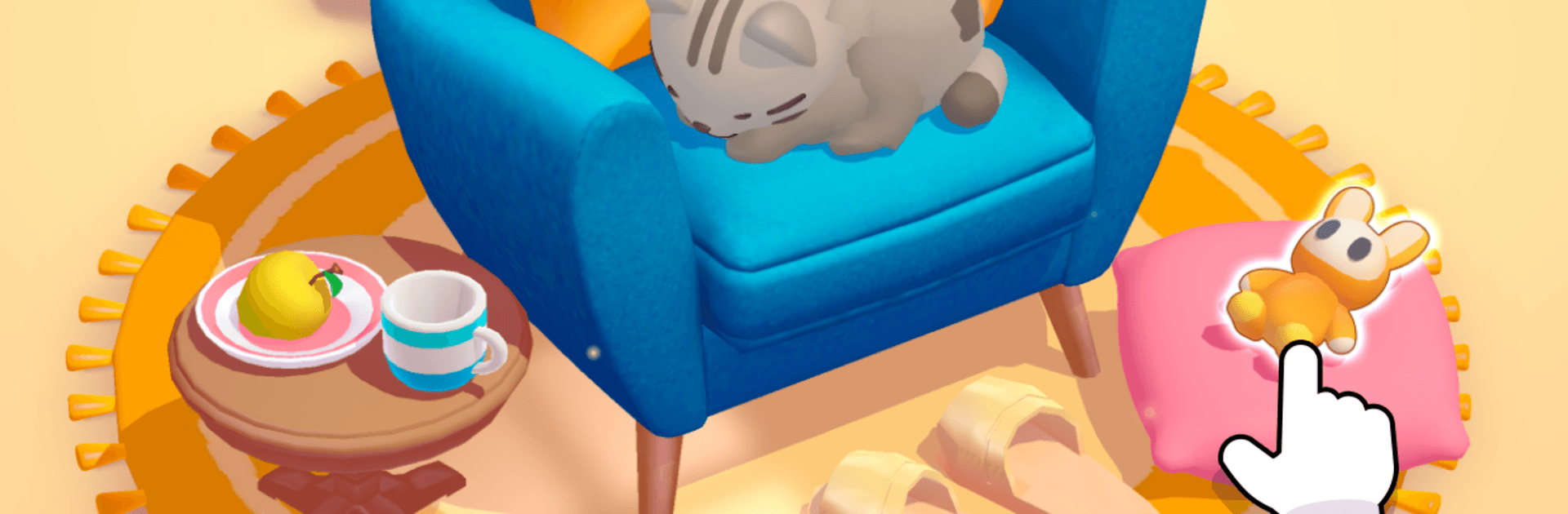

Play Hidden Association – 3D Puzzle on PC or Mac
Explore a whole new adventure with Hidden Association – 3D Puzzle, a Puzzle game created by SayGames Ltd. Experience great gameplay with BlueStacks, the most popular gaming platform to play Android games on your PC or Mac.
About the Game
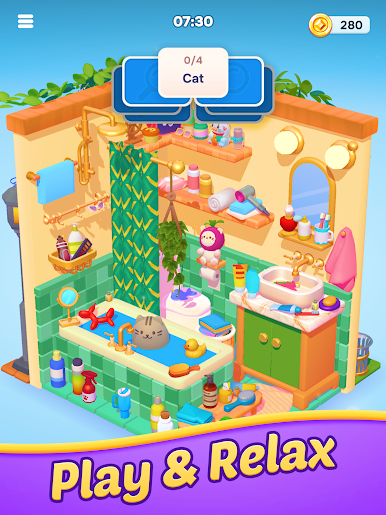
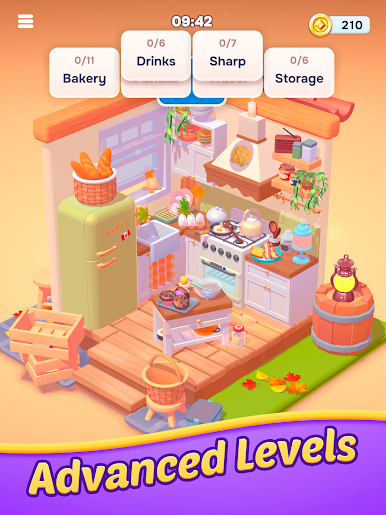
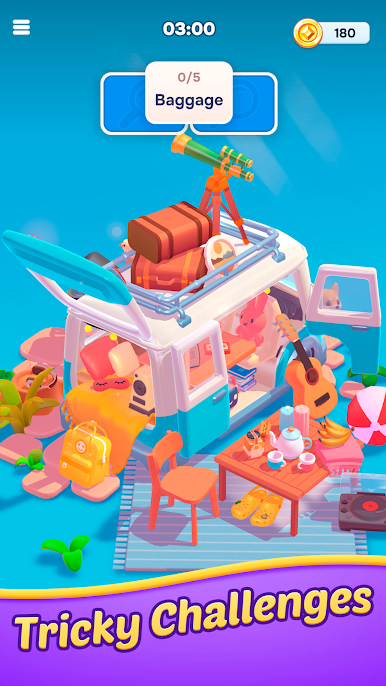
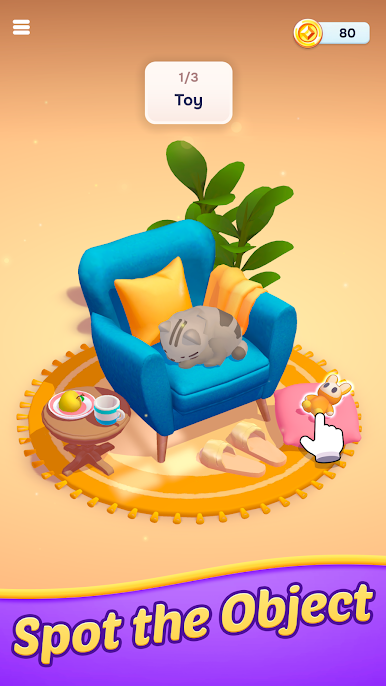
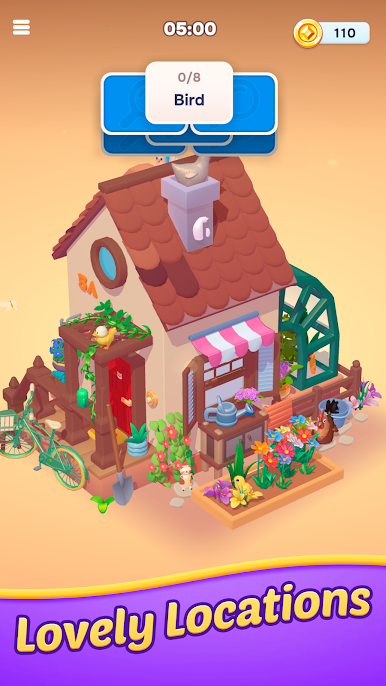
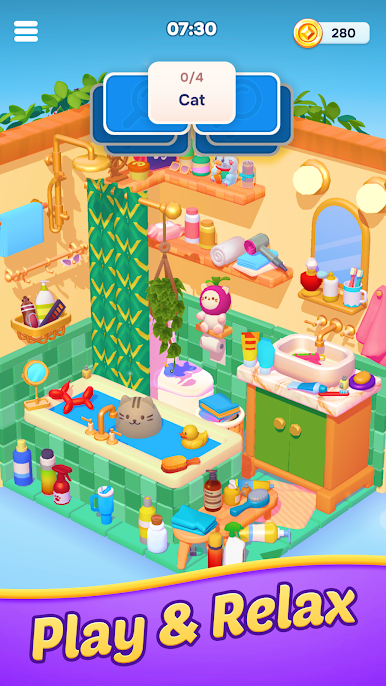
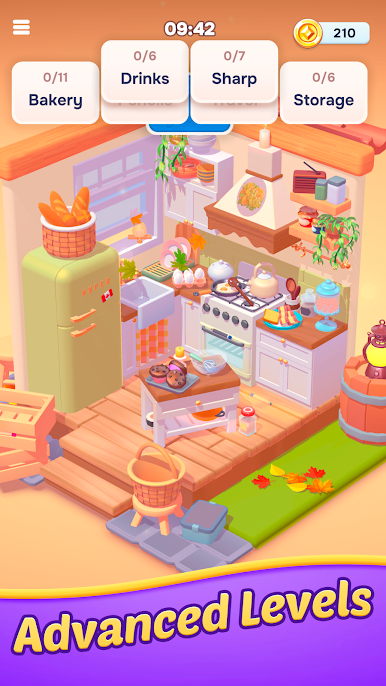
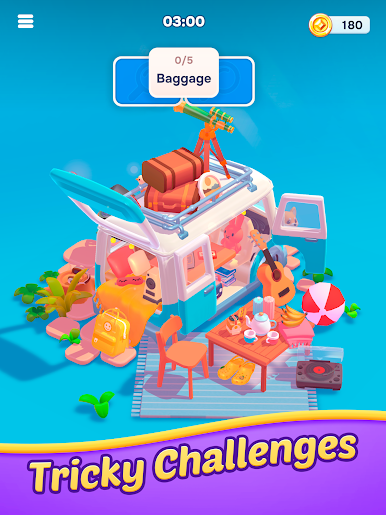
Hidden Association – 3D Puzzle flips the classic hidden-object idea on its head: before you spot anything, you’ve got to figure out what you’re actually looking for. Each level is a tiny 3D diorama you can spin and zoom, packed with objects that may (or may not) fit a clue word. It’s a smart, cozy, and a little bit cheeky Puzzle experience from SayGames Ltd that blends sharp observation with quick word connections.
Game Features
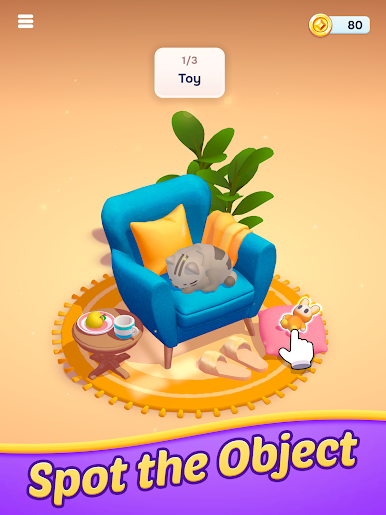
- Theme-First Searching: Every round starts with a clue—like “stars,” “cats,” “travel,” or “flight.” Work out what belongs, then hunt down the matching objects in the scene.
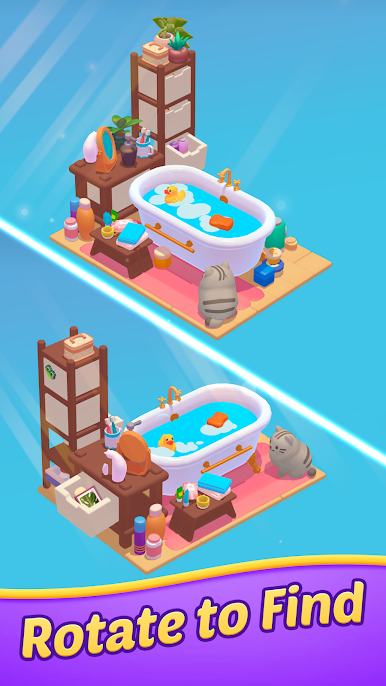
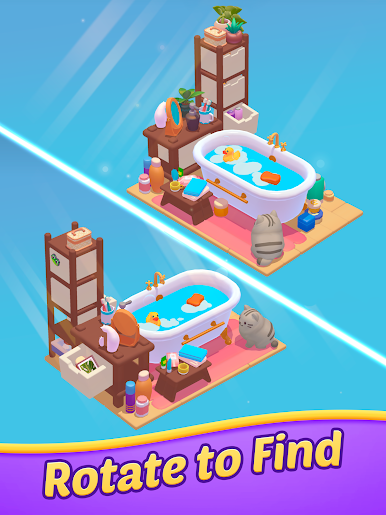
- Fully 3D Scenes: Rotate, zoom, and peek behind things to reveal items tucked in corners or hiding in plain sight. It’s satisfyingly tactile.
- Quick, Snack-Size Rounds: Short levels and a gentle timer keep the pace lively, perfect for a few brain-boosting minutes whenever you have a spare moment.
- Boosters When You Need Them: Stuck on the last object or unsure what fits the theme? Handy helpers nudge you in the right direction without spoiling the fun.
- Brain + Word Association: It’s not just “find the thing.” You’ll link ideas, make connections, and sharpen logic while you search.
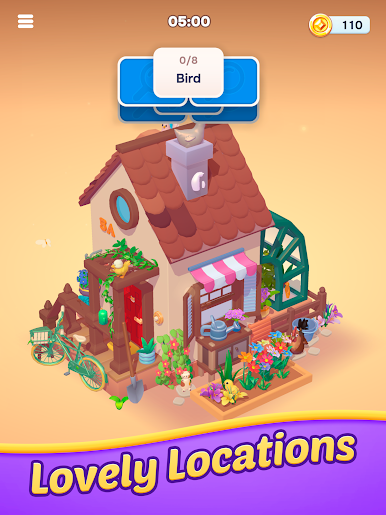
- Cute, Clean Visuals: Crisp dioramas and clear silhouettes make identifying items intuitive—no cluttered screens or confusing interfaces.
- Straightforward Controls: Tap to pick, drag to spin, pinch to zoom. You’ll grasp the basics in seconds and focus on solving.
- Great on PC with BlueStacks: Want a bigger view and precise mouse clicks for those tiny details? Playing on BlueStacks feels extra comfy.
Get ready for a buttery smooth, high-performance gaming action only on BlueStacks.

Play Hidden Association – 3D Puzzle on PC. It’s easy to get started.
-
Download and install BlueStacks on your PC
-
Complete Google sign-in to access the Play Store, or do it later
-
Look for Hidden Association – 3D Puzzle in the search bar at the top right corner
-
Click to install Hidden Association – 3D Puzzle from the search results
-
Complete Google sign-in (if you skipped step 2) to install Hidden Association – 3D Puzzle
-
Click the Hidden Association – 3D Puzzle icon on the home screen to start playing

