


Arrow Maze Master
Play on PC with BlueStacks – the Android Gaming Platform, trusted by 500M+ gamers.

Page Modified on: Jul 10, 2026
Play Arrow Maze Master on PC
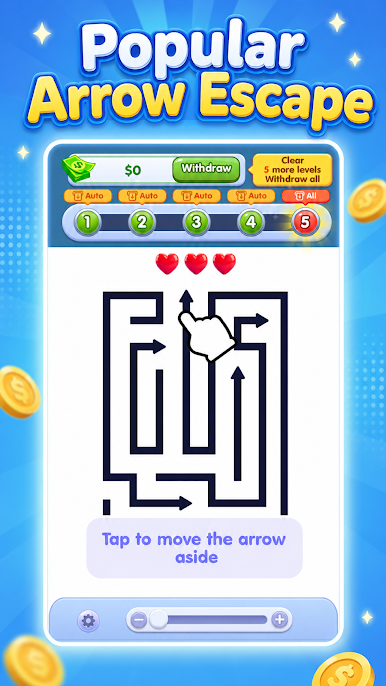
Each move matters. Some arrows are easy to release, while others are blocked by the maze layout. Think carefully, plan your order, and solve each puzzle before your lives run out.
How to Play
Tap an arrow to move it out
Find the correct order to clear the board
Avoid wrong moves and save your lives
Complete the level and unlock more challenges
Game Features
Easy controls with satisfying arrow movement
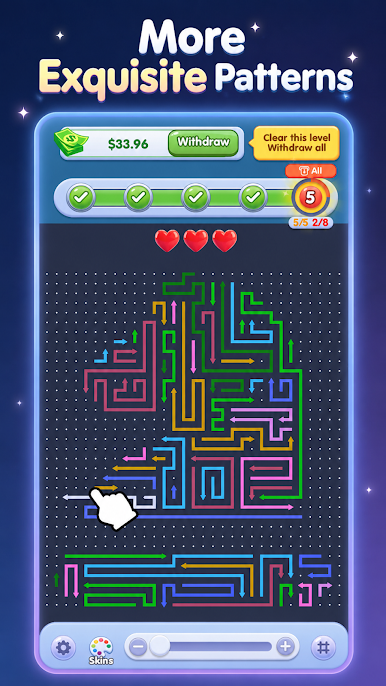
Fun maze puzzles that test your logic
Relaxing game play for quick breaks
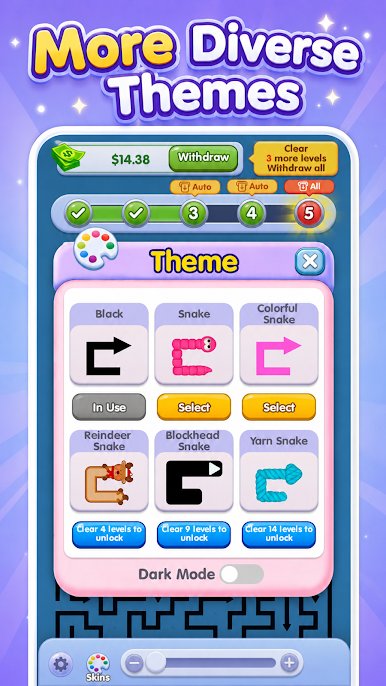
Colorful arrow boards and clean visuals
Levels that become more challenging as you play
Train your brain, enjoy smooth puzzle action, and become the true Arrow Maze Master.


Play Arrow Maze Master on PC. It’s easy to get started.
-
Download and install BlueStacks on your PC
-
Complete Google sign-in to access the Play Store, or do it later
-
Look for Arrow Maze Master in the search bar at the top right corner
-
Click to install Arrow Maze Master from the search results
-
Complete Google sign-in (if you skipped step 2) to install Arrow Maze Master
-
Click the Arrow Maze Master icon on the home screen to start playing

