


Dragon Village 3
Play on PC with BlueStacks – the Android Gaming Platform, trusted by 500M+ gamers.

Page Modified on: Aug 27, 2026
Main Dragon Village 3 on PC
A breeding system beyond imagination: Combine dragons to discover mysterious rare dragons born only from your unique choices.
Cuteness overload! Pixel dragon collection: Collect a vast array of dragons crafted with intricate retro pixel art and complete your very own dragon encyclopedia.
An infinitely expanding lineup: Thousands of dragons added through regular updates will fuel your collector's passion.
■ Build your own Dragon Village
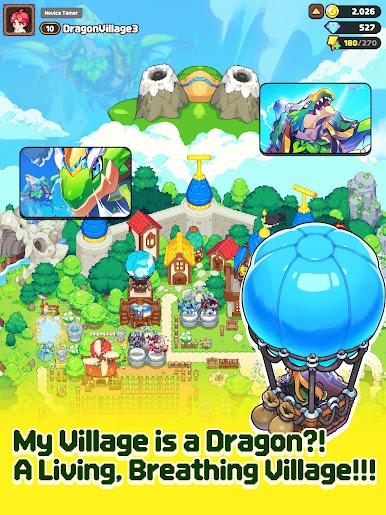
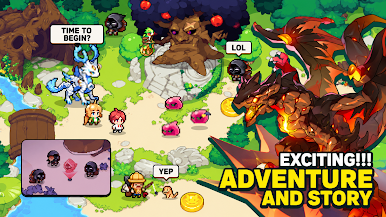
A village that breathes: Construct buildings and place habitats to build a beautiful village where dragons can roam freely.
Warm bonding and healing: Feed your dragons, pet them, and connect. Just watching dragons gathered around the campfire brings comfort.
■ Strategic real-time PvP arena
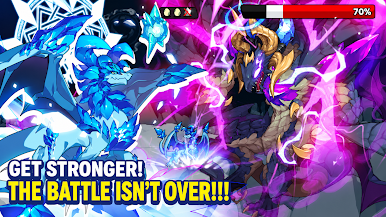
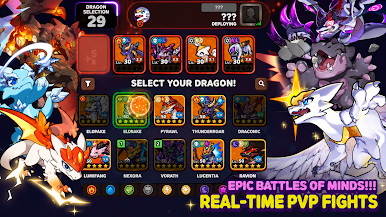
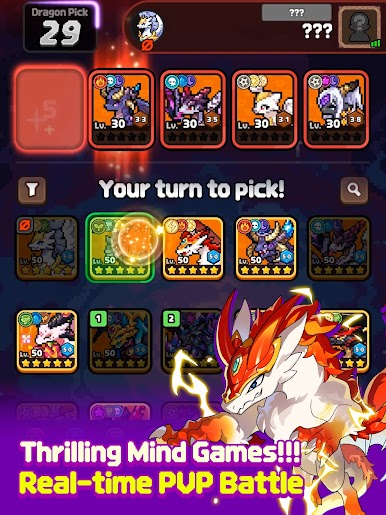
A battle of wits beyond simple collection: Compete with Tamers worldwide in real time using dragon type matchups, skill combos, and formation strategy.
Where your strategy is proven: Climb to the top of the arena and earn the title of greatest Tamer.
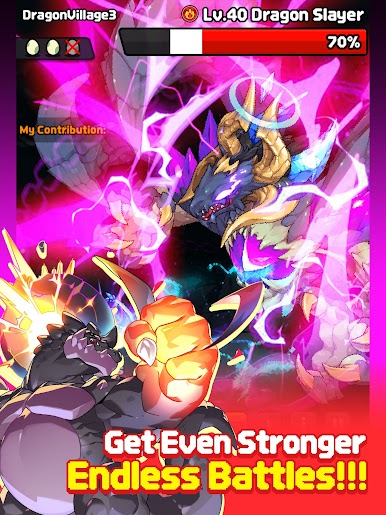
■ Powerful boss raids to challenge together
Co-op battles with your guild: Challenge the giant boss 'Dragon Slayer' and reap overwhelming rewards and loot.
Experience even greater growth when you fight together rather than alone.
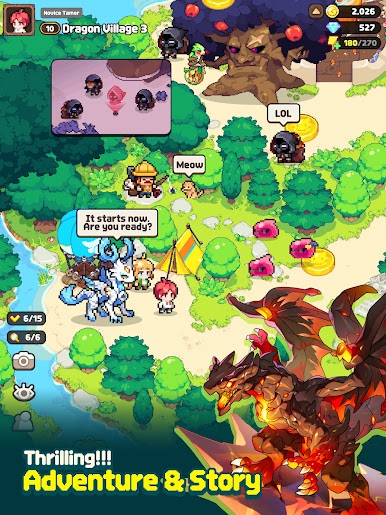
■ An immersive adventure and story
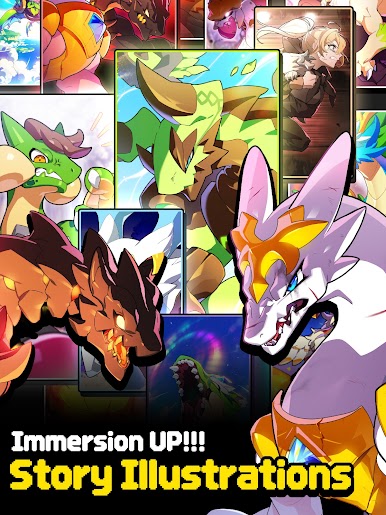
Explore a vast world: Follow a thrilling tale unfolded through high-quality illustrations and uncover the secrets of the dragon world.
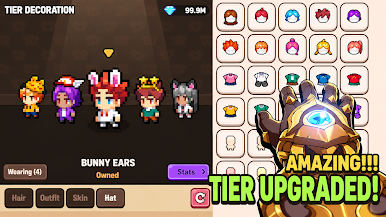
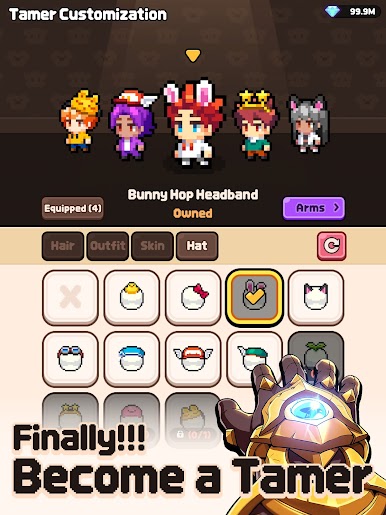
Plus the joy of dressing up your Tamer character with distinctive costumes!
"Easy to collect, deep in strategy!"
A new evolution of the global dragon game— Dragon Village 3







Play Dragon Village 3 on PC. It’s easy to get started.
-
Download and install BlueStacks on your PC
-
Complete Google sign-in to access the Play Store, or do it later
-
Look for Dragon Village 3 in the search bar at the top right corner
-
Click to install Dragon Village 3 from the search results
-
Complete Google sign-in (if you skipped step 2) to install Dragon Village 3
-
Click the Dragon Village 3 icon on the home screen to start playing

