


9173揪一起上
Play on PC with BlueStacks – the Android Gaming Platform, trusted by 500M+ gamers.

Page Modified on: Oct 27, 2026
Play 9173揪一起上 on PC
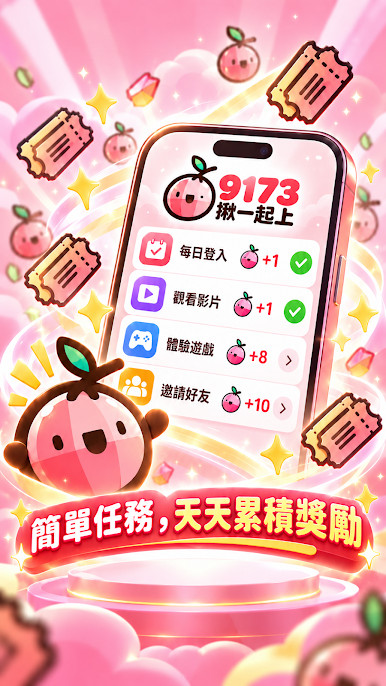
✔️Easily collect Happy Stones by completing tasks! "9173 Let's Get Together!" - The most popular app for those on a budget to get great deals.
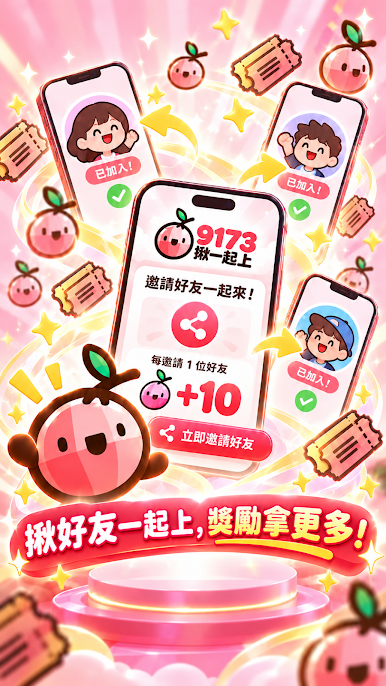
✔️Upon first registration, enter your nickname and the 【Invitation Code】. Both you and your friend will receive 10 Happy Stones.
✔️Refer a friend to complete tasks. For each task your friend completes, you'll receive an extra raffle ticket. The raffle offers a plethora of prizes!
✔️Redeem hundreds of great gifts, including convenience store coupons, food coupons, various point cards, game virtual item packs, and more.
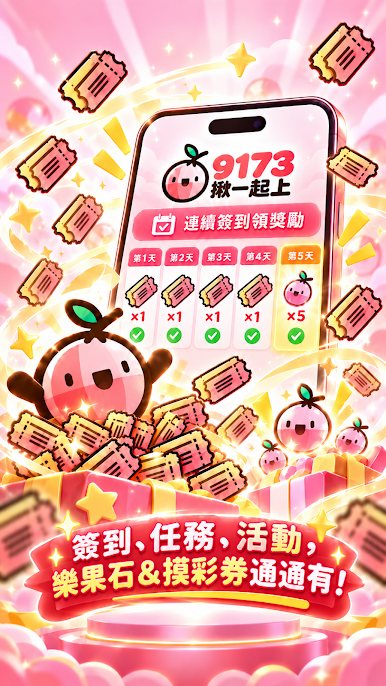
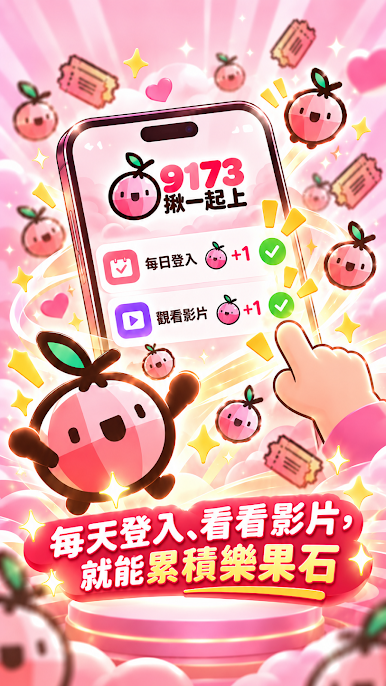
✔️Get Happy Stones every five days you log in and sign in daily! Log in every day, earn every day!
Instructions for Use: ♥️ Quick Download → Complete Tasks → Claim Rewards
《9173 Let's Go Together》Facebook Fan Page: https://www.facebook.com/9173app
If you have any suggestions or questions about 《9173 Let's Go Together》, please contact customer service directly at ☎️service@9173.com.tw. We will assist you as soon as possible!



Play 9173揪一起上 on PC. It’s easy to get started.
-
Download and install BlueStacks on your PC
-
Complete Google sign-in to access the Play Store, or do it later
-
Look for 9173揪一起上 in the search bar at the top right corner
-
Click to install 9173揪一起上 from the search results
-
Complete Google sign-in (if you skipped step 2) to install 9173揪一起上
-
Click the 9173揪一起上 icon on the home screen to start playing

