


Pazzy
Play on PC with BlueStacks – the Android Gaming Platform, trusted by 500M+ gamers.

Page Modified on: Aug 26, 2026
Play Pazzy on PC
[High-quality men] A large number of men registered on the platform are highly educated, engaged in high-quality occupations, and have special skills. We welcome more high-quality men to join the platform to help you meet excellent TAs
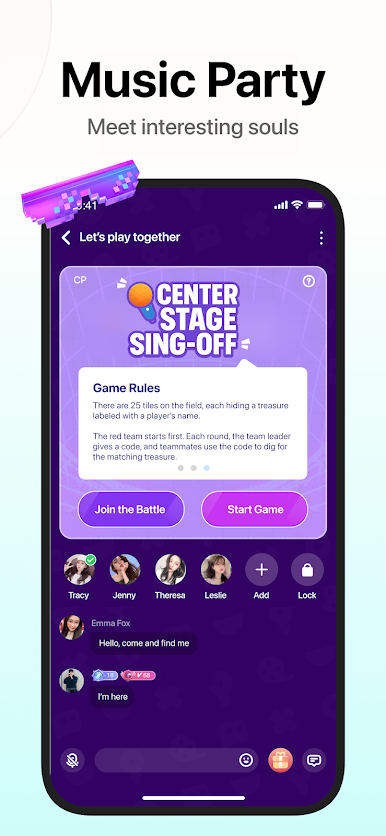
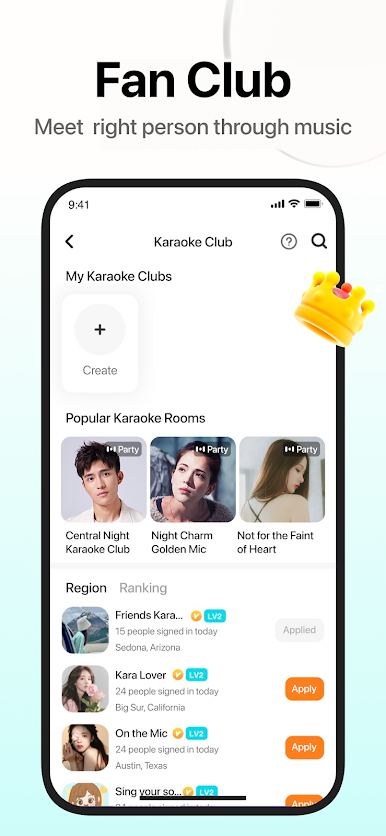
[Interest Matching] High-quality men sing for you, tell stories, play games with you, share your joys and sorrows, and even local singing friends will let you meet fellow villagers and sing happily.
[Today's Fate] Choose the education and occupation of the one you want, with a large number of high-quality male users + interest matching, to find your best fate for you.
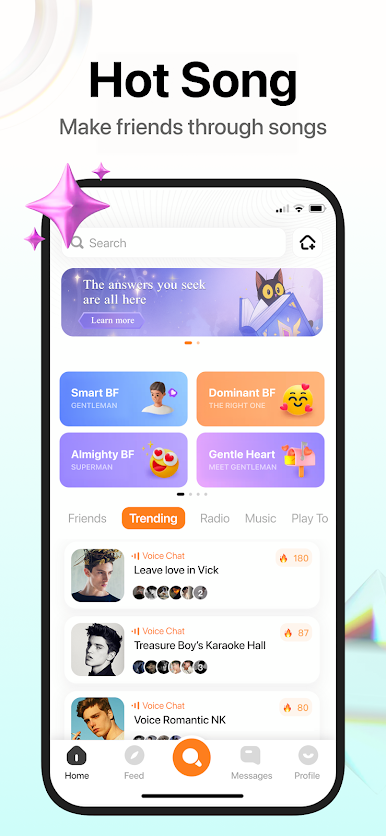
[Accurate Recommendation] According to your hobbies, help you intelligently select high-quality men, send private messages with one click, and you don't have to chat awkwardly to find topics, so that your social life will take fewer detours.
User Agreement: https://page.pazzy.chat/tools/titleQA/user-agreement.html
Privacy Policy: https://page.pazzy.chat/tools/titleQA/privacy-policy.html
Play Pazzy on PC. It’s easy to get started.
-
Download and install BlueStacks on your PC
-
Complete Google sign-in to access the Play Store, or do it later
-
Look for Pazzy in the search bar at the top right corner
-
Click to install Pazzy from the search results
-
Complete Google sign-in (if you skipped step 2) to install Pazzy
-
Click the Pazzy icon on the home screen to start playing

