


Mecha Reborn: Zero
Play on PC with BlueStacks – the Android Gaming Platform, trusted by 500M+ gamers.

Page Modified on: Jun 16, 2026
Main Mecha Reborn: Zero on PC
=====Game Features=====
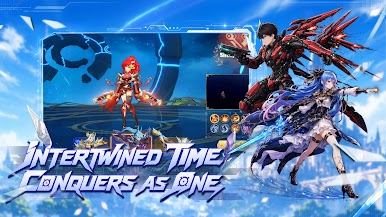
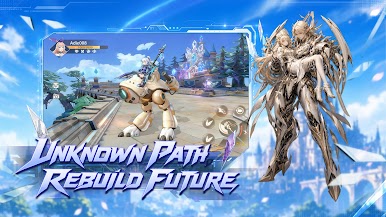
■ Across Time, Fight As One
Amid the chaos of time, your destined Mecha finds you.
■ Explore Unknown, Reshape Tomorrow
No one knows where the way is, you and your Mecha take the first step.
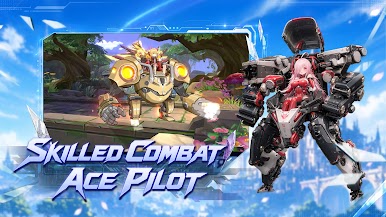
■ Master Mecha, Ride Into Battle
Every precise control is the deepest resonance between you and your Mecha.
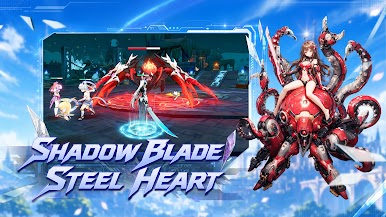
■ Blade Follows, Mecha Goes
Where blade goes, shadow follows, just like you and your Mecha.
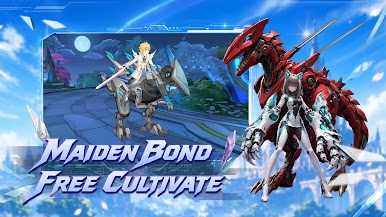
■ Your Mecha, Raise It In Your Way
Raise as your will, every step is in your hands.
Play Mecha Reborn: Zero on PC. It’s easy to get started.
-
Download and install BlueStacks on your PC
-
Complete Google sign-in to access the Play Store, or do it later
-
Look for Mecha Reborn: Zero in the search bar at the top right corner
-
Click to install Mecha Reborn: Zero from the search results
-
Complete Google sign-in (if you skipped step 2) to install Mecha Reborn: Zero
-
Click the Mecha Reborn: Zero icon on the home screen to start playing

