

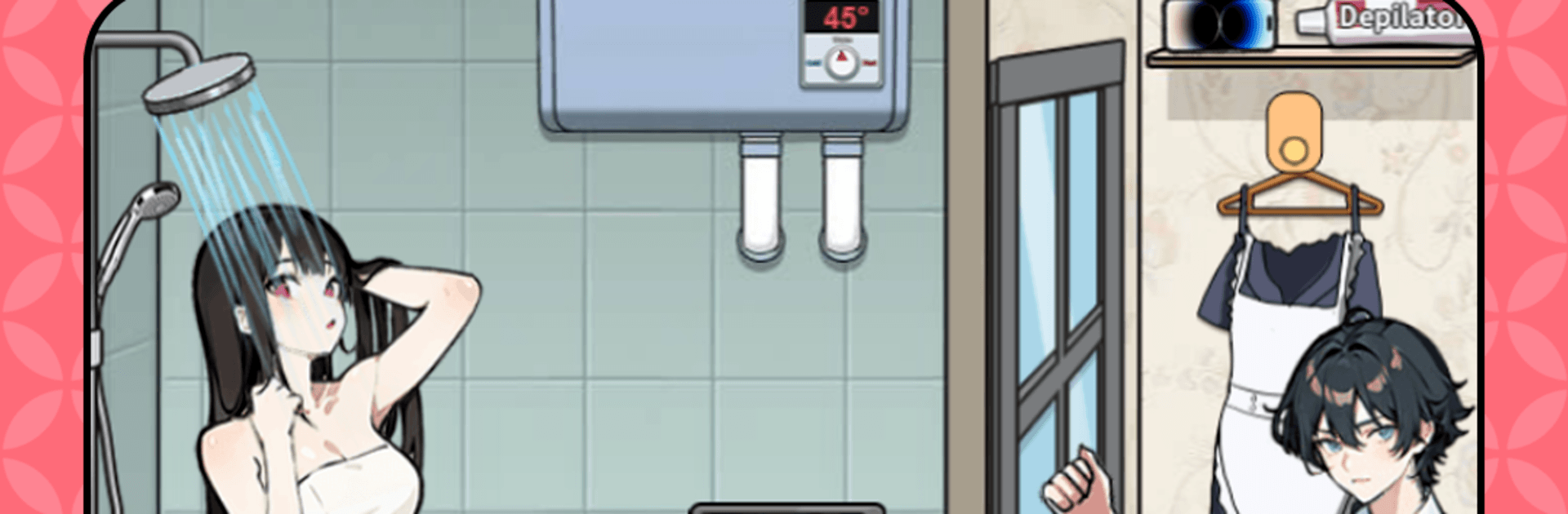
Brain Puzzle Prank Master
Play on PC with BlueStacks – the Android Gaming Platform, trusted by 500M+ gamers.

Page Modified on: Apr 13, 2026
Play Brain Puzzle Prank Master on PC or Mac
From the innovators and creators at QGAME STUDIO, Brain Puzzle Prank Master is another fun addition to the World of Casual games. Go beyond your mobile screen and play it bigger and better on your PC or Mac. An immersive experience awaits you.
About the Game
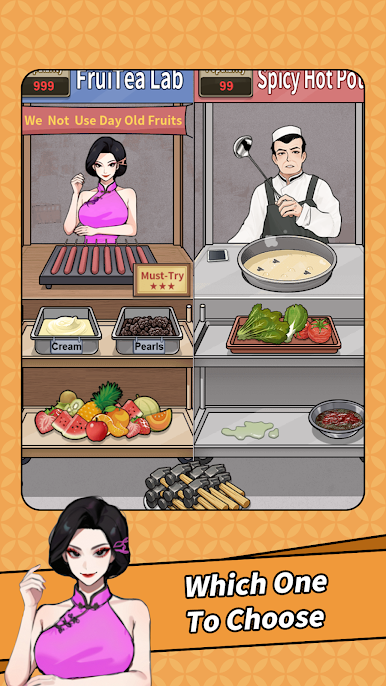
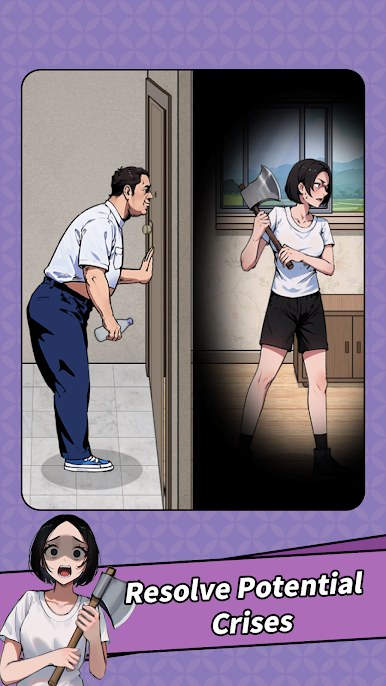
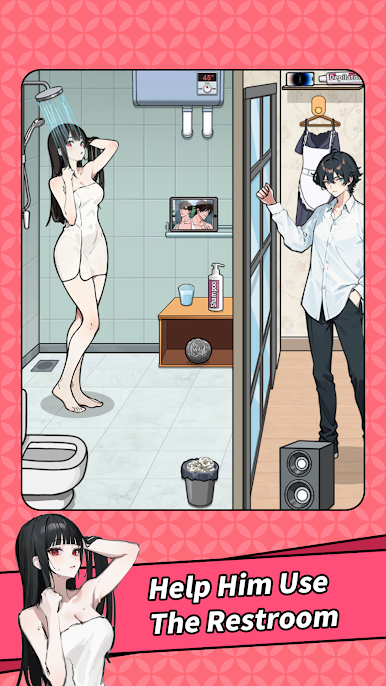
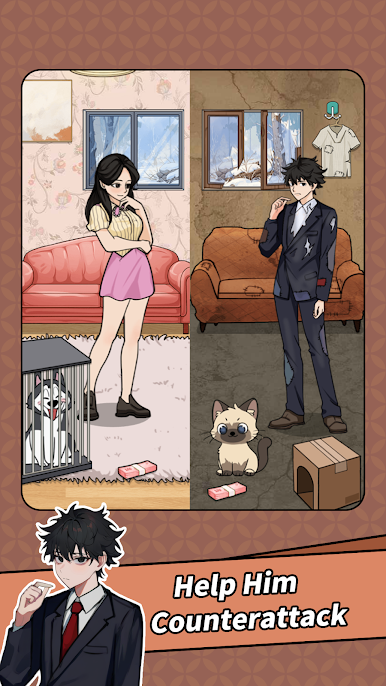
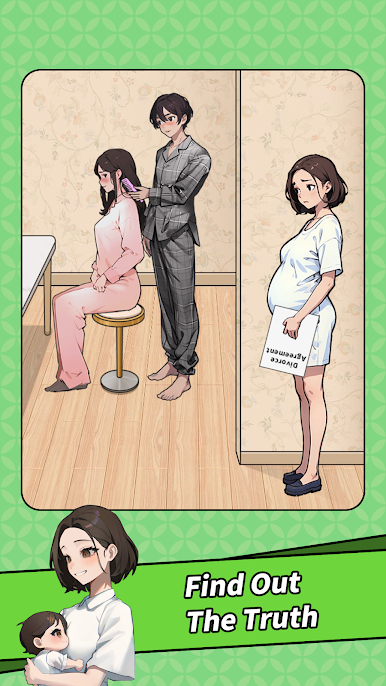
Brain Puzzle Prank Master turns quick-witted thinking into laugh-out-loud moments. This Casual puzzler from QGAME STUDIO lets you pick oddball tools, time your moves just right, and trigger prank-filled outcomes that rarely go how you’d expect. Each stage plays like a tiny comedy sketch where the “wrong” answer might actually be the smartest move.
Game Features
- Story Pranks: Tackle bite-size scenes with clear goals, then pull off the perfect gag to flip the situation on its head.
- Timing Matters: The same item can be brilliant or useless depending on when and where you use it—order and timing change everything.
- Wacky Logic: Forget plain old common sense; think sideways to uncover solutions that are unexpected, cheeky, and surprisingly clever.
- Pick-Up-and-Play: Simple taps and short levels make it great for quick breaks, yet it’s easy to get hooked for longer sessions.
- Expressive Humor: Bold reactions, playful animations, and visual jokes keep every success (and fail) entertaining.
- Escalating Tricks: As you go, puzzles layer on new ideas and traps, pushing you to get smarter—and sillier—with your choices.
- Try-Again Fun: Experiment freely, learn from the goofy outcomes, and chase that perfect “aha!” moment.
- BlueStacks Friendly: Prefer a bigger screen and mouse clicks? It runs smoothly on BlueStacks if you want to play on PC.
Start your journey now. Download the game on BlueStacks, invite your friends, and march on a new adventure.
Play Brain Puzzle Prank Master on PC. It’s easy to get started.
-
Download and install BlueStacks on your PC
-
Complete Google sign-in to access the Play Store, or do it later
-
Look for Brain Puzzle Prank Master in the search bar at the top right corner
-
Click to install Brain Puzzle Prank Master from the search results
-
Complete Google sign-in (if you skipped step 2) to install Brain Puzzle Prank Master
-
Click the Brain Puzzle Prank Master icon on the home screen to start playing

