


Brain Puzzle Prank Master
Play on PC with BlueStacks – the Android Gaming Platform, trusted by 500M+ gamers.

Page Modified on: Apr 15, 2026
Main Brain Puzzle Prank Master on PC
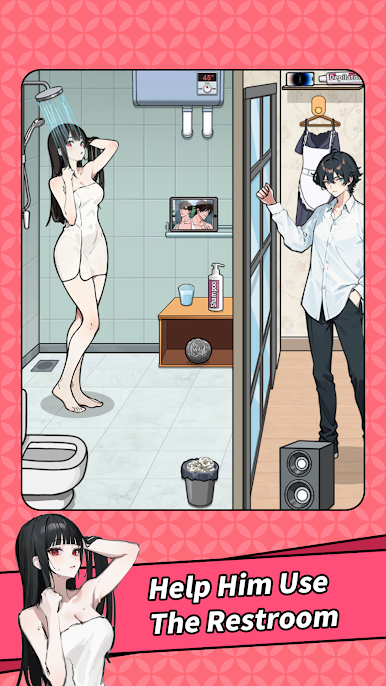
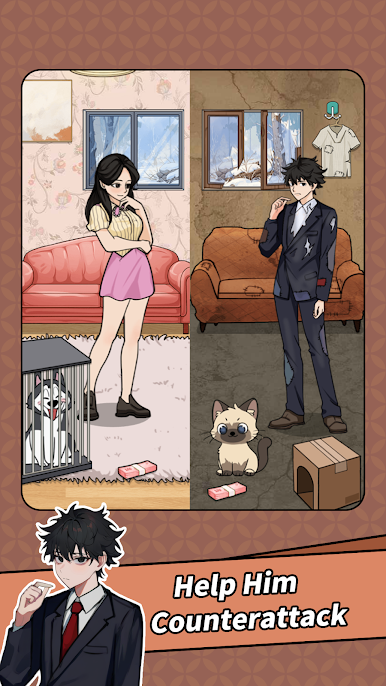
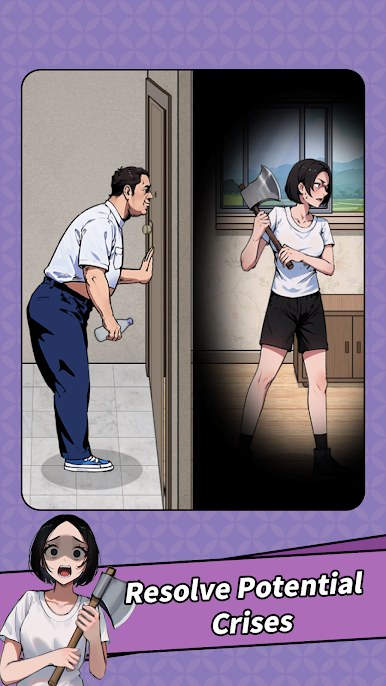
🎭 Follow the quirky storyline, nail the right items at the right time, and unlock the funniest solutions! Every level defies common sense — you’ll need creativity, quick thinking, and tons of laughs to survive! Remember: how and when you use each tool matters more than you think!
🌟 Game Features:
• Hilarious Story Levels: Explore tons of creative storylines packed with memes, jokes, and surprise endings!
• Clever & Goofy Puzzles: Outsmart tricky traps, crack wild logic riddles, and savor every “aha!” moment!
• Simple but Addictive: Easy to play, impossible to put down — perfect for casual players and puzzle fanatics alike!
Join the adventure now and test your smarts in the funniest brain puzzle ever! Think fast, laugh louder, and see how clever you really are! 🧠✨


Play Brain Puzzle Prank Master on PC. It’s easy to get started.
-
Download and install BlueStacks on your PC
-
Complete Google sign-in to access the Play Store, or do it later
-
Look for Brain Puzzle Prank Master in the search bar at the top right corner
-
Click to install Brain Puzzle Prank Master from the search results
-
Complete Google sign-in (if you skipped step 2) to install Brain Puzzle Prank Master
-
Click the Brain Puzzle Prank Master icon on the home screen to start playing

