


Jet Bot: Transform Runner
Play on PC with BlueStacks – the Android Gaming Platform, trusted by 500M+ gamers.

Page Modified on: Apr 30, 2026
Play Jet Bot: Transform Runner on PC
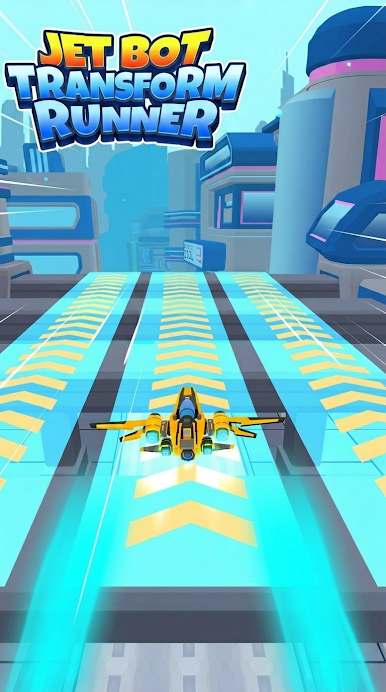
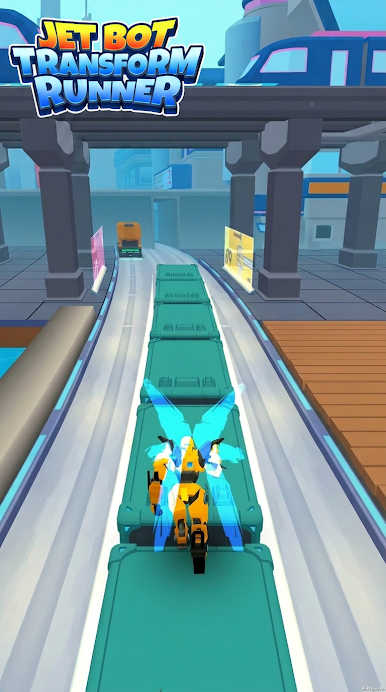
Looking for a Casual game that is Easy to pick up but impossible to put down? Welcome to the JetBot_TransformRunner! In this high-tech world, it is all about your skills and reflexes. Whether you have 5 minutes or an hour, this Game provides an instant escape into a vibrant, Futuristic city.
Why you will love JetBot_TransformRunner:
Easy and Intuitive Controls: Just Slide your finger to Move! Left, right, up, or down—your Mecha responds instantly. This simple control scheme makes it the perfect Casual title for everyone.
Master the Movement: Every Run starts on a level playing field. Your success depends entirely on how you Move and react to the track.
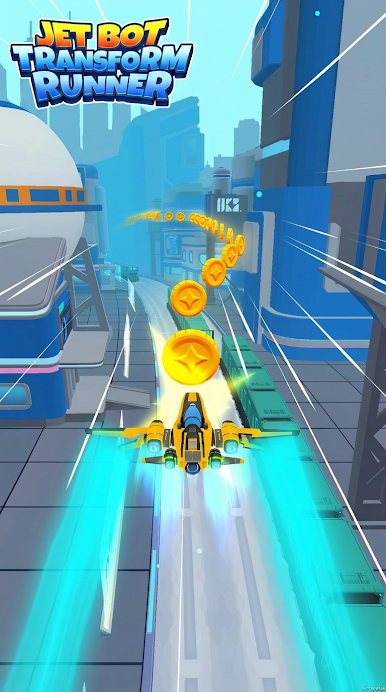
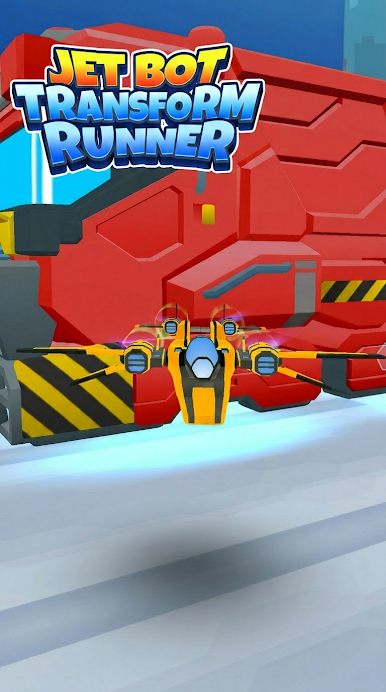
Powerful In-Game Items: Even in a Casual Game, you need some help! Collect amazing Items like the Magnet to pull in coins or become jet plane to Fly above the traffic.
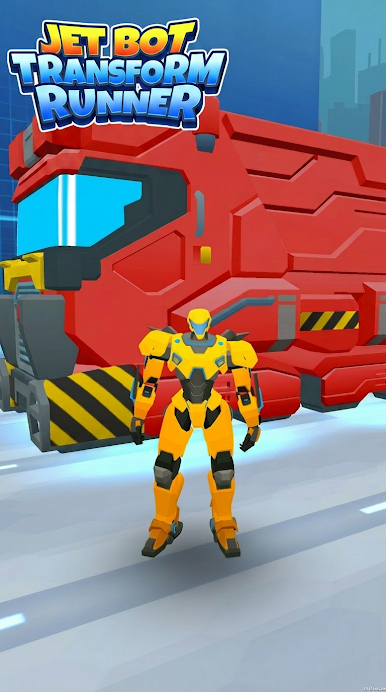
Futuristic Visuals: Immerse yourself in a world of glowing lights and metallic surfaces. The Mecha design is sleek and cool, fitting perfectly into the Futuristic landscape.
This Game is designed for the modern player. It’s Easy, it’s Fast, and it’s Pure. Can you set a new high score?
Download now and start your Easy Mecha Run.
Play Jet Bot: Transform Runner on PC. It’s easy to get started.
-
Download and install BlueStacks on your PC
-
Complete Google sign-in to access the Play Store, or do it later
-
Look for Jet Bot: Transform Runner in the search bar at the top right corner
-
Click to install Jet Bot: Transform Runner from the search results
-
Complete Google sign-in (if you skipped step 2) to install Jet Bot: Transform Runner
-
Click the Jet Bot: Transform Runner icon on the home screen to start playing

