


My Device by HMD
Play on PC with BlueStacks – the Android Gaming Platform, trusted by 500M+ gamers.

Page Modified on: Dec 17, 2025
Run My phone: the official app for Nokia phones on PC or Mac
Upgrade your experience. Try My phone: the official app for Nokia phones, the fantastic Tools app from HMD Global, from the comfort of your laptop, PC, or Mac, only on BlueStacks.
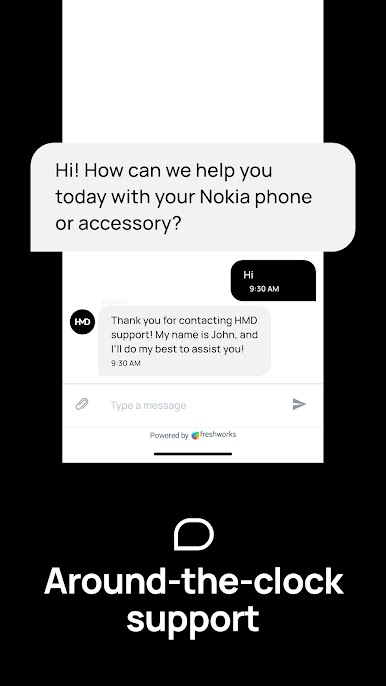
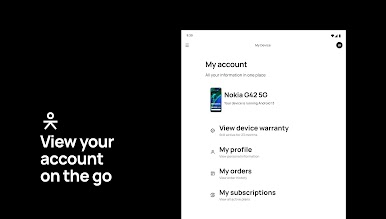
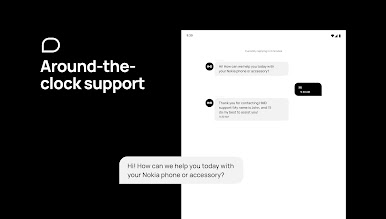
So, this official app for Nokia phones kind of brings together a bunch of small, practical features that just help keep things simple for anyone using a Nokia Android device. After opening it up on PC with BlueStacks, it’s almost like having a little toolkit where everything’s easy to spot. There’s a section if you want to get in touch with Nokia’s support team—it isn’t just standard customer service, but you actually get that live chat option, which can really save time compared to digging through websites.
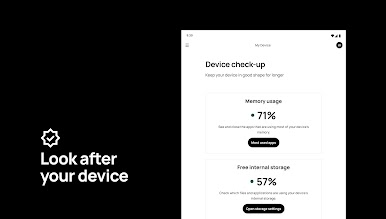
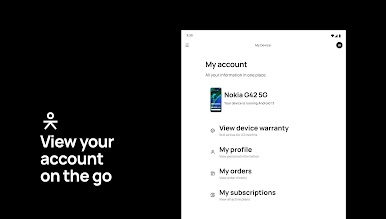
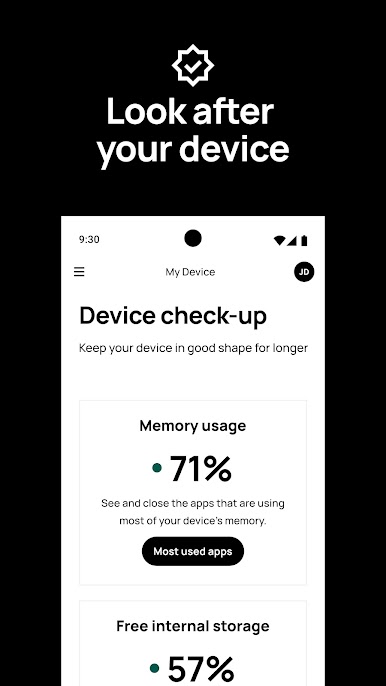
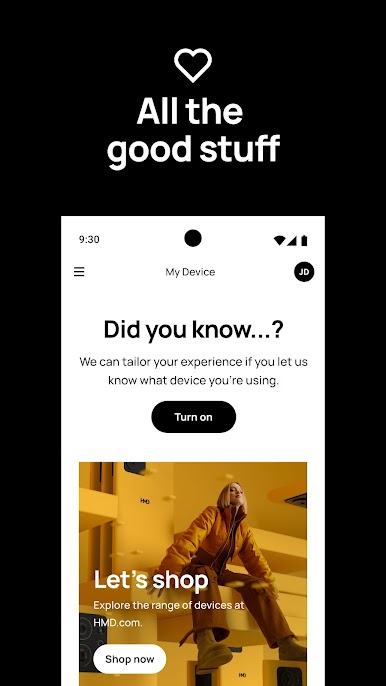
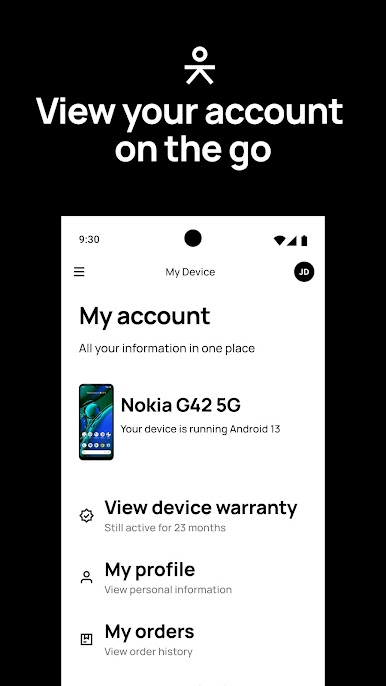
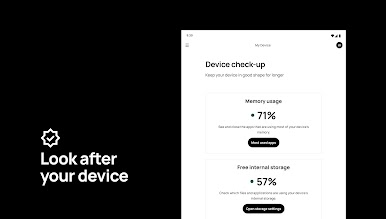
They’ve got a spot for people to check out the Nokia phones community, so if someone wants tips or needs help from other users, it’s right there. Plus, app recommendations show up, and it’s tailored instead of just throwing random options. The device monitor is handy for a quick check on the battery or what’s going on with the phone’s health; actually kind of useful to have it all in one place. The app also gives direct access to the full user guide and includes FAQs, which helps if anyone’s new to Nokia or just stuck on something. There’s even a tool to find nearby care centers or check what’s up with the phone’s warranty, so nobody has to search through a bunch of links. It keeps things organized, saves a bit of time, and feels pretty direct to use, especially on a bigger screen through BlueStacks.
BlueStacks brings your apps to life on a bigger screen—seamless and straightforward.
Play My Device by HMD on PC. It’s easy to get started.
-
Download and install BlueStacks on your PC
-
Complete Google sign-in to access the Play Store, or do it later
-
Look for My Device by HMD in the search bar at the top right corner
-
Click to install My Device by HMD from the search results
-
Complete Google sign-in (if you skipped step 2) to install My Device by HMD
-
Click the My Device by HMD icon on the home screen to start playing

