

Car Drift Simulator: Car Games
Play on PC with BlueStacks – the Android Gaming Platform, trusted by 500M+ gamers.

Page Modified on: Jun 4, 2026
Play Car Drift Simulator: Car Games on PC or Mac
Join millions to experience Car Drift Simulator: Car Games, an exciting Racing game from HyperOn Studios. With BlueStacks App Player, you are always a step ahead of your opponent, ready to outplay them with faster gameplay and better control with the mouse and keyboard on your PC or Mac.
About the Game
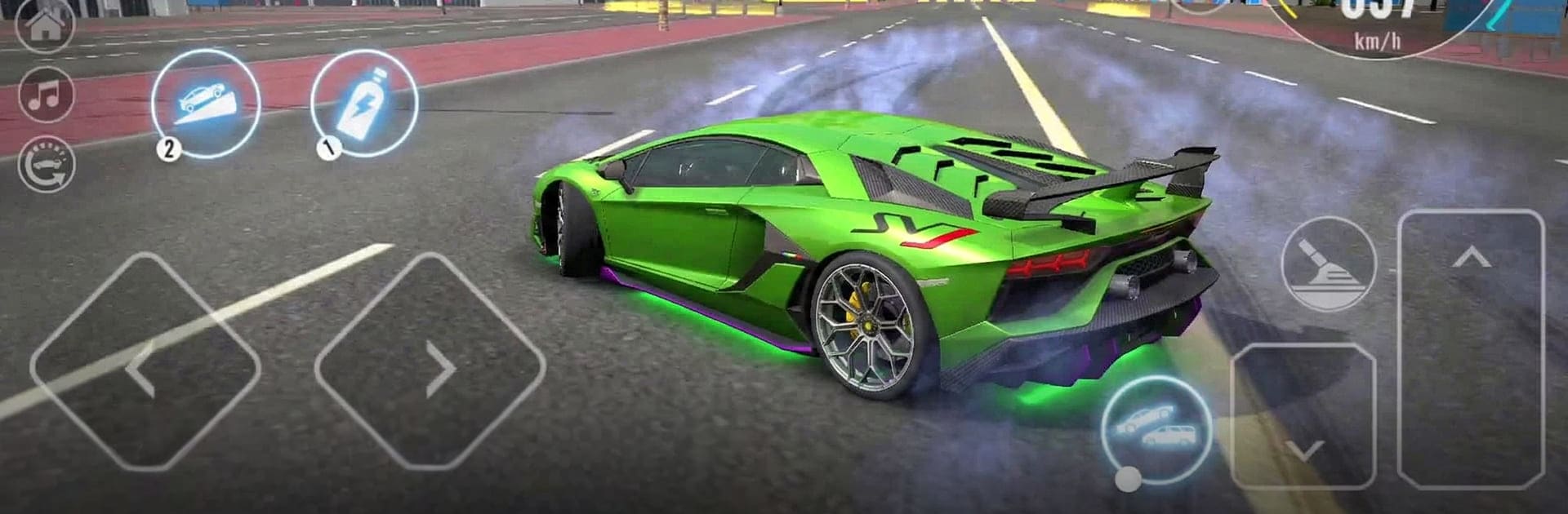
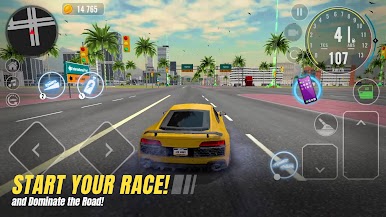
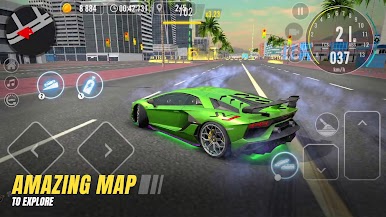
Car Drift Simulator: Car Games is all about sideways speed and open‑road freedom. It’s a Racing title from HyperOn Studios that drops you into a big city map packed with highways, backstreets, and spots built for clean, controlled drifts. Want to cruise, chase records, or fine‑tune your technique? It’s all in here—and it feels great on a bigger screen with BlueStacks, too.
Game Features
- Big city to explore: Cruise through wide highways, busy downtown strips, and tucked‑away routes that reward curiosity and car control.
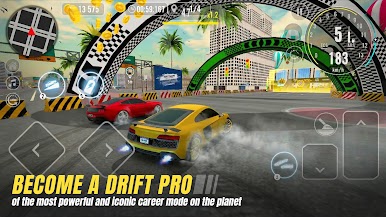
- Drift-first gameplay: Link long slides, hold angle, and manage throttle to rack up points and cash. Clean lines and smooth transitions are what fill your meter.
- Responsive handling: Tactile controls and grounded physics make every nudge of the throttle and tap of the brake matter, from weight transfer to exit speed.
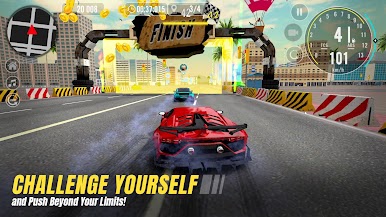
- Events and challenges: Tackle time trials, checkpoint sprints, and rival showdowns, then chase leaderboard spots as your skills improve.
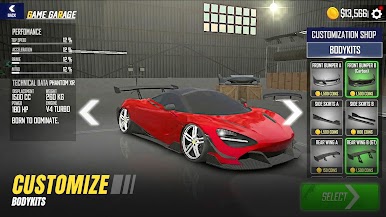
- Your garage, your build: Start with a humble ride, unlock faster machines, and upgrade performance. Dial in tires, power, and visuals to match your style.
- No-pressure practice: Hop into a relaxed free‑ride mode to rehearse entries, nail clipping points, and test setups without a countdown.
- Personality in every car: Distinct engine sounds, different chassis feel, and unique setups give each vehicle its own character on the road.
- Choose your pace: Go for high-speed blasts, technical drift lines, or a late‑night city cruise—switch it up whenever the mood hits.
Start your journey now. Download the game on BlueStacks, invite your friends, and march on a new adventure.

Play Car Drift Simulator: Car Games on PC. It’s easy to get started.
-
Download and install BlueStacks on your PC
-
Complete Google sign-in to access the Play Store, or do it later
-
Look for Car Drift Simulator: Car Games in the search bar at the top right corner
-
Click to install Car Drift Simulator: Car Games from the search results
-
Complete Google sign-in (if you skipped step 2) to install Car Drift Simulator: Car Games
-
Click the Car Drift Simulator: Car Games icon on the home screen to start playing

