


Fantasy Football Manager (FPL)
Play on PC with BlueStacks – the Android Gaming Platform, trusted by 500M+ gamers.

Page Modified on: Jan 8, 2026
Main Fantasy Football Manager (FPL) on PC
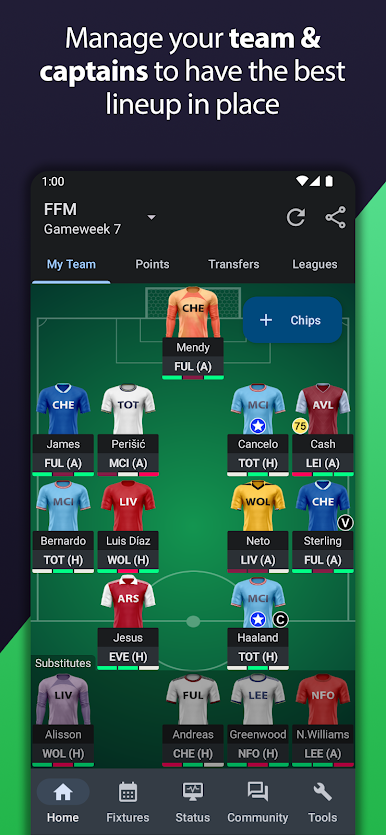
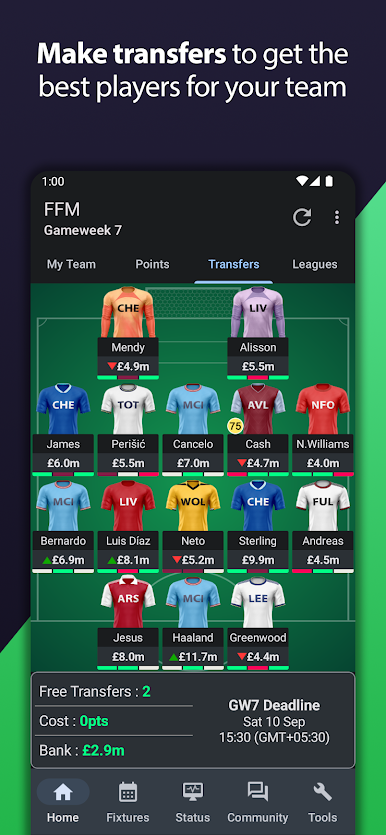
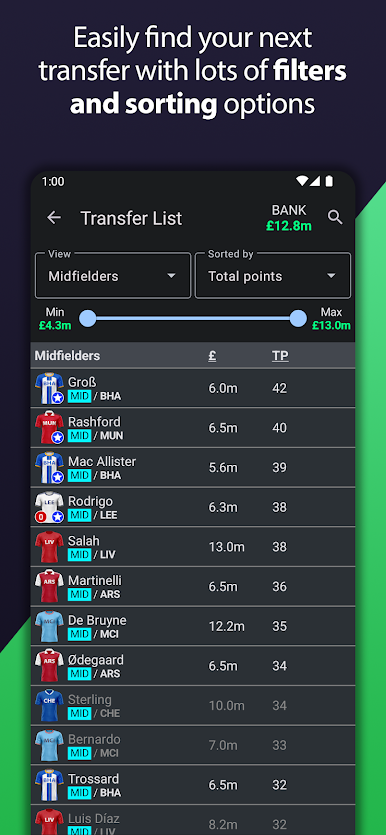
• Select your 15 players from the English Premier League (EPL) happening in England. ⚽
• Choose your starting 11 players, pick your captain and prove you are the best football manager out there. 🏆
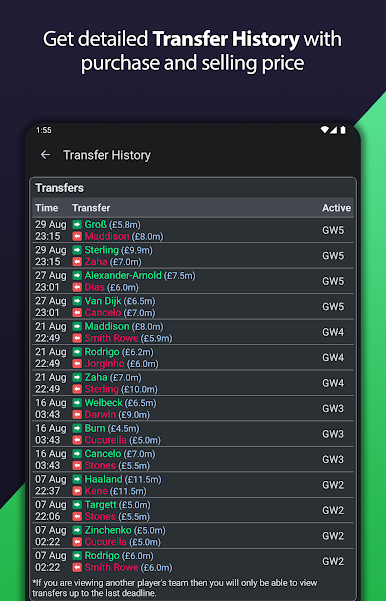
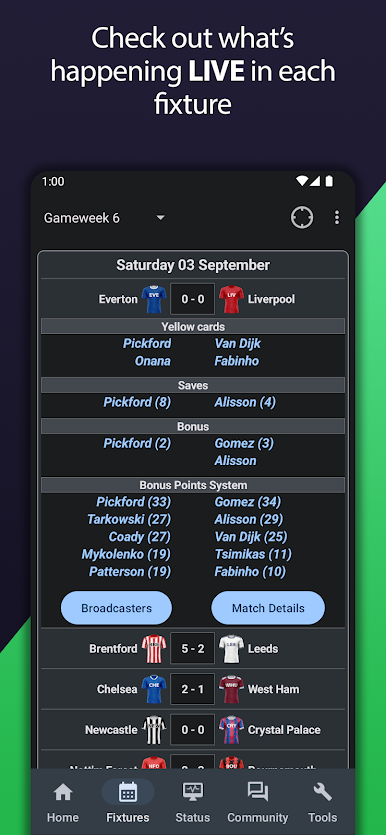
• You can transfer players who play well in live football matches to improve your team. 🔄
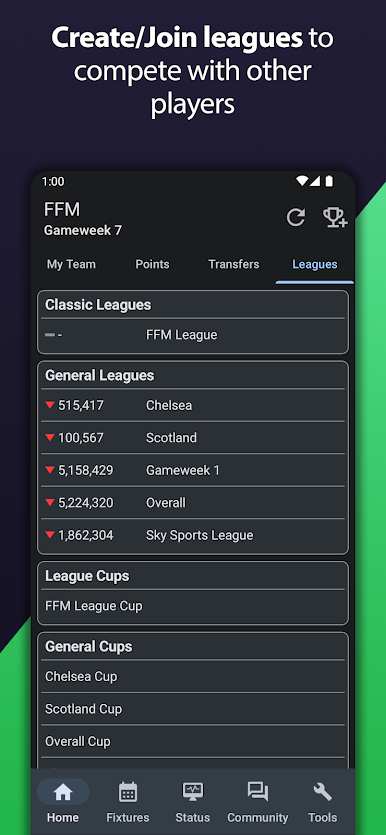
• Join leagues or create your own private leagues to compete and chat with friends and colleagues. 🔢
—————————————————
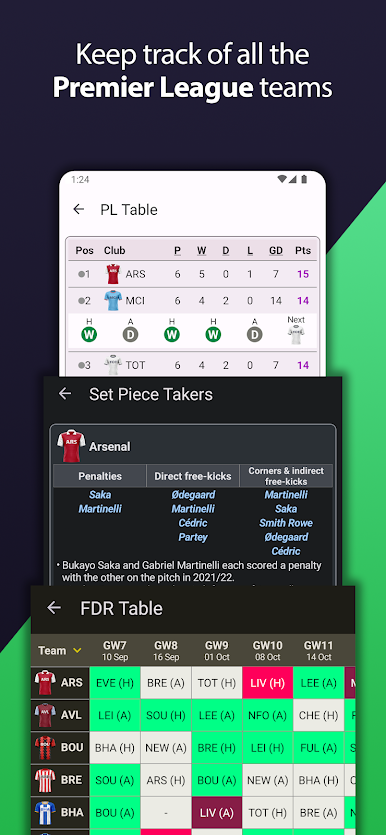
Teams (soccer clubs) in the English Premier League 2025/26 season include Arsenal, Aston Villa, Burnley, AFC Bournemouth, Brentford, Brighton and Hove Albion, Chelsea, Crystal Palace, Everton, Fulham, Leeds United, Liverpool, Manchester City, Manchester United, Newcastle United, Nottingham Forest, Sunderland, Tottenham Hotspur, West Ham United, Wolverhampton Wanderers.
—————————————————
This app is in no way affiliated with the Premier League (PL) / English Premier League (EPL) or the Fantasy Premier League (FPL).
Please don't hesitate to rate or comment on the app, it will help us in one way or the other.
*If you have any complaints/suggestions, please mail us at contact@fantasyfootballmanager.app. That would help us, to help you*
Play Fantasy Football Manager (FPL) on PC. It’s easy to get started.
-
Download and install BlueStacks on your PC
-
Complete Google sign-in to access the Play Store, or do it later
-
Look for Fantasy Football Manager (FPL) in the search bar at the top right corner
-
Click to install Fantasy Football Manager (FPL) from the search results
-
Complete Google sign-in (if you skipped step 2) to install Fantasy Football Manager (FPL)
-
Click the Fantasy Football Manager (FPL) icon on the home screen to start playing

