


Vacation Rentals - HomeToGo
Play on PC with BlueStacks – the Android Gaming Platform, trusted by 500M+ gamers.

Page Modified on: Dec 11, 2025
Play Vacation Rentals - HomeToGo on PC
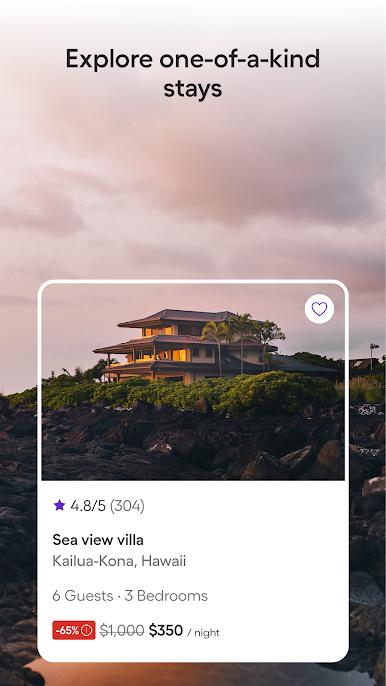
Beach villa? Forest cabin? City flat with a view?
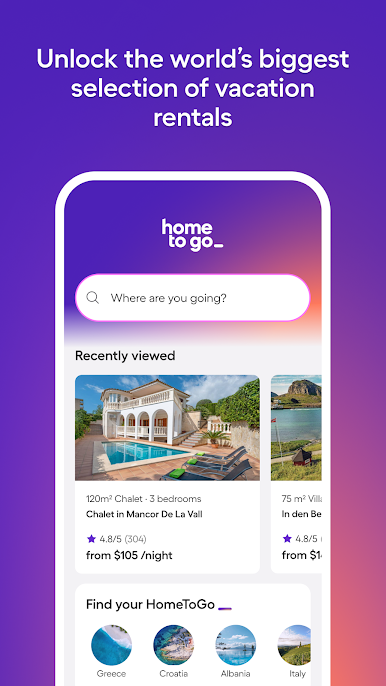
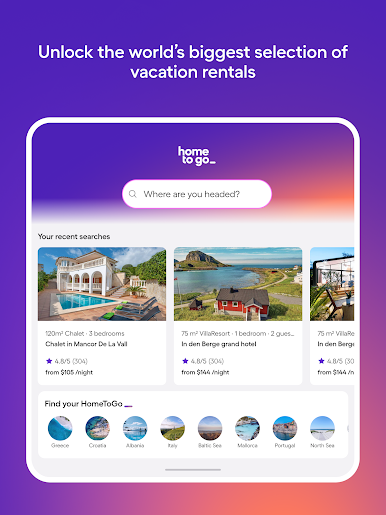
Find your right stay from over 15 million vacation homes worldwide—all in one powerful app.
Whether you're planning a family getaway, a solo escape, or a last-minute break, HomeToGo helps you search smart, book fast, and travel better.
Why book with HomeToGo?
🏡 Massive selection
Explore 15M+ vacation homes from trusted providers like VRBO, Booking.com, and TripAdvisor—all in one app.
🔍 Smarter search
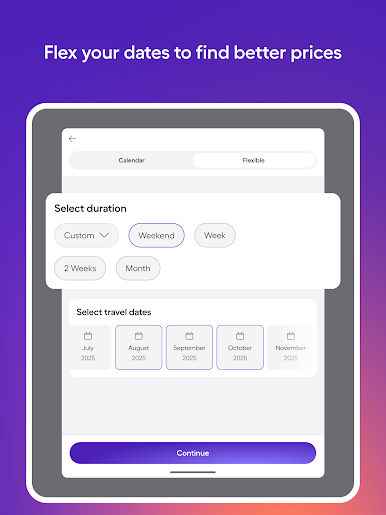
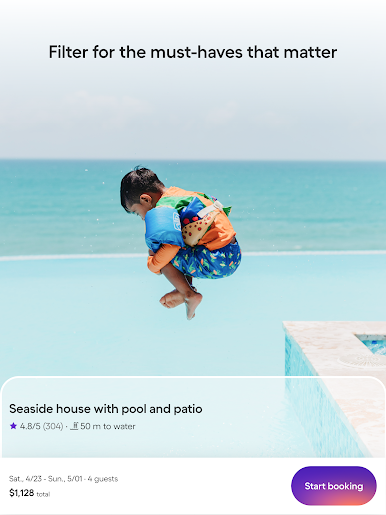
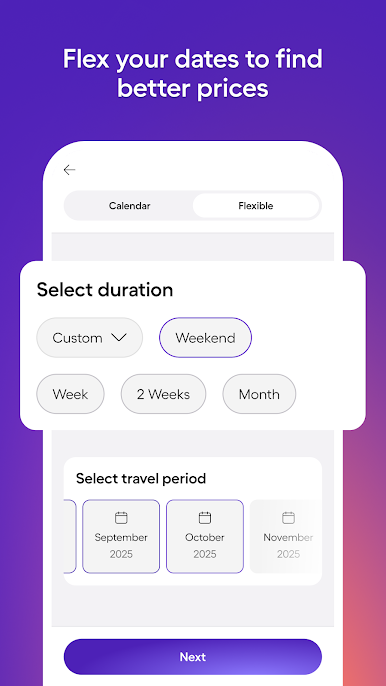
Filter by location, price, pet-friendly stays, pools, WiFi, accessibility, and more.
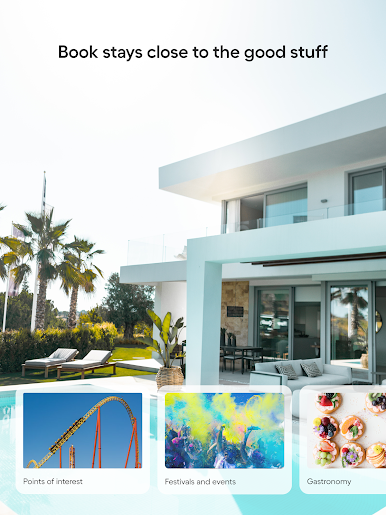
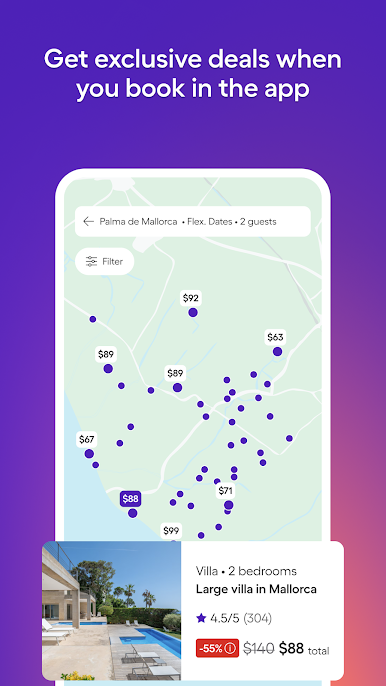
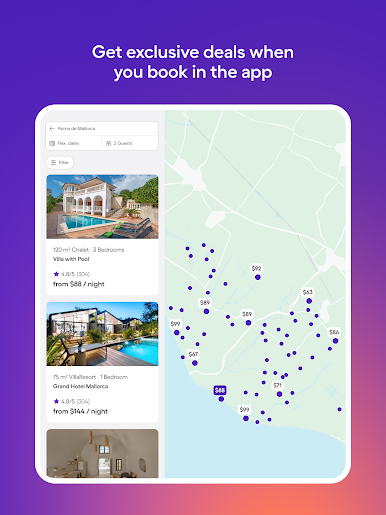
🗺️ Map view & POI search
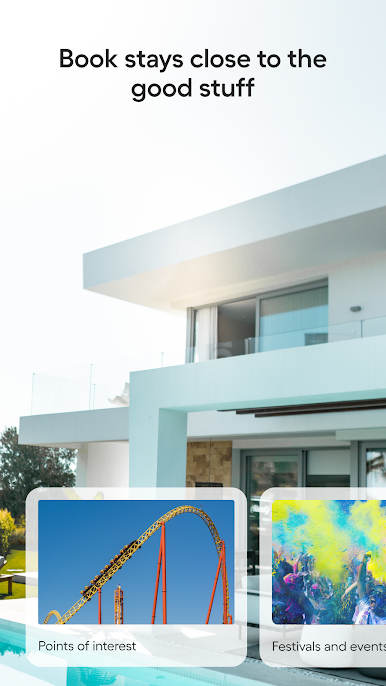
Zoom in on what’s available near landmarks, cities, beaches—or wherever you want to be.
❤️ Save & share favourites
Heart your top picks and send them to your crew (group chats rejoice).
💸 Clear pricing
No nasty surprises. See the full cost upfront before you book.
📲 Easy, secure booking
Book in a few taps. Get instant confirmation, manage bookings on the go, and message your host directly.
🧠 Personalised picks
Get smart recommendations based on your travel style and past searches.
📷 No guesswork
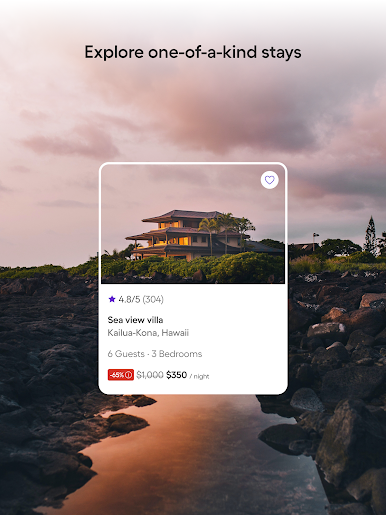
Browse detailed descriptions, high-quality images, and real guest reviews.
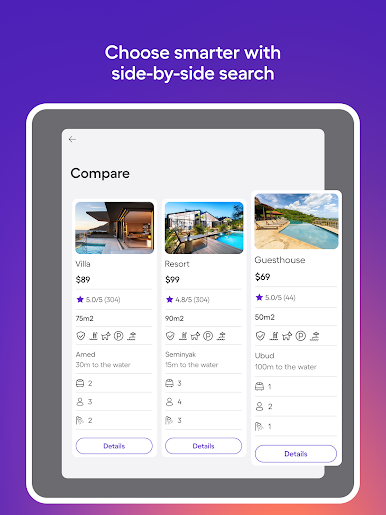
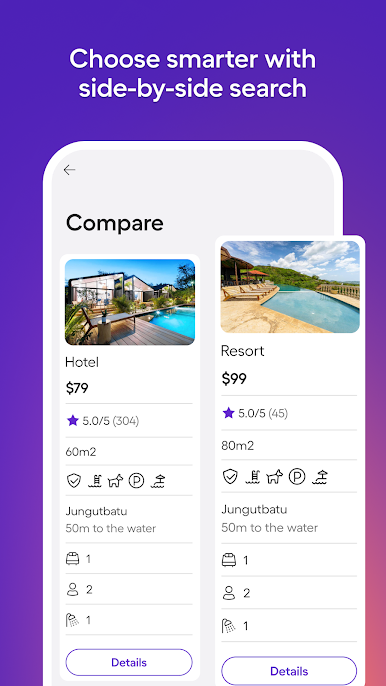
📈 Compare & save
See side-by-side prices across top sites. One app. Millions of deals.
🌍 Local gems
From castles to cabins—discover stays you didn’t know existed.
Plan less. Travel more.
Download the HomeToGo app and find your right stay today.

Play Vacation Rentals - HomeToGo on PC. It’s easy to get started.
-
Download and install BlueStacks on your PC
-
Complete Google sign-in to access the Play Store, or do it later
-
Look for Vacation Rentals - HomeToGo in the search bar at the top right corner
-
Click to install Vacation Rentals - HomeToGo from the search results
-
Complete Google sign-in (if you skipped step 2) to install Vacation Rentals - HomeToGo
-
Click the Vacation Rentals - HomeToGo icon on the home screen to start playing

