


Word Groups: Match & Sort
Play on PC with BlueStacks – the Android Gaming Platform, trusted by 500M+ gamers.

Page Modified on: Mar 3, 2026
Play Word Groups: Match & Sort on PC
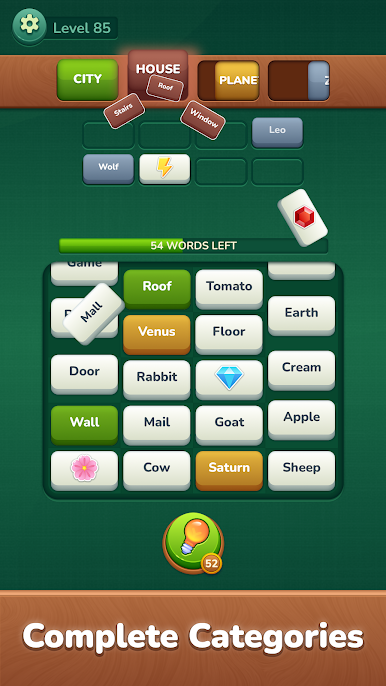
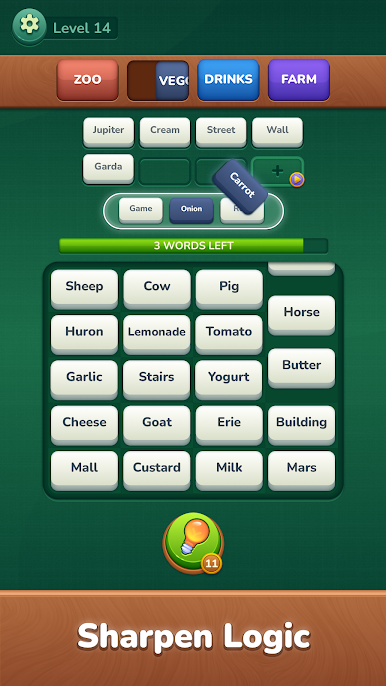
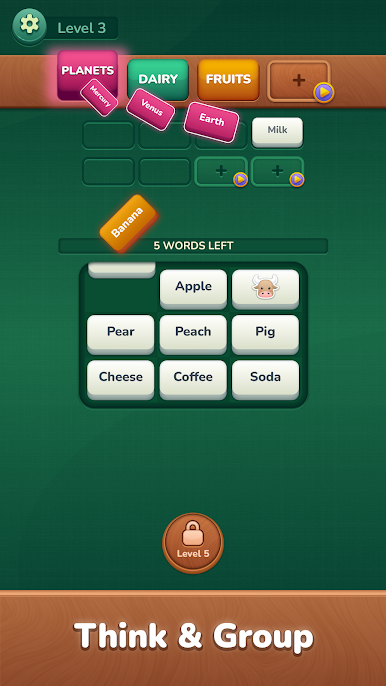
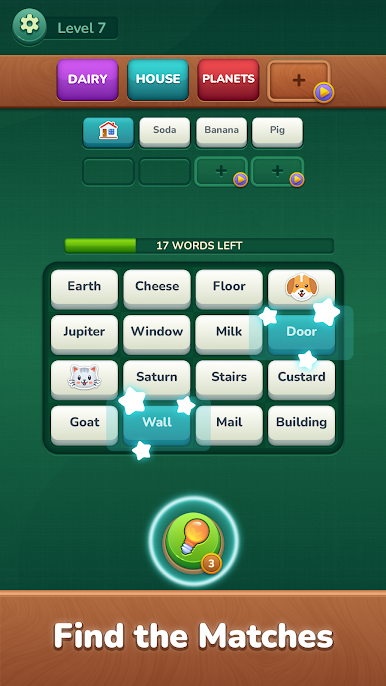
In Word Groups: Brain Puzzle, your goal is simple — find the connection between words and match them into the correct categories. Each level challenges you to think, notice patterns, and discover hidden links.
No timers. No pressure. Just relaxing and rewarding word puzzles.
How to Play
• Read the words on the board
• Find the words that belong together
• Match them into the correct group
• Clear all categories to complete the level
It starts easy, but don’t be fooled — some connections are trickier than they look!
Why You’ll Love It
• Clean and calming design
• Hundreds of carefully crafted levels
• Gentle brain training without stress
• Perfect for daily play
• Improves focus and logical thinking
Whether you enjoy word games, logic puzzles, or daily brain teasers, this game offers a peaceful way to challenge your mind.
Take a break, relax, and see how many word groups you can discover.
Play Word Groups: Match & Sort on PC. It’s easy to get started.
-
Download and install BlueStacks on your PC
-
Complete Google sign-in to access the Play Store, or do it later
-
Look for Word Groups: Match & Sort in the search bar at the top right corner
-
Click to install Word Groups: Match & Sort from the search results
-
Complete Google sign-in (if you skipped step 2) to install Word Groups: Match & Sort
-
Click the Word Groups: Match & Sort icon on the home screen to start playing

