

Word Groups: Match & Sort
Play on PC with BlueStacks – the Android Gaming Platform, trusted by 500M+ gamers.

Page Modified on: Jun 26, 2026
Play Word Groups: Match & Sort on PC or Mac
Word Groups: Match & Sort brings the Puzzle genre to life, and throws up exciting challenges for gamers. Developed by Honey Badger, this Android game is best experienced on BlueStacks, the World’s #1 app player for PC and Mac users.
About the Game
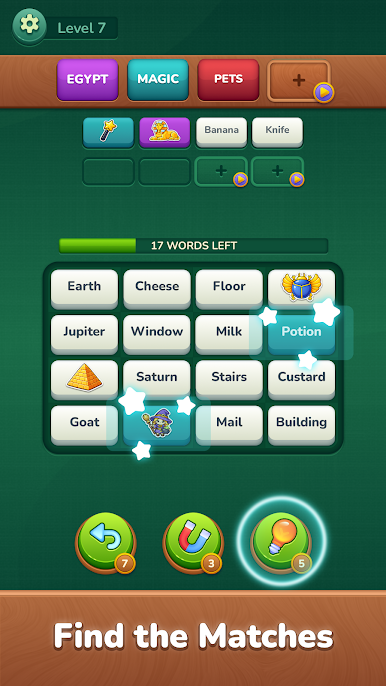
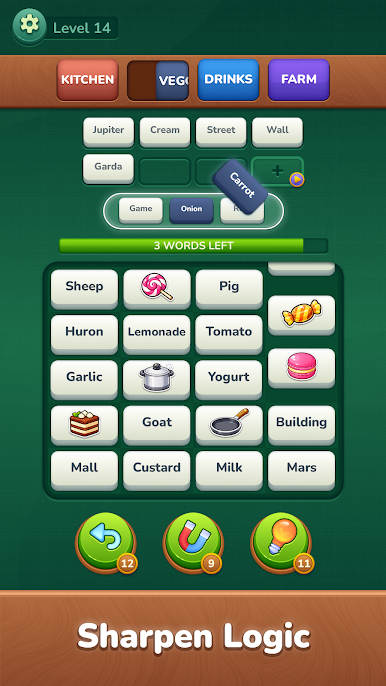
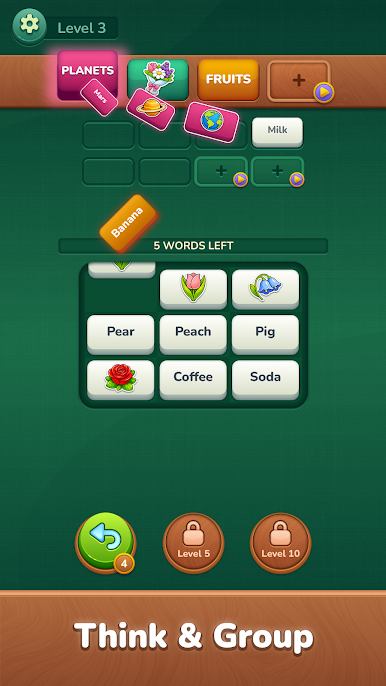
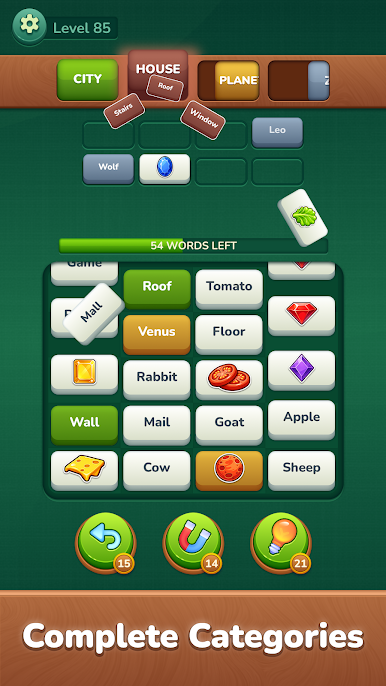
Word Groups: Match & Sort from Honey Badger is a laid-back Puzzle experience built around one simple idea: what do these words have in common? Scan the board, spot the hidden relationships, and sort words into neat categories—with zero rush and a satisfyingly clean feel. It’s the kind of brain snack you can enjoy in short bursts or settle into for a quiet session. Prefer a bigger screen? It also runs smoothly on BlueStacks.
Game Features
- Find the Connection: Read the board and group words that share a theme—some links are obvious, others are sneakily clever.
- Smooth Progression: It starts welcoming and ramps up with smart twists and decoys that keep you guessing without feeling unfair.
- Unrushed Play: No countdowns or pressure; take your time to think, test ideas, and refine your picks at your own pace.
- Minimal, Calming Look: A clean interface keeps the focus on the puzzle, helping your brain stay clear and on task.
- Plenty to Solve: Hundreds of handcrafted levels offer fresh patterns and satisfying “aha!” moments for the long haul.
- Gentle Brain Workout: Sharpen focus and logical thinking with steady, low-stress challenges that feel rewarding, not exhausting.
- Great for Daily Play: Quick, tidy rounds fit perfectly into breaks, commutes, or winding down before bed.
Ready to top the leaderboard? We bet you do. Let precise controls and sharp visuals optimized on BlueStacks lead you to victory.
Play Word Groups: Match & Sort on PC. It’s easy to get started.
-
Download and install BlueStacks on your PC
-
Complete Google sign-in to access the Play Store, or do it later
-
Look for Word Groups: Match & Sort in the search bar at the top right corner
-
Click to install Word Groups: Match & Sort from the search results
-
Complete Google sign-in (if you skipped step 2) to install Word Groups: Match & Sort
-
Click the Word Groups: Match & Sort icon on the home screen to start playing

