
Kitten Run : Anime
Play on PC with BlueStacks – the Android Gaming Platform, trusted by 500M+ gamers.

Page Modified on: Oct 27, 2026
Play Kitten Run : Anime on PC or Mac
Bring your A-game to Kitten Run : Anime, the Casual game sensation from iree. Give your gameplay the much-needed boost with precise game controls, high FPS graphics, and top-tier features on your PC or Mac with BlueStacks.
About the Game
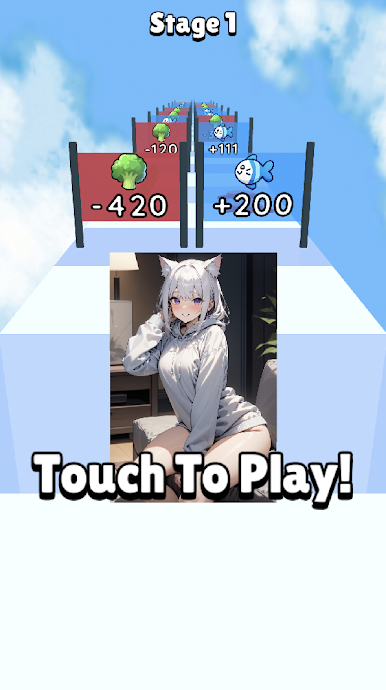
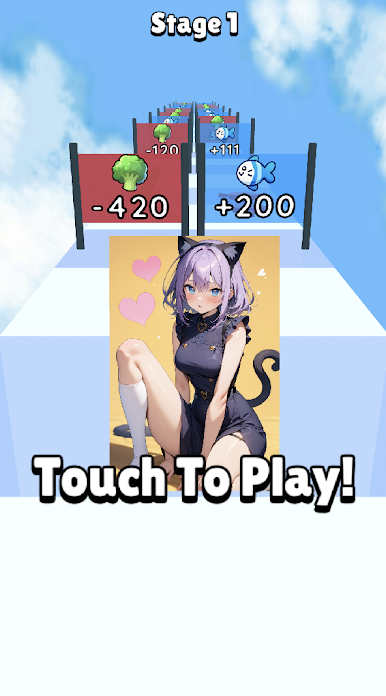
Kitten Run : Anime is a lighthearted Casual runner where a tiny cat sprints through lively tracks while you build a gallery of charming anime-style cat-girls. Each run feeds your growing collection—snag cards, unlock new looks, and watch simple upgrades turn into gorgeous transformations. Prefer playing on a bigger screen? It feels right at home on BlueStacks too.
Game Features
- Smooth, fast runs: Zip through colorful courses, dodge hazards, and keep the momentum going with quick, satisfying sessions that are easy to pick up anytime.
- Card collecting made fun: Grab card drops during runs, combine duplicates, and upgrade sets to reveal new art and perks that help you go farther.
- Cat-girl transformations: Watch your kitten evolve into distinct cat-girl forms, each with its own flair and beautifully illustrated style.
- Power-ups that matter: Snag boosts on the track—think speed bursts, shields, and coin magnets—to stretch out your best streaks.
- Progress that feels good: Turn small wins into meaningful upgrades, opening fresh visuals, higher scores, and new pieces for your collection.
- Art you’ll want to keep: Enjoy crisp, expressive illustrations and adorable animations that make each unlock feel like a mini prize.
- Short-and-sweet sessions: Runs are bite-sized, retries are instant, and there’s always one more card to chase before you put it down.
- Goals and bragging rights: Push for personal records, complete milestones, and see your gallery fill out as proof of your best runs.
BlueStacks gives you more room to focus on the game and less time adjusting around mobile limitations.

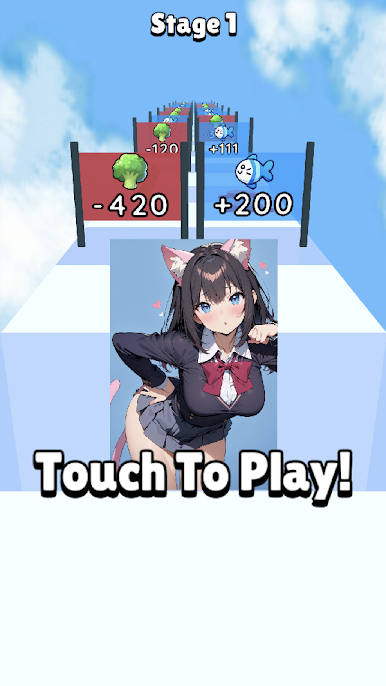
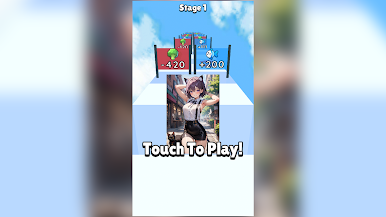
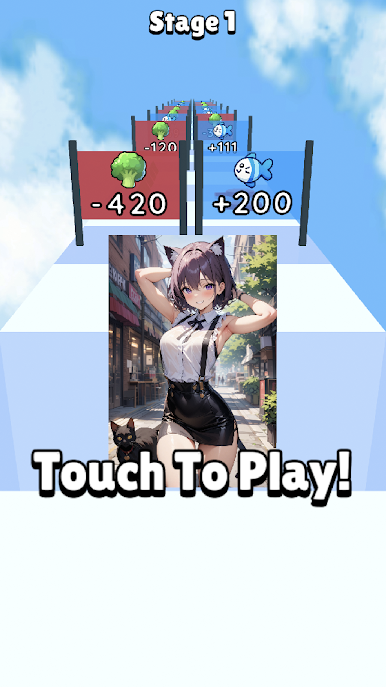

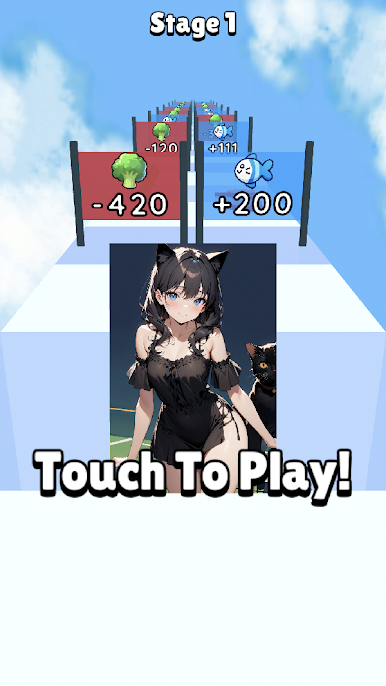
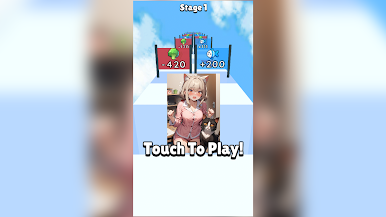
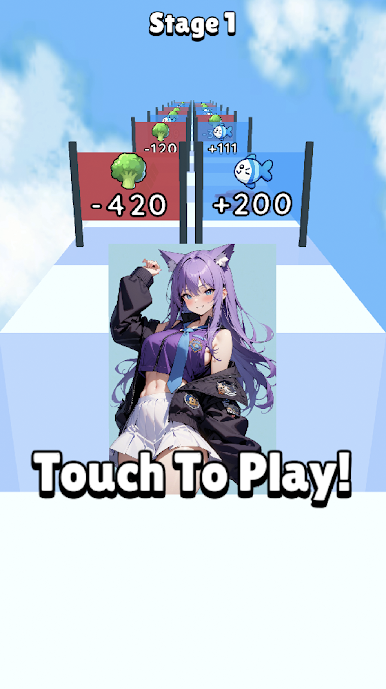
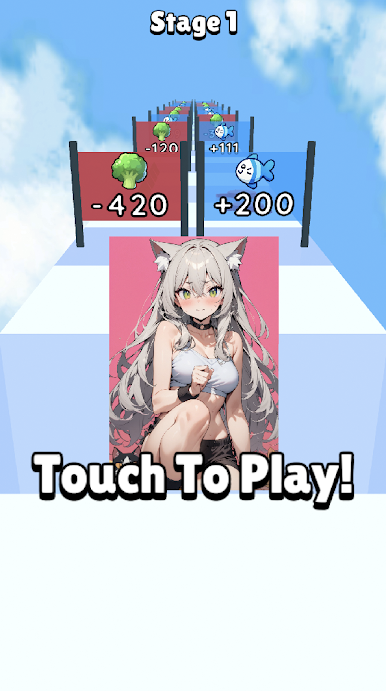
Play Kitten Run : Anime on PC. It’s easy to get started.
-
Download and install BlueStacks on your PC
-
Complete Google sign-in to access the Play Store, or do it later
-
Look for Kitten Run : Anime in the search bar at the top right corner
-
Click to install Kitten Run : Anime from the search results
-
Complete Google sign-in (if you skipped step 2) to install Kitten Run : Anime
-
Click the Kitten Run : Anime icon on the home screen to start playing