


Fake GPS Location Spoofer
Play on PC with BlueStacks – the Android Gaming Platform, trusted by 500M+ gamers.

Page Modified on: Oct 20, 2026
Play Fake GPS Location Spoofer on PC
Features include:
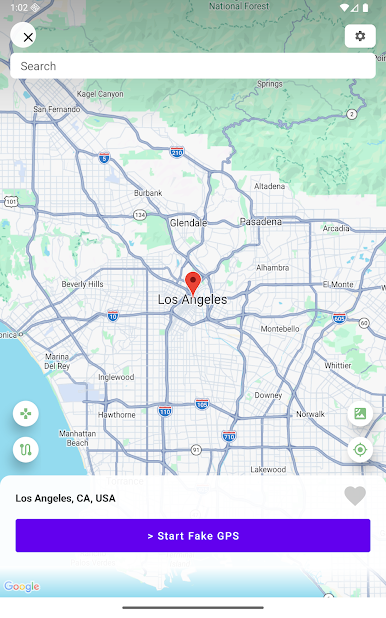
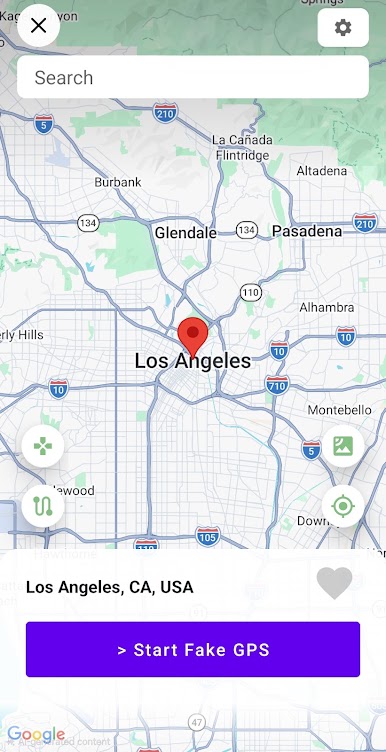
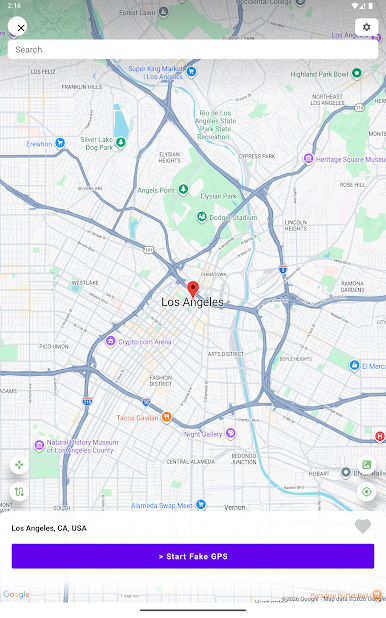
- Instantly change your GPS location by tapping on the big "Start Fake GPS" button.
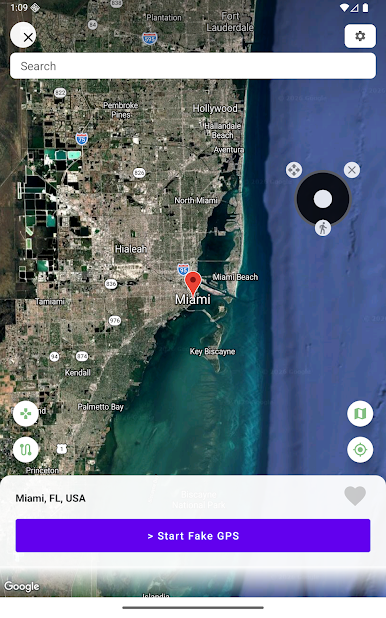
- Move your location using the GPS joystick.
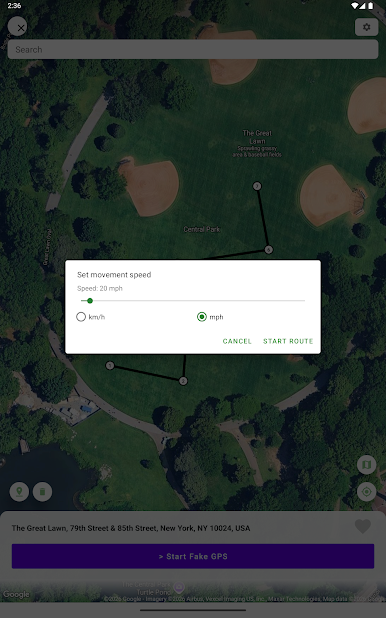
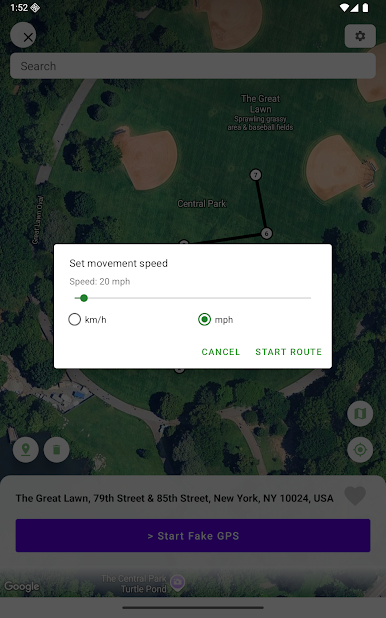
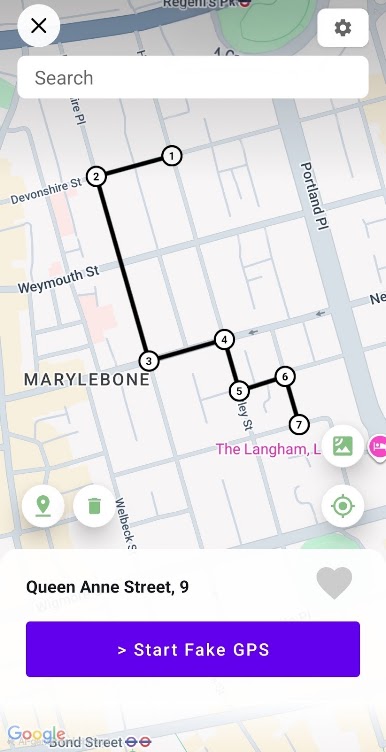
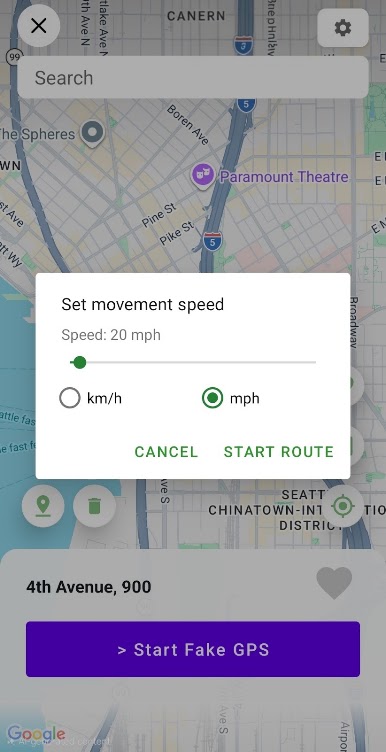
- Create routes & set movement speed.
- Search for any location in the world using the search bar.
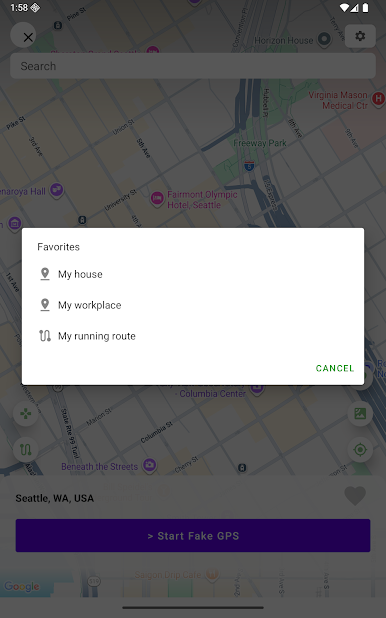
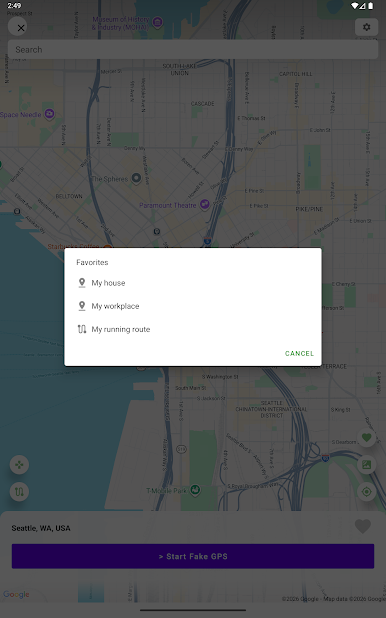
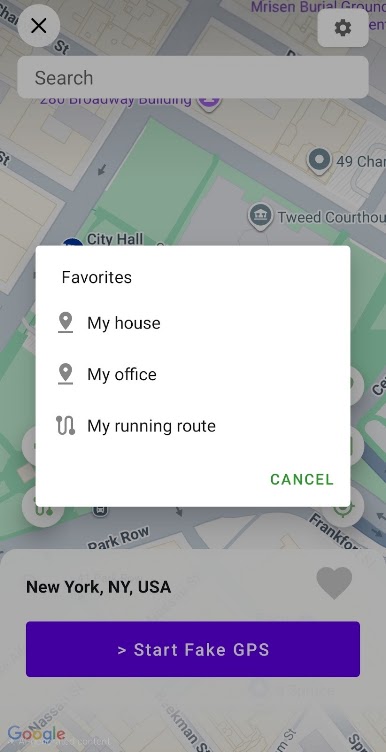
- Add a location to a list of favorites for future use.
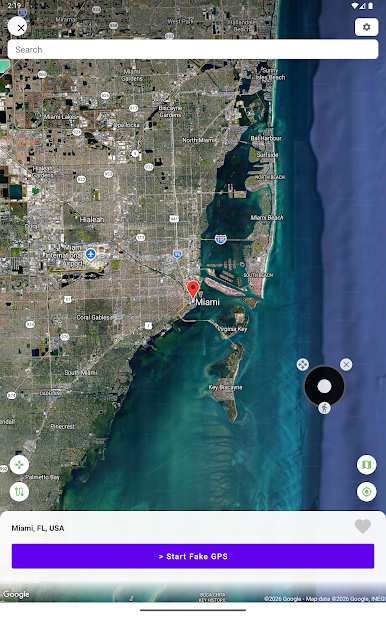
- Switch between map view and satellite view.
- Turn off Fake GPS by using the notification drawer without having to open the app.
- Clean UI and fast startup.
This app is intended for development and testing purposes only and should be used responsibly, ethically, and in compliance with applicable laws.
For any questions or concerns, please email us at hope.factory2021@gmail.com and we'll respond as quickly as possible.
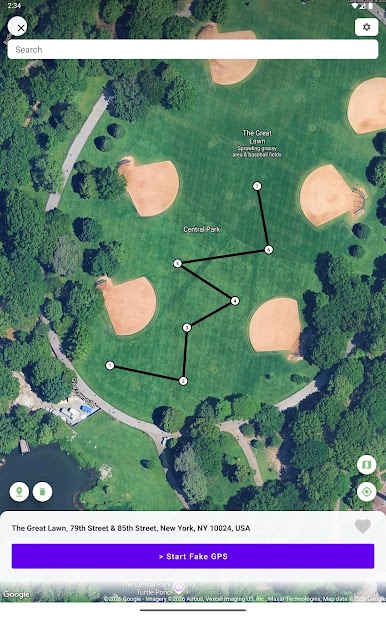
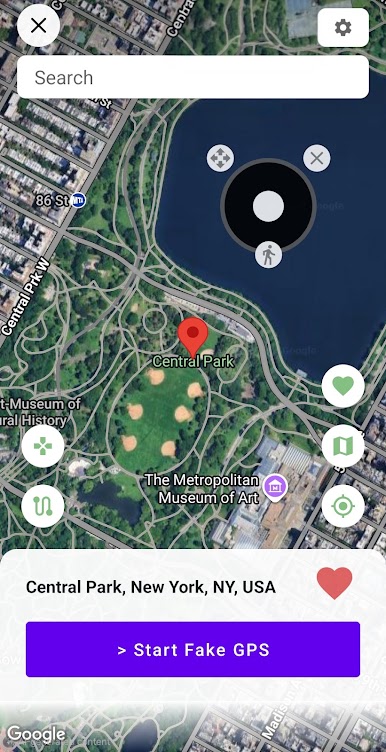
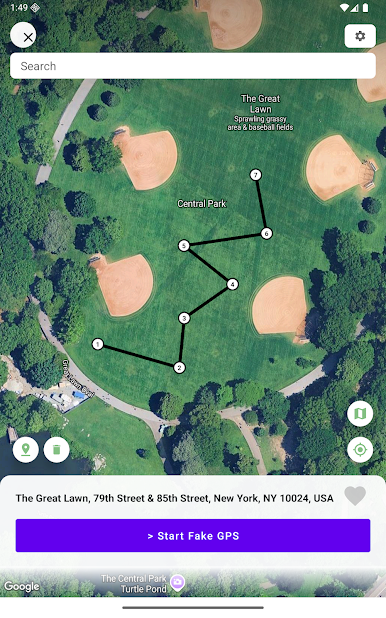
Play Fake GPS Location Spoofer on PC. It’s easy to get started.
-
Download and install BlueStacks on your PC
-
Complete Google sign-in to access the Play Store, or do it later
-
Look for Fake GPS Location Spoofer in the search bar at the top right corner
-
Click to install Fake GPS Location Spoofer from the search results
-
Complete Google sign-in (if you skipped step 2) to install Fake GPS Location Spoofer
-
Click the Fake GPS Location Spoofer icon on the home screen to start playing

