


Fake GPS Location Spoofer
Play on PC with BlueStacks – the Android Gaming Platform, trusted by 500M+ gamers.

Page Modified on: Aug 2, 2026
Play Fake GPS Location Spoofer on PC
Features include:
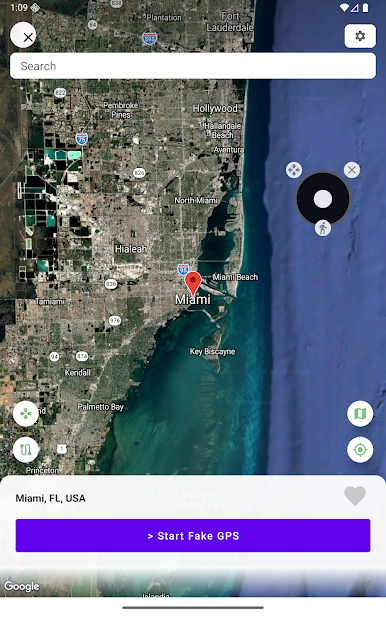
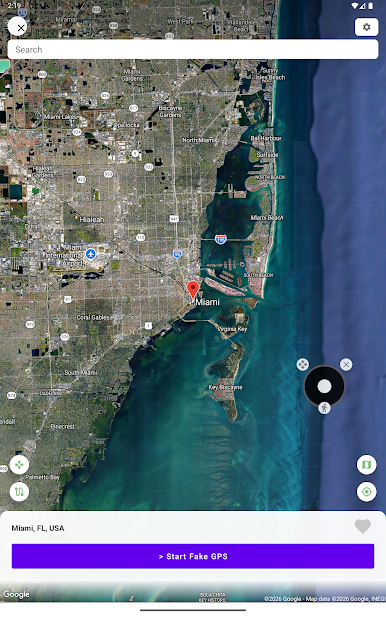
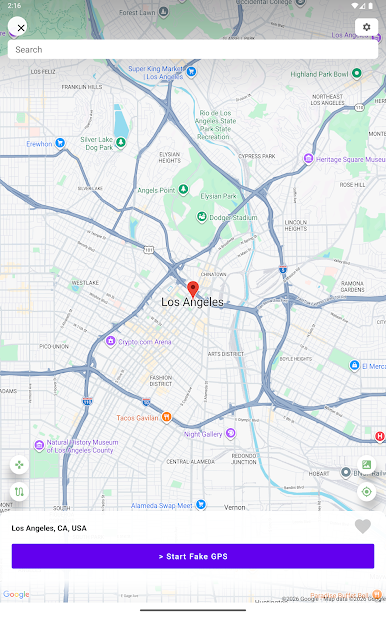
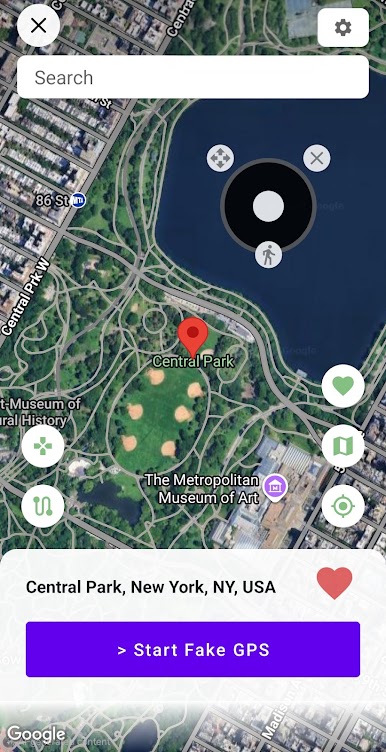
- Instantly change your GPS location by tapping on the big "Start Fake GPS" button.
- Move your location using the GPS joystick.
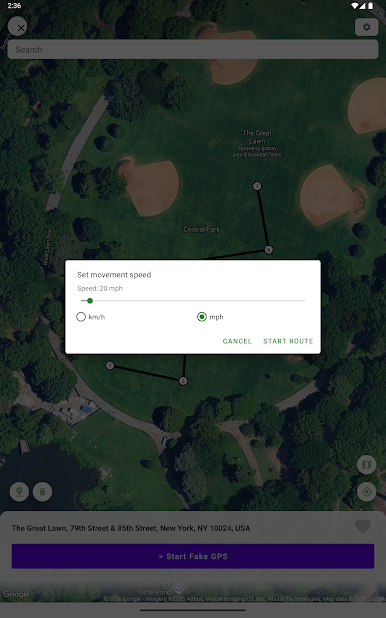
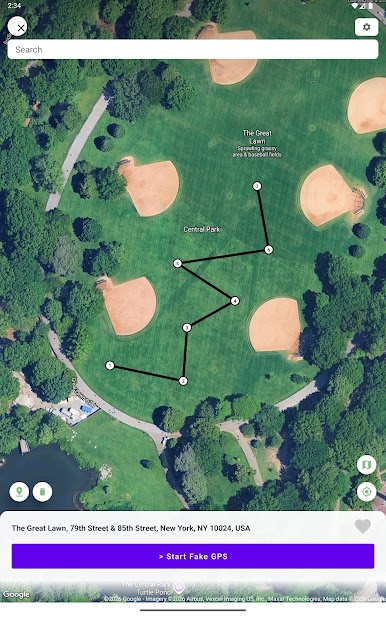
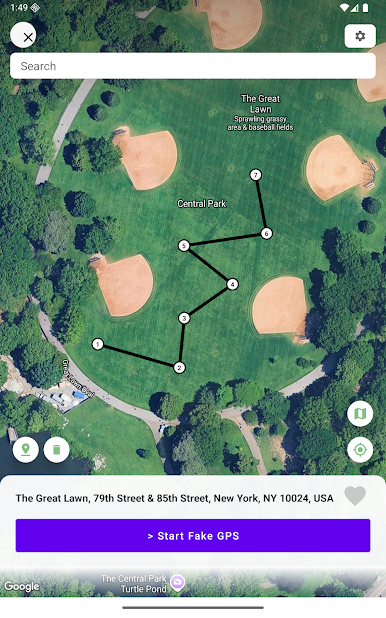
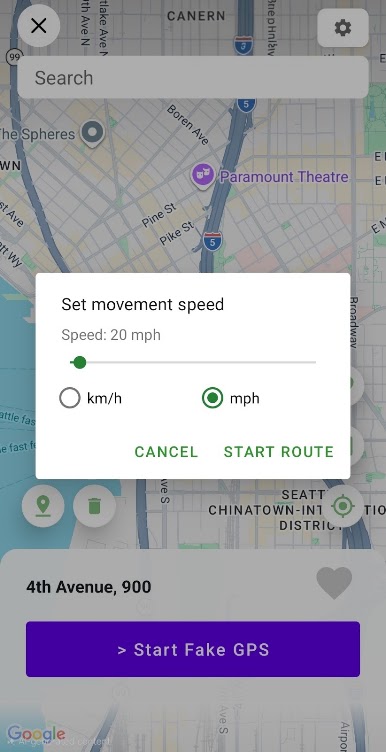
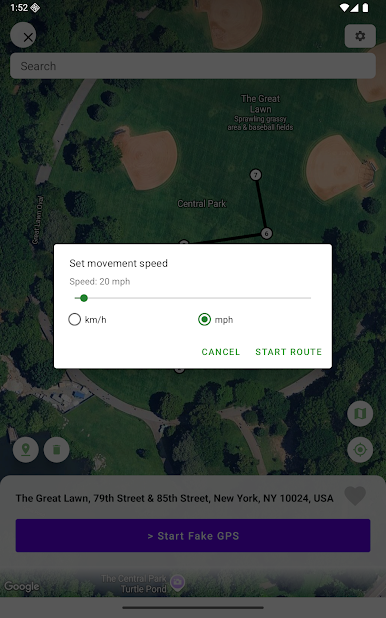
- Create routes & set movement speed.
- Search for any location in the world using the search bar.
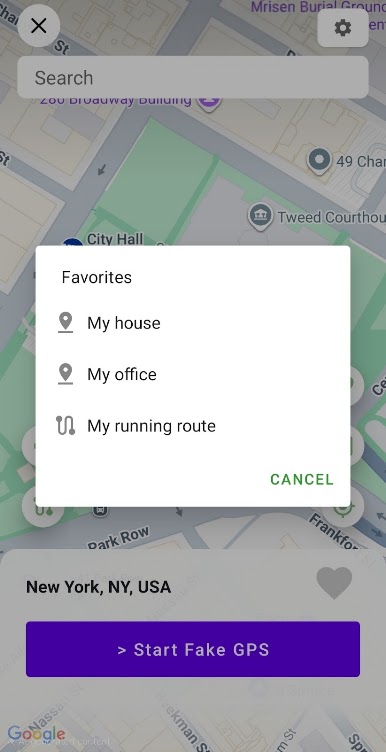
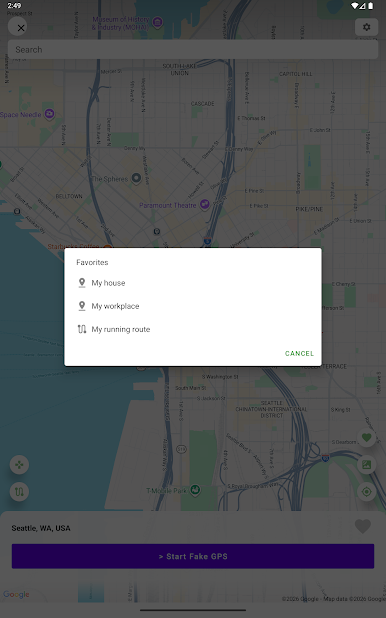
- Add a location to a list of favorites for future use.
- Switch between map view and satellite view.
- Turn off Fake GPS by using the notification drawer without having to open the app.
- Clean UI and fast startup.
This GPS emulator should be utilized in a manner that respects legal and ethical standards.
For any inquiries or complaints, kindly email us at hope.factory2021@gmail.com and we'll do our best to resolve any issues as soon as possible.
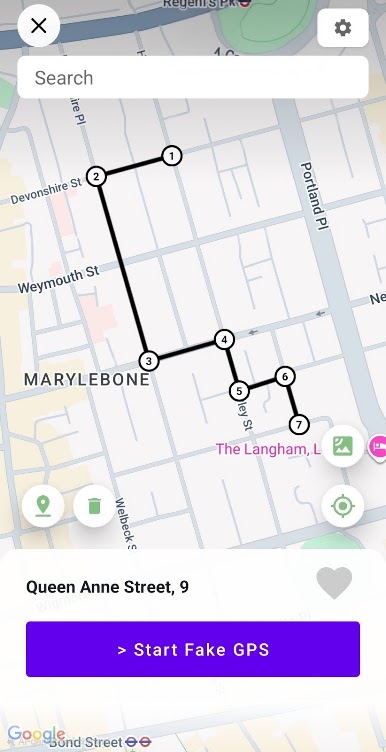
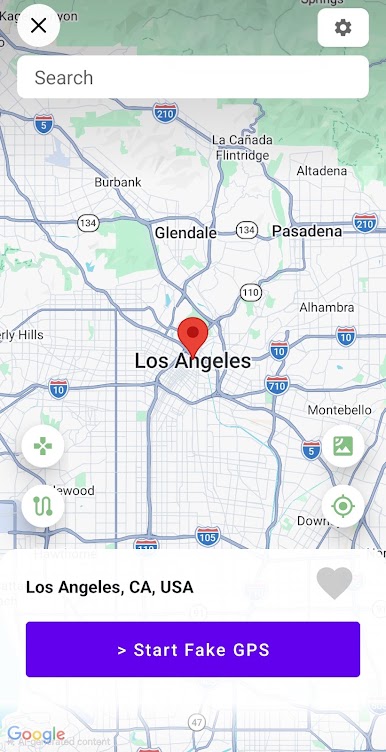
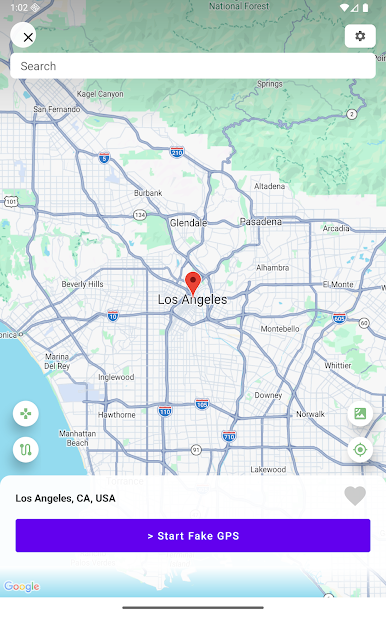
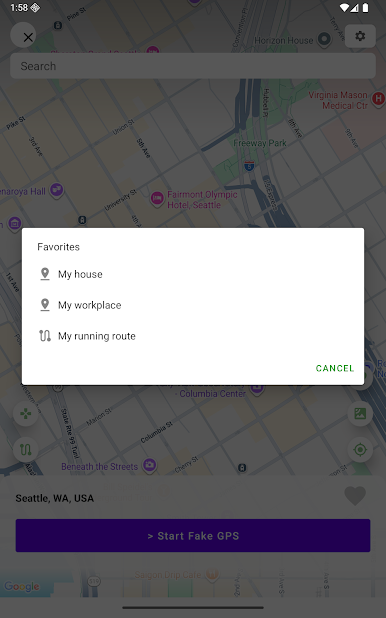
Play Fake GPS Location Spoofer on PC. It’s easy to get started.
-
Download and install BlueStacks on your PC
-
Complete Google sign-in to access the Play Store, or do it later
-
Look for Fake GPS Location Spoofer in the search bar at the top right corner
-
Click to install Fake GPS Location Spoofer from the search results
-
Complete Google sign-in (if you skipped step 2) to install Fake GPS Location Spoofer
-
Click the Fake GPS Location Spoofer icon on the home screen to start playing

