


Jelly Cat Sort: Loop Puzzle
Play on PC with BlueStacks – the Android Gaming Platform, trusted by 500M+ gamers.

Page Modified on: Aug 26, 2026
Play Jelly Cat Sort: Loop Puzzle on PC or Mac
Step into the World of Jelly Cat Sort: Loop Puzzle, a thrilling Puzzle game from the house of Horus Technology Solutions. Play this Android game on BlueStacks App Player and experience immersive gaming on PC or Mac.
About the Game
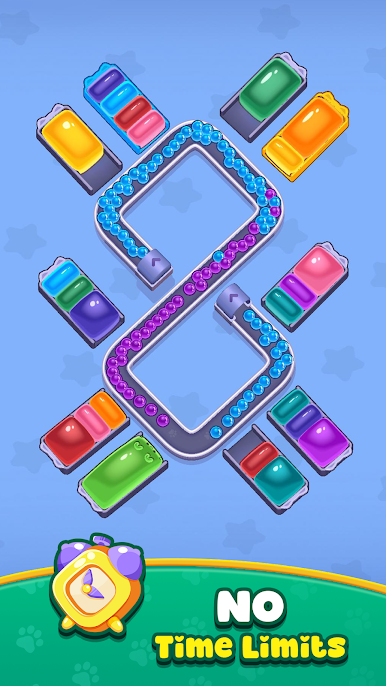
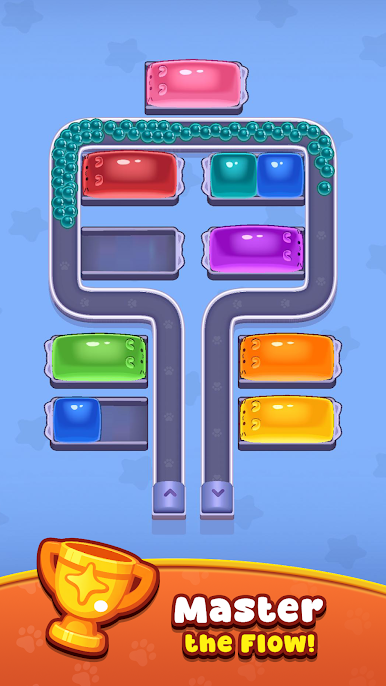
Jelly Cat Sort: Loop Puzzle is a cheerful Puzzle that turns color-matching into a relaxed, rhythm-like flow. You’ll drop squishy jelly cats onto a looping conveyor, time your taps, and watch neat clears snap into place as colors line up. It’s easy to learn, keeps adding clever twists, and also feels great on a bigger screen with BlueStacks.
Game Features
- One-tap timing: Tap to release a jelly cat at just the right moment so the belt sets up satisfying clears.
- Loop logic: The track keeps cycling, rewarding players who plan a move or two ahead as pieces rotate into position.
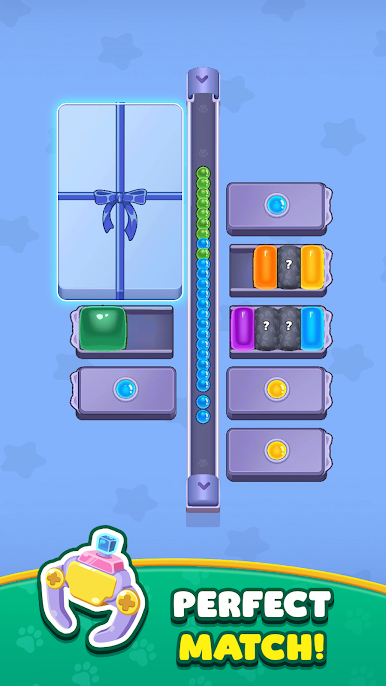
- Color matching that clicks: Group same-colored kitties to clear space, trigger chains, and keep the loop from getting jammed.
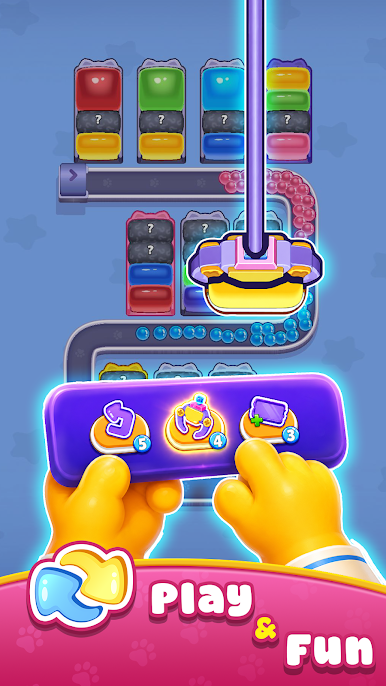
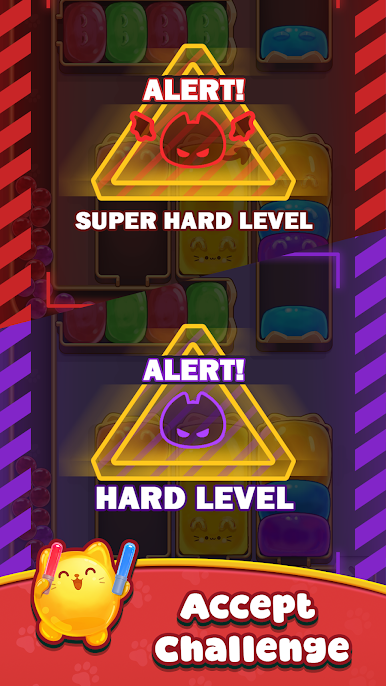
- Obstacles with personality: Hidden Blocks, Curtains, Ice Blocks, and Barriers change the rules—reveal, lift, shatter, or gate to keep the flow alive.
- Progressive challenge: Early stages teach the basics, then layouts grow trickier with new patterns and tighter timing windows.
- Satisfying feel: Squishy visuals and smooth animations make every clean clear oddly comforting and hard to put down.
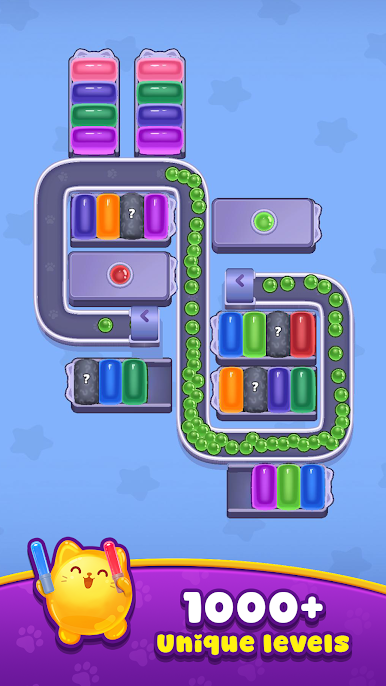
- Loads to solve: Hundreds of stages offer plenty to master, from quick snack-sized runs to longer brain-teasing marathons.
- Handy loop insight: Watching the rotation often reveals your next best move—patience and observation pay off big time.
- Big-screen friendly: Prefer relaxing at a desk? It runs smoothly on BlueStacks for a comfy, click-and-play session.
Ready to top the leaderboard? We bet you do. Let precise controls and sharp visuals optimized on BlueStacks lead you to victory.

Play Jelly Cat Sort: Loop Puzzle on PC. It’s easy to get started.
-
Download and install BlueStacks on your PC
-
Complete Google sign-in to access the Play Store, or do it later
-
Look for Jelly Cat Sort: Loop Puzzle in the search bar at the top right corner
-
Click to install Jelly Cat Sort: Loop Puzzle from the search results
-
Complete Google sign-in (if you skipped step 2) to install Jelly Cat Sort: Loop Puzzle
-
Click the Jelly Cat Sort: Loop Puzzle icon on the home screen to start playing

