


My Courses - Student Calendar
Play on PC with BlueStacks – the Android Gaming Platform, trusted by 500M+ gamers.

Page Modified on: Nov 9, 2022
Play My Courses - Student Calendar on PC
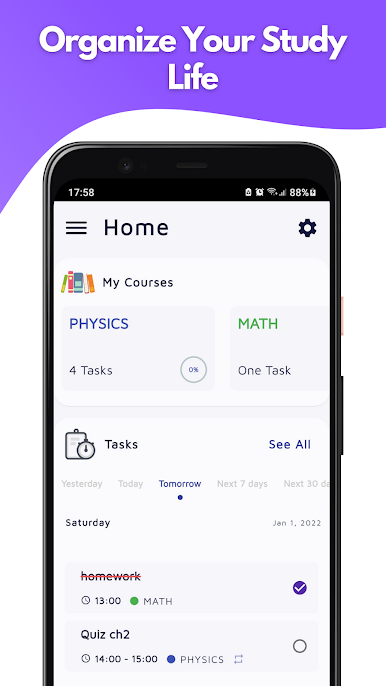
If you have difficulties organizing and managing your homework, assignments, exams, and not remembering them, this app will make your academic life simpler.
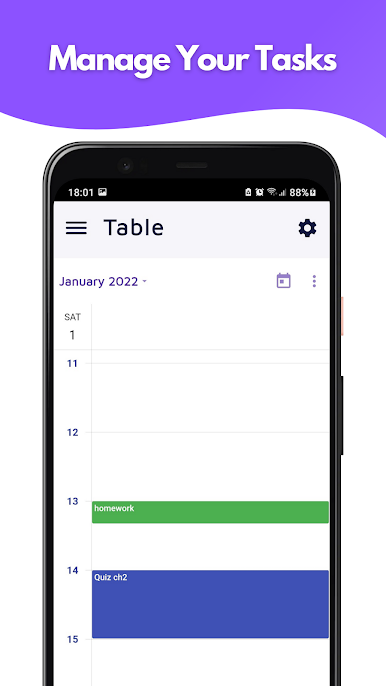
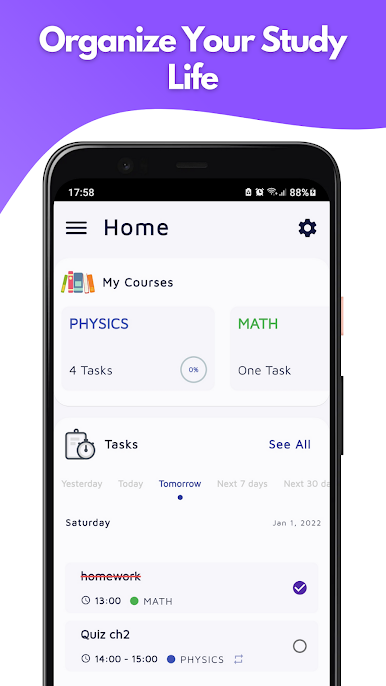
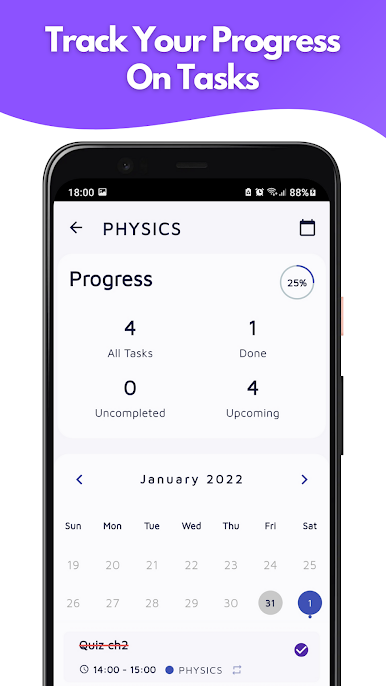
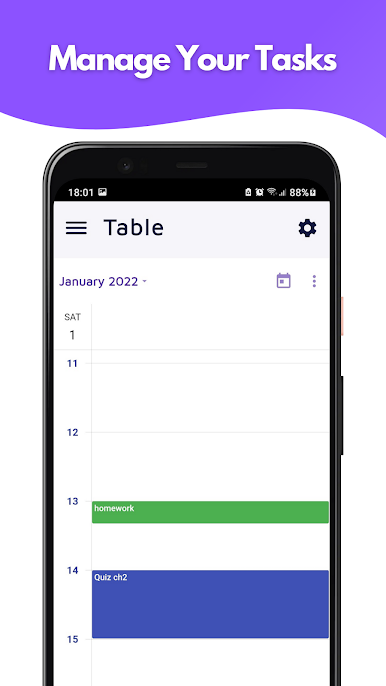
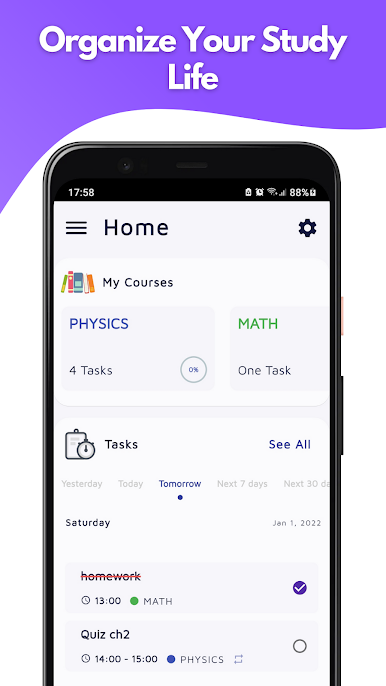
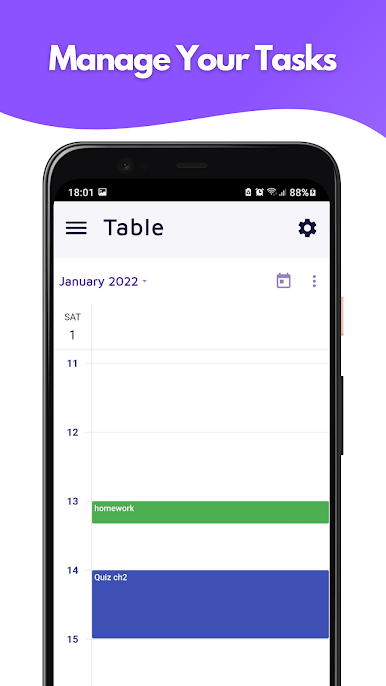
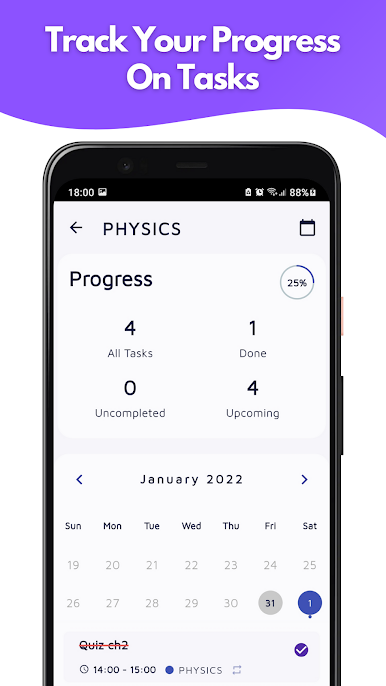
You can add tasks for each course and see all of them in a calendar or on a specific period of your choice.
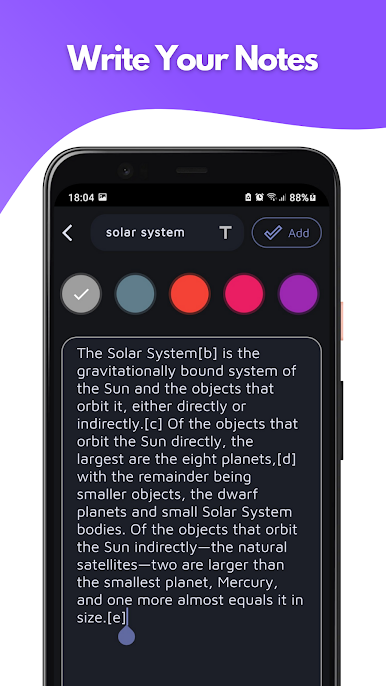
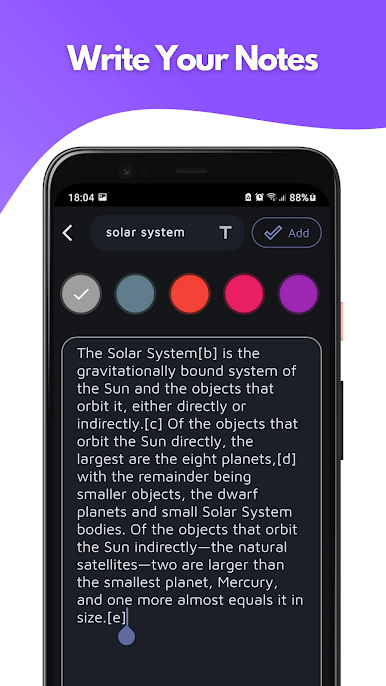
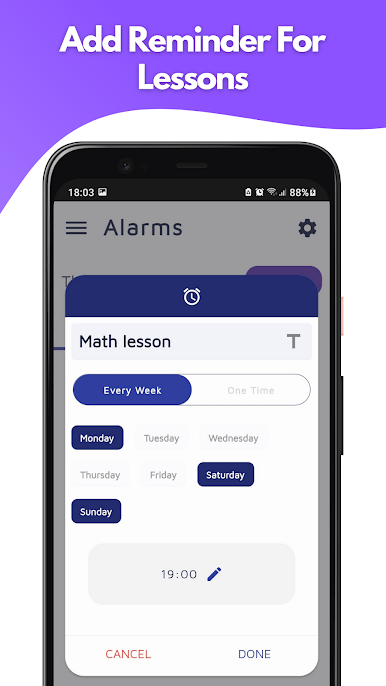
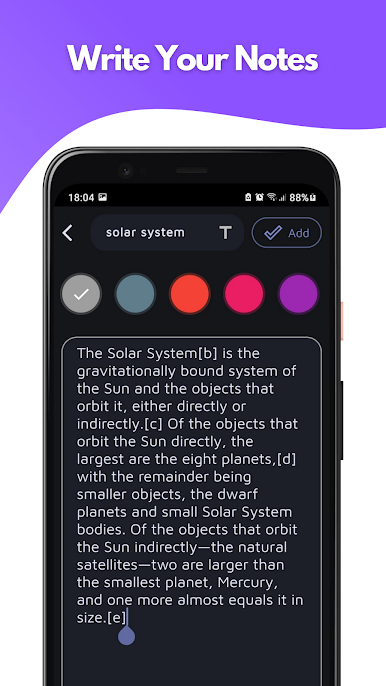
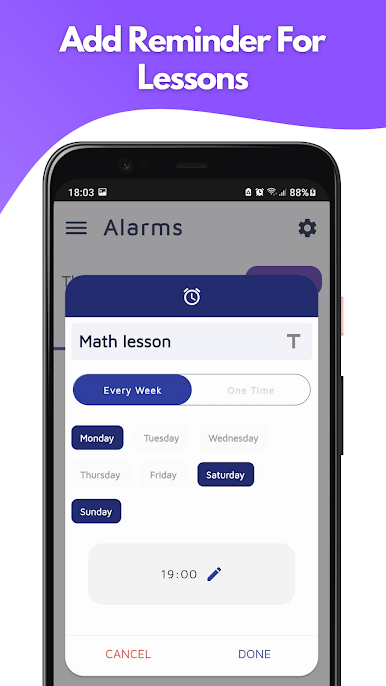
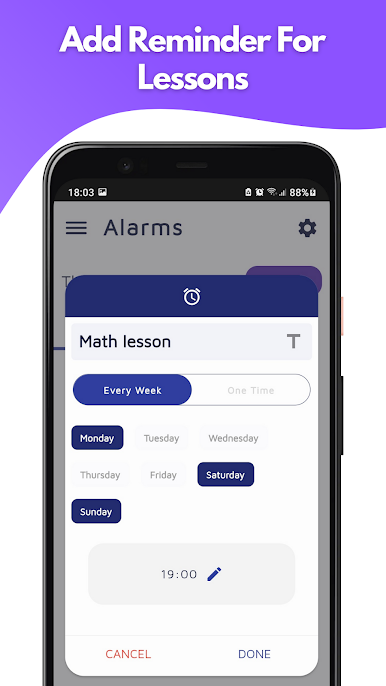
Also, this app will help you to write your studying notes, and add reminders to your lectures and classes to stay informed about them in your semester.
KEY FEATURES ⭐:
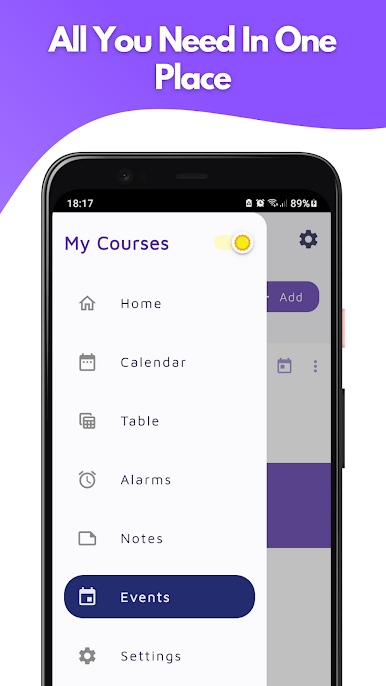
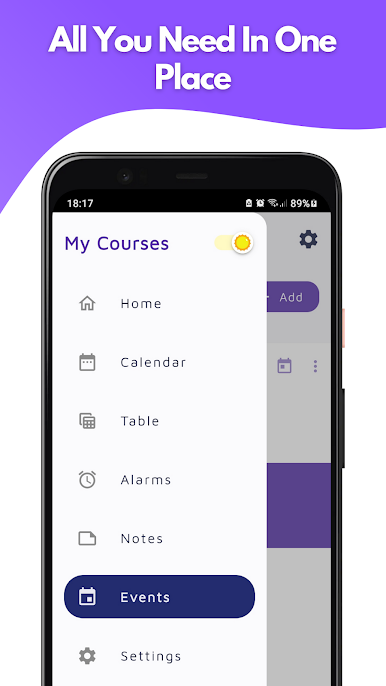
- Notepad 📓
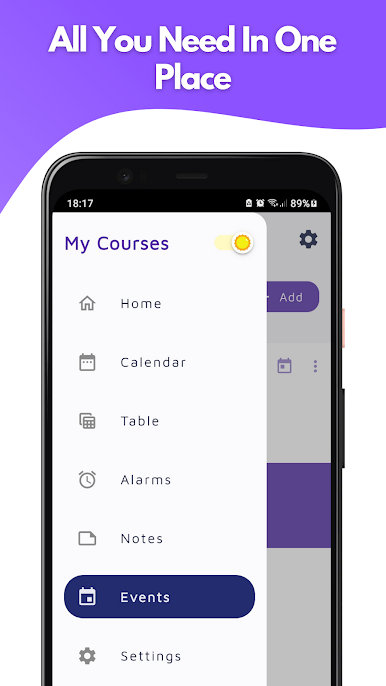
- Built-in calendar 📆
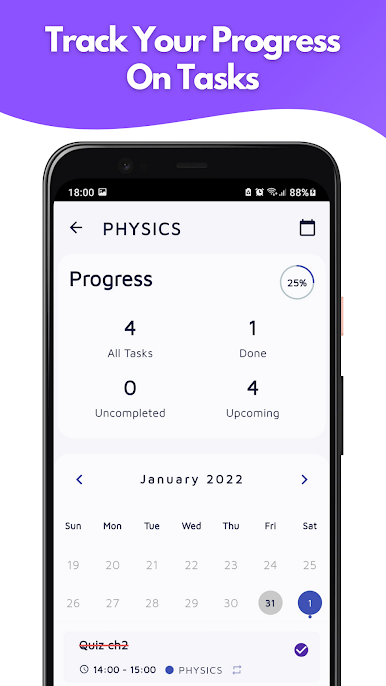
- Checkmark for task ✔
- Notifications 🔔
- Administer each course separately 📘
- Showing daily tasks 📑
- Reminders for each task ⏰
- Simple and fast ⭐
- Schedule tasks 📝
- Beautiful, colorful interface 🌈
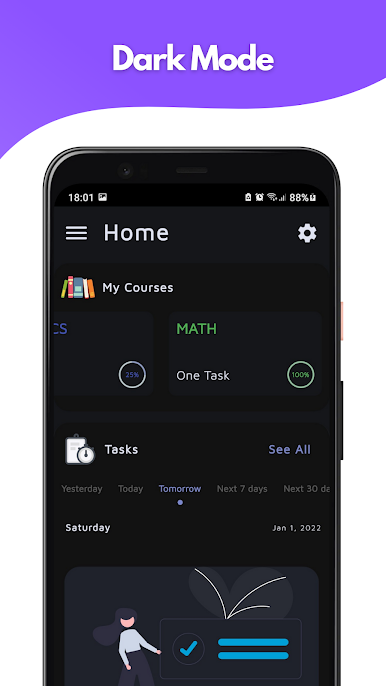
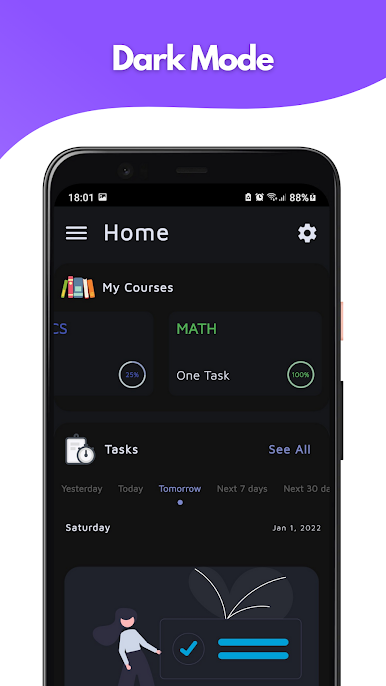
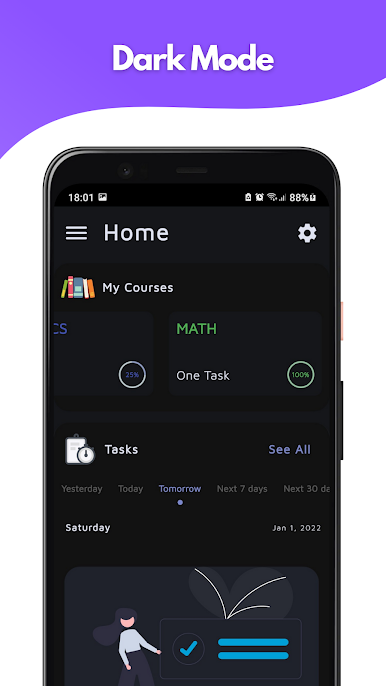
- Dark theme 🌜
- Alarms ⏰
- Home-Screen Widget 📲
- 24-hour clock and 12-hour clock 🕓



Play My Courses - Student Calendar on PC. It’s easy to get started.
-
Download and install BlueStacks on your PC
-
Complete Google sign-in to access the Play Store, or do it later
-
Look for My Courses - Student Calendar in the search bar at the top right corner
-
Click to install My Courses - Student Calendar from the search results
-
Complete Google sign-in (if you skipped step 2) to install My Courses - Student Calendar
-
Click the My Courses - Student Calendar icon on the home screen to start playing

