


Keyboard Obby: ASMR Speed Run
Play on PC with BlueStacks – the Android Gaming Platform, trusted by 500M+ gamers.

Page Modified on: Jul 27, 2026
Play Keyboard Obby: ASMR Speed Run on PC
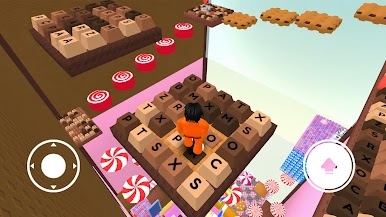
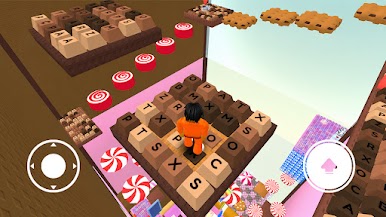
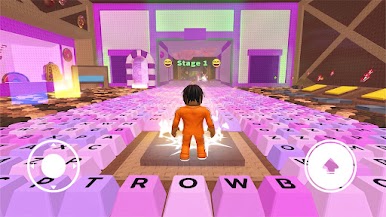
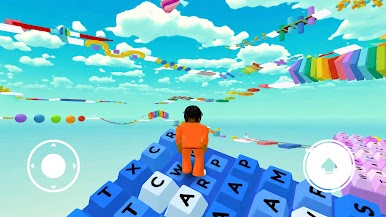
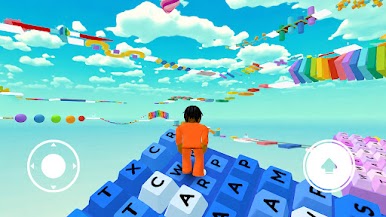
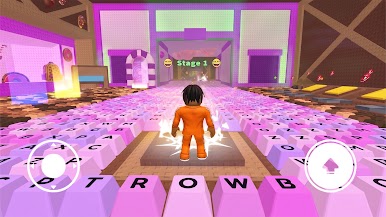
Jump, run, and flip your way through challenging obstacle runs inspired by mechanical keyboards. Test your typing speed and reflexes in fast-paced, action-packed levels with satisfying ASMR sounds!
🔥 Game Features:
Fun keyboard parkour challenges with smooth controls
Creative obstacle courses made of keys and switches
Colorful 3D environments & satisfying ASMR sound effects
Easy to play, hard to master – perfect for all levels
If you love parkour games, running challenges, or satisfying ASMR adventures, this is for you.






Play Keyboard Obby: ASMR Speed Run on PC. It’s easy to get started.
-
Download and install BlueStacks on your PC
-
Complete Google sign-in to access the Play Store, or do it later
-
Look for Keyboard Obby: ASMR Speed Run in the search bar at the top right corner
-
Click to install Keyboard Obby: ASMR Speed Run from the search results
-
Complete Google sign-in (if you skipped step 2) to install Keyboard Obby: ASMR Speed Run
-
Click the Keyboard Obby: ASMR Speed Run icon on the home screen to start playing

